App Store Optimisation: A Launch Guide for Businesses
App store optimisation explained for businesses launching an app: App Store and Google Play field limits, screenshots, ratings, localisation and testing.
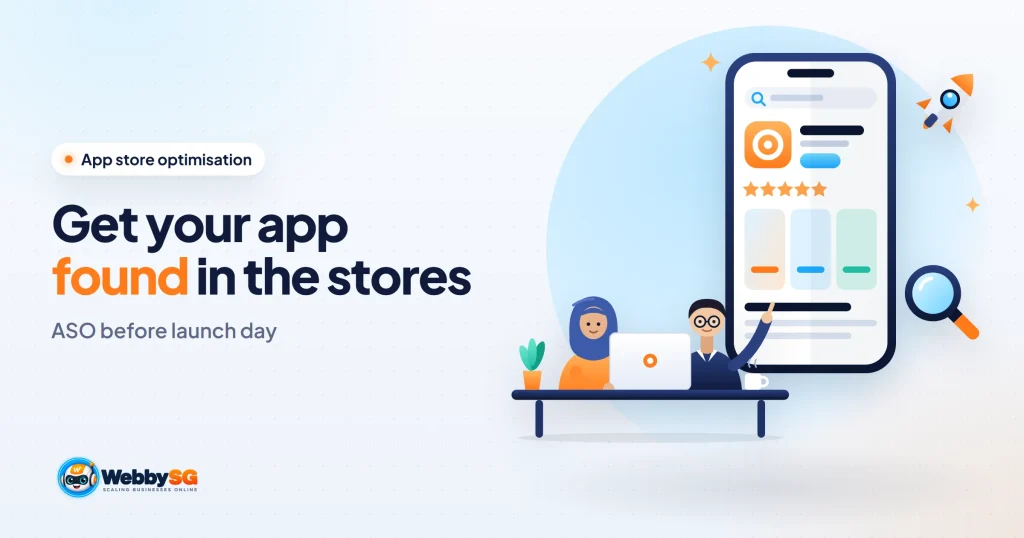
App store optimisation (ASO, often spelled app store optimization) is the work of making your app easy to find and appealing to download in Apple's App Store and Google Play. It covers the text fields the stores search, such as the app name, subtitle and keywords, and the visual assets that persuade people to install, such as the icon, screenshots and preview video, plus ratings and reviews. For a business launching an app, the most useful ASO happens before launch: the name, keywords, screenshots and privacy details all need to be ready when the developers submit the first build, and some of them are hard to change later.
If you're a business owner with an app in development rather than a full-time app marketer, this is the part your developers will usually leave to you. Below is what each store field does, when to prepare it, and a checklist you can hand to your team before submission.
In short
- ASO has two jobs: getting your app to appear in store searches, and turning listing views into installs.
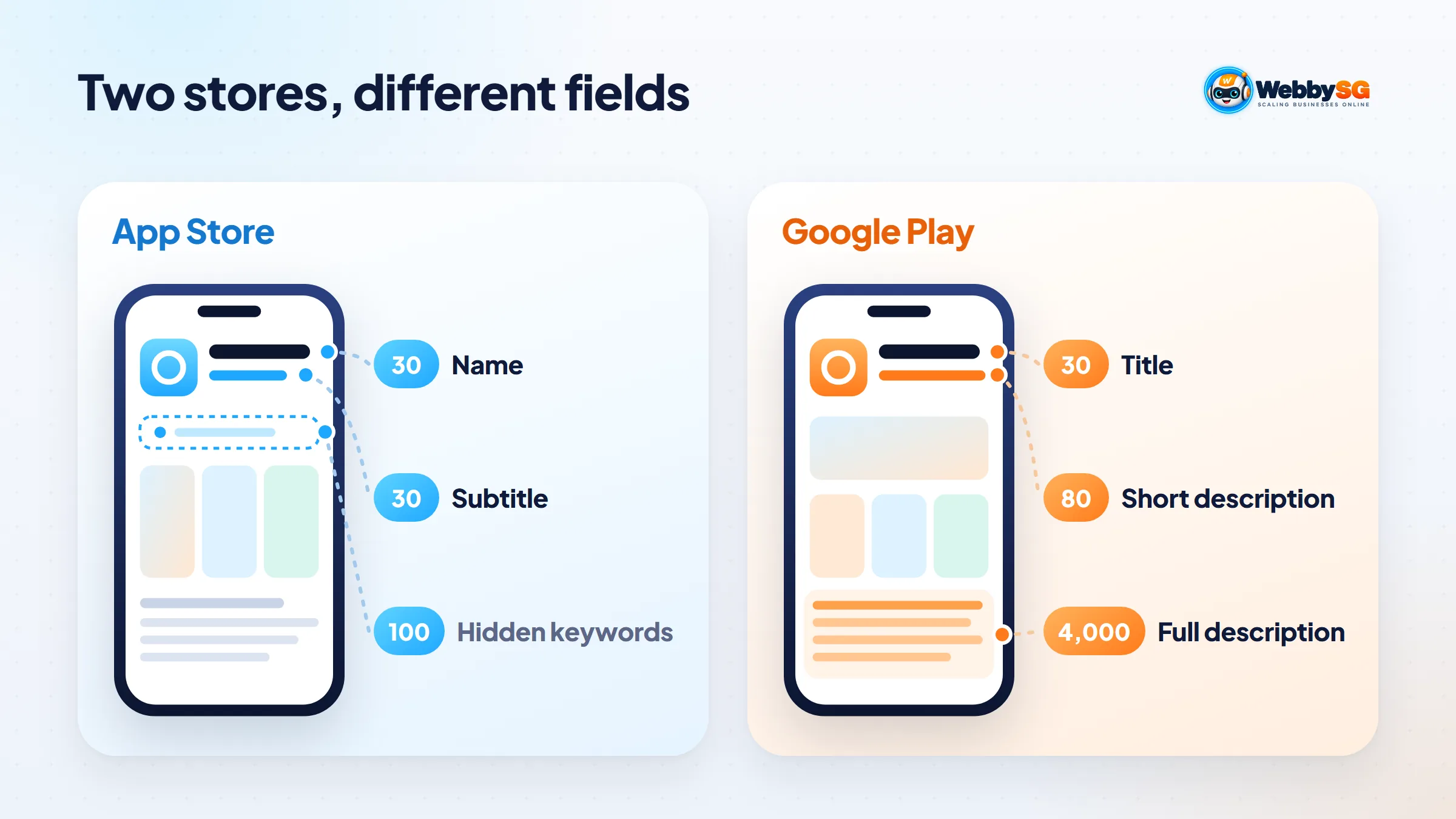
- On the App Store, the app name and subtitle allow up to 30 characters each, and the hidden keyword field allows 100 characters. On Google Play, the title allows up to 30 characters.
- The icon and first screenshots decide most first impressions. Apple allows up to 10 screenshots and 3 app previews of up to 30 seconds each.
- Ratings and reviews influence search ranking. Use Apple's and Google's official in-app review prompts, at the right moment.
- Apple's Product Page Optimization lets you test up to three alternative versions of your icon, screenshots and previews for up to 90 days.
What ASO (app store optimization) is and why it matters at launch
ASO is to app stores what SEO is to Google search. People search the stores for a need ("clinic booking", "laundry pickup", "loyalty rewards") or for your brand name. Your listing has to appear for those searches and then convince people to tap Get or Install.
For businesses whose app supports an existing service, such as a booking, ordering, loyalty or customer portal app, ASO matters in two ways:
- Brand searches: existing customers search for your business name. Your app must appear first, with your real logo and name, so customers do not download a lookalike.
- New discovery: people who do not know you yet search for what your app does. This is where keywords, screenshots and ratings make the difference.
Launch is the best moment to get it right, because the first version of your listing, your early ratings and your first downloads all shape how the stores treat the app afterwards. If you are still planning the app itself, our guide to mobile app development in Singapore covers costs and choices.
App Store vs Google Play: the fields that affect ranking
The two stores use different fields. Apple's product page guidance, Google Play's metadata policy and its store listing help pages set the following limits, as of November 2026:
| Field | Apple App Store | Google Play |
|---|---|---|
| App name / title | Up to 30 characters | Up to 30 characters |
| Subtitle / short description | Subtitle, up to 30 characters | Short description, up to 80 characters |
| Keyword field | 100 characters, comma-separated, not visible to users | No keyword field; Google reads your listing text |
| Description | Persuades users; Apple advises against stuffing it with keywords | Full description, up to 4,000 characters; part of how Google understands the app |
| Promotional text | Up to 170 characters; can be updated without a new app version; does not affect search ranking | Not applicable |
| Screenshots and video | Up to 10 screenshots; up to 3 app previews of up to 30 seconds | Screenshots, a required feature graphic (1024 × 500 px) and an optional video |
A few rules from the stores are worth knowing before you name the app. Apple advises separating keywords with commas without spaces, and not repeating words, plurals, the word "app" or category names. Google Play does not allow emojis, ALL CAPS (unless part of your brand), terms that suggest ranking such as "#1" or "Popular", prices or promotions such as "10% off", or Google Play programme labels such as "Editor's choice" or "New" in the title, icon or developer name.
Keyword research for your app listing
Store keywords are shorter and more literal than web search terms. To build your list:
- Start with your customers' words. How do they describe what your app does? Check enquiry emails, WhatsApp messages and reviews.
- Use the stores' search suggestions. Type your main terms into both stores and note the autocomplete suggestions.
- Look at competing apps. Note the words in their names and subtitles, and which apps appear for your target terms.
- Check your website search data. Search Console shows which terms already bring people to your site; many will also work in the stores.
- Prioritise. Put the most important term in the app name or subtitle, then fill Apple's 100-character keyword field with the rest, without repeating words already used in the name.
Keep the brand first in the app name. "Brand: what it does" is a common, readable pattern, for example a clinic group naming its app with its brand followed by "Book a Doctor".
Icon, screenshots and preview video
Most people decide whether to install from the search results page, where they see your icon, name, rating and the first few screenshots. Apple notes that the first one to three screenshots appear in search results when there is no app preview.
- Icon: simple, recognisable at small sizes, and consistent with your brand. Avoid text in the icon.
- First screenshot: the single most important benefit, with a short caption in large text. Show real app screens, not abstract graphics.
- Following screenshots: one benefit each, in the order a new user would experience them.
- Preview video: optional, but useful for apps whose value is easier to show than describe. Apple previews autoplay without sound, so add captions.
- Consistency: use the same visual style on both stores and your website so customers recognise you.
Ratings, reviews and in-app review prompts
Apple states that ratings and reviews influence search ranking, and they strongly affect whether people install. Ask for reviews the official way:
- Use the built-in prompts. Apple's review prompt and Google's In-App Review API let users rate without leaving the app.
- Pick the right moment. Google advises triggering the prompt after the user has experienced enough of the app to give useful feedback, such as after a completed booking or a successful order.
- Do not filter or lead. Google's guidelines say not to ask questions such as "Do you like the app?" before showing the review prompt, and not to modify the review card.
- Expect limits. Apple shows its prompt to a given user no more than three times in a 365-day period, and Google applies its own time-bound quota, so the prompt may not appear every time your app asks for it. That is also why Google says not to attach it to a button.
- Reply to reviews, especially negative ones, and fix the issues they raise in the next update.
Localising your listing for Singapore and the region
Singapore apps are usually listed in English, which suits most local users. Consider adding further localisations when:
- A meaningful share of your customers prefer Chinese, Malay or Tamil, for example for services aimed at older customers or specific communities.
- You plan to launch in Malaysia, Indonesia or other markets, where local-language listings and screenshots usually perform better.
- Your app itself is translated. Do not localise the listing into a language the app does not support.
Localisation means more than translating text: adapt keywords to how people search in that language, and update screenshot captions. Both stores let you add listings per language, and Apple's keyword field can be localised separately.
Testing listing changes with store experiments
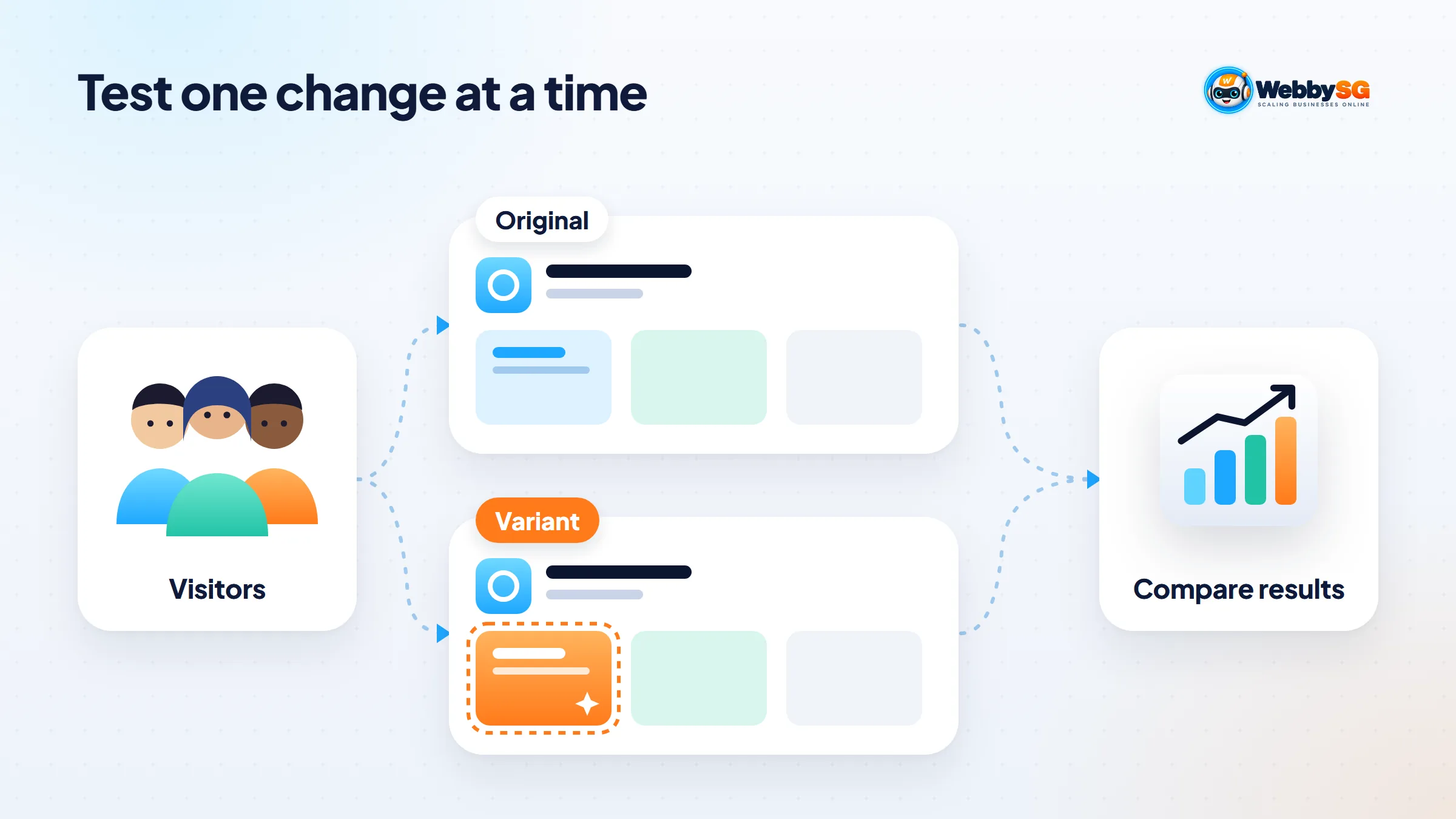
Once the app has steady traffic, test changes instead of guessing. Apple's Product Page Optimization lets you test up to three alternative versions of your product page against the original, varying the icon, screenshots and app previews. A test runs for up to 90 days, one test at a time, and is shown to people on iOS and iPadOS 15 or later. Google Play Console offers store listing experiments for testing graphics and text in a similar way.
Change one element at a time, such as the first screenshot, so you know what caused any difference. Low-traffic apps may need several weeks before results are meaningful.
A pre-launch ASO checklist for your development team
Give this checklist to your developers or agency so ASO is ready when the app is:
- Name and subtitle agreed, within 30 characters each, with the brand first.
- Keyword list prepared for Apple's 100-character field and worked into the Google Play descriptions.
- Short and full descriptions written in plain language, with the main benefit in the first lines.
- Icon finalised and tested at small sizes.
- Screenshots designed from real app screens for the required device sizes, plus the Google Play feature graphic.
- Privacy details completed: Apple's privacy labels and Google Play's Data safety form, matching your privacy policy and PDPA notices.
- Support and privacy policy URLs live on your website.
- Review prompts built in at a sensible moment in the user journey.
- Analytics set up to see store views, installs and conversion rate in App Store Connect and Play Console.
- Launch plan to send existing customers to the app from your website, email and social channels, using smart links or store badges.
For more on how these tasks fit into a build, see our overview of the mobile app development process.
Getting help with your app launch
ASO works best when it is planned with the app rather than added at the end. Our mobile app development service covers design, build and store submission, including listing preparation. If you plan to support the launch with paid installs or search ads, our search engine marketing service can run those campaigns alongside. For a conversation about your app, contact us.
Frequently asked questions
How long does ASO take to show results?
Changes to visible elements such as screenshots can affect conversion as soon as the update is live. Ranking changes from new keywords or more ratings usually take longer, often several weeks, and depend on your downloads and competition. Measure over a month or more rather than day by day.
How much does ASO cost?
The stores do not charge for ASO itself. The costs are the time or fees for keyword research, copywriting, screenshot and icon design, and ongoing testing. Many businesses handle the basics with their app developer at launch and add specialist help later if the app is central to their revenue.
Do app updates help ranking?
Updates that fix bugs and improve the app tend to lead to better ratings and reviews, which Apple says influence ranking. An update is also when you can change App Store fields such as the name, subtitle and keywords. Updating for its own sake without real improvements is unlikely to help.
Can I change my app name after launch?
Yes. On the App Store, the name, subtitle and keywords change when you submit a new app version for review. On Google Play, you can edit the title in Play Console and the change goes through review. Changing a well-known name can confuse existing users, so do it sparingly.
Does ASO replace paid app install ads?
No, they work together. ASO improves how your listing converts, which makes every paid install cheaper, and paid campaigns can bring the early downloads and ratings that help organic ranking. For a business app, sending existing customers from your website and email is often the cheapest source of early installs.