Social Media Content Calendar: A Singapore SME Guide
How to build a social media content calendar a small Singapore team can keep: columns to include, posting cadence, 2027 local key dates and a sample month.
A social media content calendar is a shared plan that lists what you will post, on which platform, on which date, and who is responsible for each post. For a Singapore SME, the most useful version is simple: a spreadsheet or planner your team will actually keep up to date, with Singapore's public holidays and retail peaks marked a month or two ahead, a posting rhythm you can sustain, and a quick approval step before anything goes live. A free Google Sheet is enough to start; what makes it work is filling it in a month ahead and checking it once a month.
This guide is for owners and one- or two-person marketing teams who want to stop posting in a last-minute rush.
In short
- A content calendar is a planning document, not a scheduling tool. It records the date, platform, format, topic, caption, visual, owner and status of every post.
- For a one- or two-person team, plan the month ahead in detail and the quarter ahead in outline. Start with two or three quality posts a week on your main platform rather than daily posts you cannot keep up.
- Mark Singapore's 2027 public holidays and retail peaks such as 11.11 and 12.12 early, because festive posts need visuals and approvals well before the day.
- Content-mix rules such as 70/20/10, 4-1-1 and 5-3-2 are rules of thumb, not platform requirements. Their shared lesson is to keep sales posts in the minority.
- Native schedulers have limits: Facebook posts can be scheduled 20 minutes to 29 days ahead, and LinkedIn Page posts from one hour to three months ahead.
What a social media content calendar is (and is not)
Canva's guide to social media calendars describes one as a planning document that lists a brand's planned posts by date, platform, campaign and status. That definition is a good one to keep in mind, because it separates three things people often mix up:
- The content calendar is the plan: what, where, when, why and who.
- The scheduler is the tool that publishes a finished post at a set time, such as Meta Business Suite or a third-party app.
- The content strategy is the thinking behind the plan: who you are trying to reach, what you want them to do and which topics you own.
A calendar without a strategy fills slots with filler posts. If you have not yet decided who your social channels are for, our guide to digital marketing for small businesses is a sensible place to start before you fill in dates.
In a small team the payoff shows up quickly. You stop remembering Hari Raya the night before, you can shoot a fortnight of photos in one afternoon, and after a few months you have a record of which topics actually brought in WhatsApp enquiries. For the messaging setup, see our WhatsApp Business marketing guide.
The columns every calendar needs
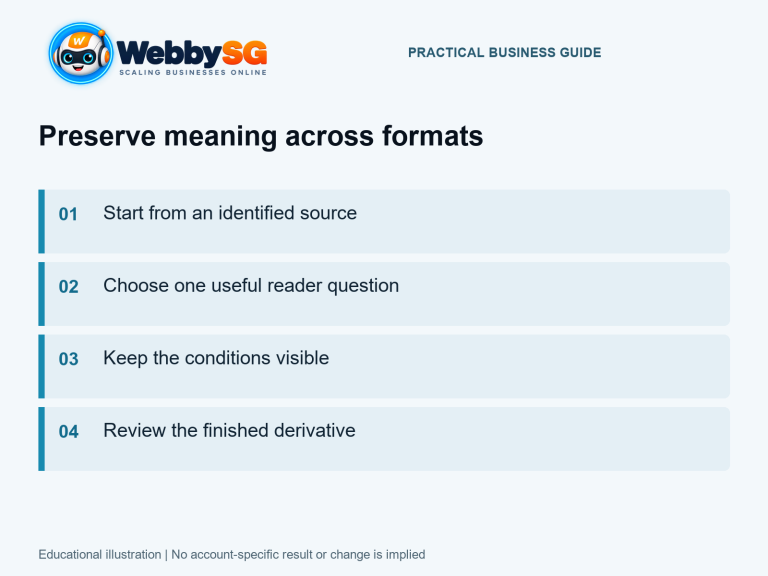
Whatever tool you use, these columns cover what a small team needs to plan, produce, approve and review a post. Add more only when you find yourself repeatedly writing the same note elsewhere.
| Column | What goes in it | Why it matters |
|---|---|---|
| Publish date and time | The planned date and time, in Singapore time | Lets you see gaps and clashes at a glance |
| Platform | Instagram, Facebook, LinkedIn, TikTok and so on | Each platform needs its own format and caption length |
| Format | Single image, carousel, Reel or short video, Story, text post | Tells you what has to be produced and how long it will take |
| Content pillar | The theme, such as tips, behind the scenes, customer stories or offers | Keeps the mix balanced across the month |
| Topic or hook | One line describing the post | The fastest way to review a month's plan |
| Caption and hashtags | The draft copy, or a link to it | Approvers can check wording before design starts |
| Visual or asset link | A link to the image, video or design file | Avoids "which version is final?" messages |
| Call to action and link | WhatsApp, booking page, product page or none | Ties each post to something you can measure |
| Owner | Who writes and who designs | Makes responsibility clear in a small team |
| Status | Idea, drafting, for approval, approved, scheduled, published | Shows what is stuck and who needs to act |
| Result notes | Reach, saves, clicks or enquiries after a week | Feeds the monthly review |
How often to post on each platform for a small team
There is no official posting frequency, and benchmarks vary widely by industry. The table below is Webby's working guidance for a one- or two-person team, not a platform rule. A frequency you can keep for six months beats daily posting that stops after three weeks.
| Platform | Sustainable starting point | Good fit for |
|---|---|---|
| 2–3 feed posts or Reels a week, plus Stories when you have something to show | Food and beverage, retail, beauty, renovation, lifestyle services | |
| 2–3 posts a week, often adapted from Instagram | Older audiences, community groups, local services | |
| 1–2 posts a week from the company Page, ideally shared by the founder | B2B services, professional firms, recruitment | |
| TikTok | 2–3 short videos a week if you can film regularly | Consumer brands with products or processes that look good on video |
Most SMEs should pick one main platform and one secondary platform rather than spreading thinly across four. If your team can produce only one strong post a week, publish one strong post a week and repurpose it for the second channel.
Singapore dates and retail peaks to plan around
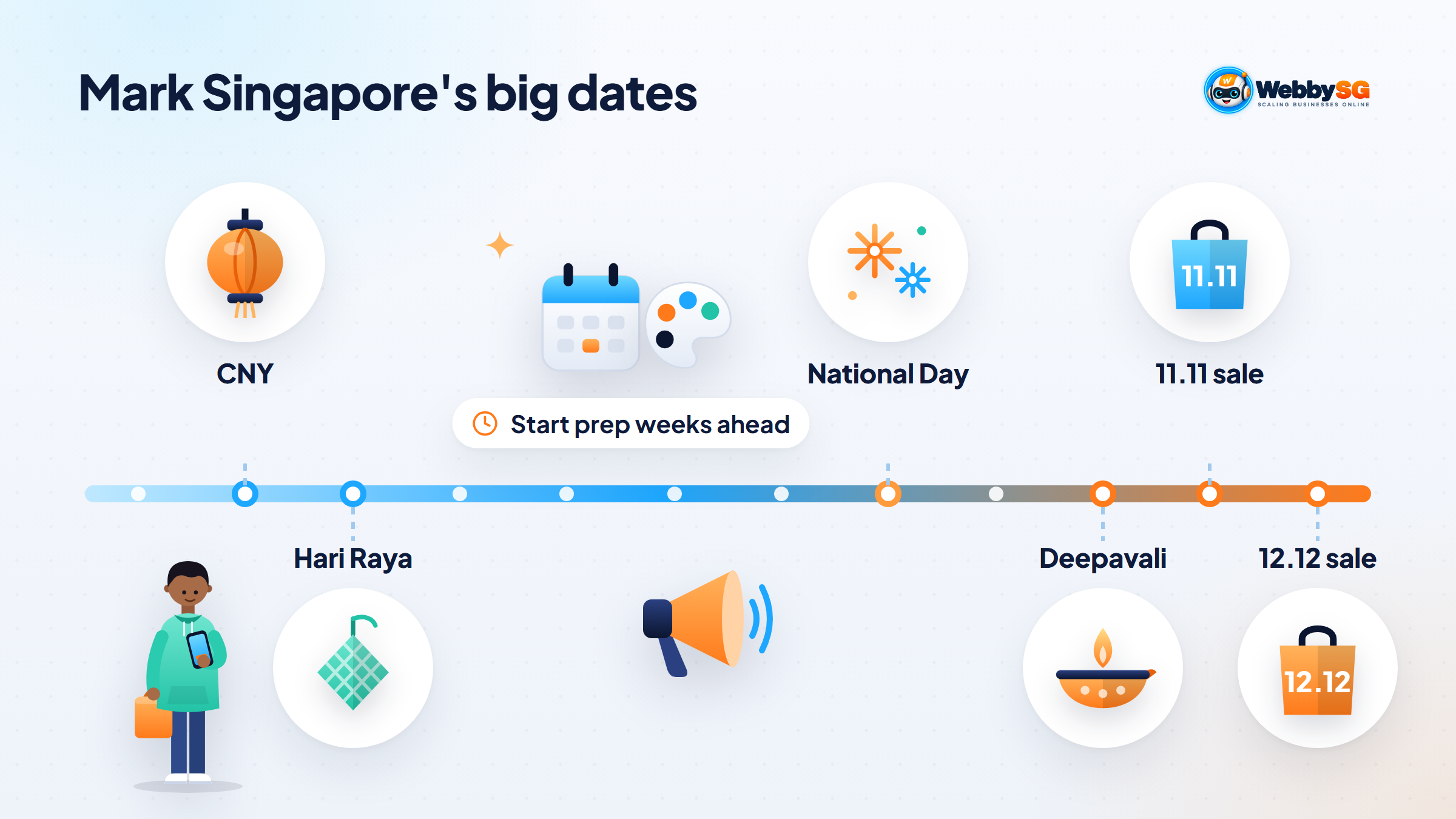
Global calendar templates miss the dates that matter most here. The Ministry of Manpower's public holidays page lists the following for 2027:
| Date (2027) | Day | Holiday |
|---|---|---|
| 1 January | Friday | New Year's Day |
| 6 and 7 February | Saturday and Sunday | Chinese New Year |
| 10 March | Wednesday | Hari Raya Puasa |
| 26 March | Friday | Good Friday |
| 1 May | Saturday | Labour Day |
| 17 May | Monday | Hari Raya Haji |
| 20 May | Thursday | Vesak Day |
| 9 August | Monday | National Day |
| 28 October | Thursday | Deepavali |
| 25 December | Saturday | Christmas Day |
MOM notes that Monday 8 February 2027 is a public holiday for employees whose rest day falls on 7 February. Check the page again before you publish operating-hours posts, as dates can be updated.
Add the retail peaks your customers respond to. The "double-digit" online sales, 11.11 on 11 November and 12.12 on 12 December, are fixed dates each year. The mid-year retail festival many people still call the Great Singapore Sale ran as the Singapore Retail Festival from 4 to 26 July in 2026, according to the government speech that launched it, so look out for the 2027 dates closer to the time. Then add your own dates, such as anniversaries, launches and school holidays.
Festive content takes longer to produce than everyday posts, so put a production start date in the calendar four to six weeks before each major festival, not just the posting date.
Content mix rules explained: 70/20/10, 4-1-1 and 5-3-2
These ratios appear in many marketing articles. None of them is an official rule from a platform, and they are best used as a quick check on your plan rather than a formula.
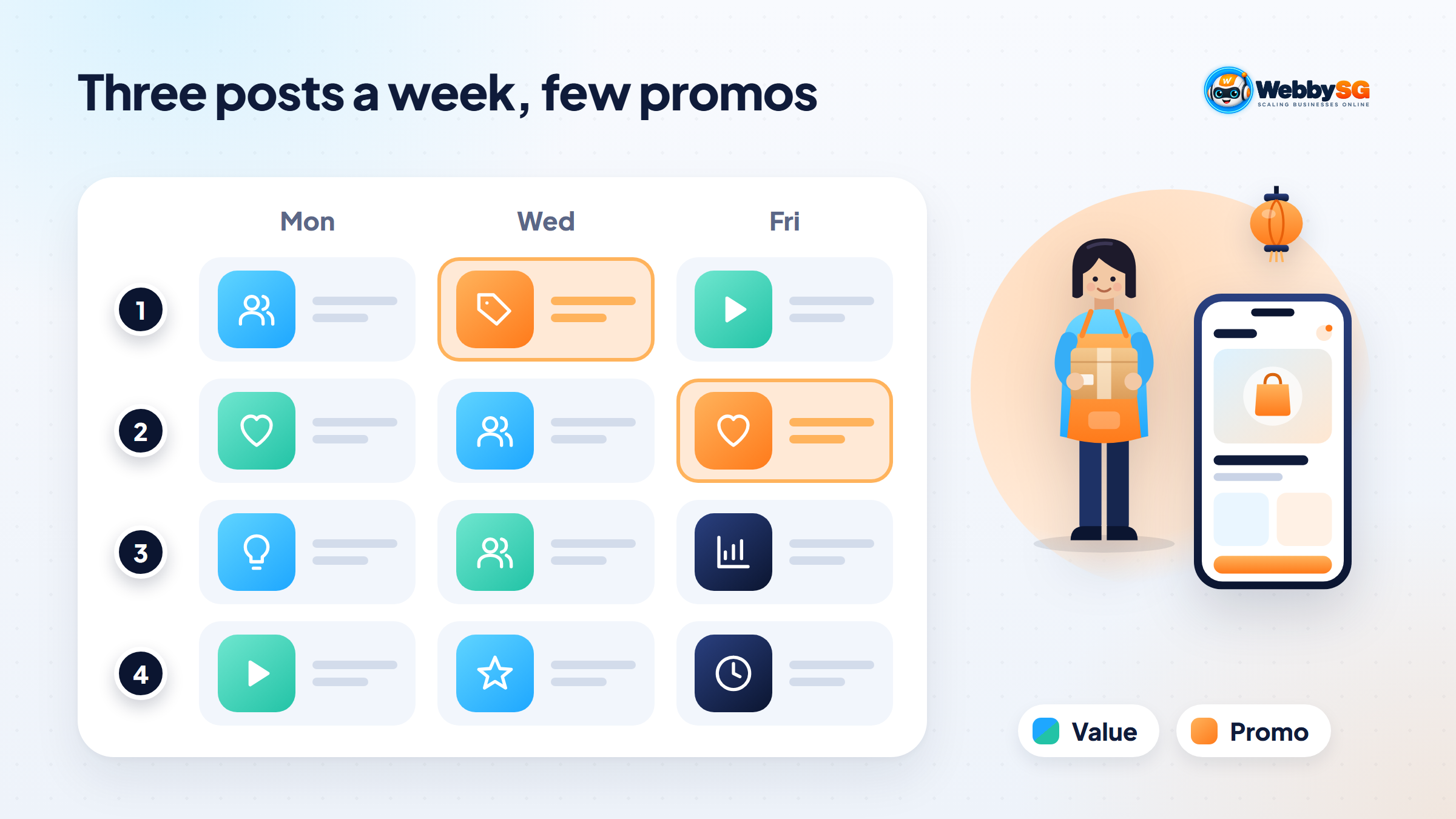
- 70/20/10: about 70% of posts give value (tips, how-tos, useful information), 20% share other people's content or relevant news, and 10% promote your business directly.
- 4-1-1: for every six posts, four share useful or entertaining content (often from other sources), one is a soft promotion such as your own article or guide, and one is a direct sales post.
- 5-3-2: out of every ten posts, five are curated content from others, three are your own original content, and two are personal or human posts that show the people behind the brand.
- 3-3-3: this one has no single meaning. Some use it for three posts a week across three pillars; others use it for hooks or video timing. Treat it as a reminder to keep things simple.
For most Singapore SMEs, a simpler version works: choose three to five content pillars, rotate through them, and keep direct sales posts to roughly one in five.
A sample month for a Singapore SME
Here is a February 2027 plan for an example neighbourhood café posting three times a week on Instagram, with the best posts adapted for Facebook. Chinese New Year falls on Saturday 6 and Sunday 7 February, so the month is built around it. If you plan to promote selected posts, the Instagram ads guide can help you choose which formats to adapt for paid placement.
- Week 1 (1–5 February): Monday, behind the scenes of preparing festive bakes. Wednesday, a carousel on CNY opening hours and pre-order cut-off. Friday, Reel of the team packing pre-orders.
- Week 2 (8–12 February): Monday, short thank-you post and festive greeting. Wednesday, customer photo reshared with permission. Friday, Valentine's Day set-menu announcement for 14 February.
- Week 3 (15–19 February): Monday, a tip post on storing pineapple tarts or leftover festive goodies. Wednesday, staff introduction. Friday, a poll on the next seasonal drink.
- Week 4 (22–26 February): Monday, a how-it's-made video. Wednesday, review highlight from Google with a link to leave one. Friday, March teaser and a reminder of opening hours.
Only two of the twelve posts are direct promotions. Production for the CNY posts starts in early January and goes in the calendar as its own task.
Spreadsheet, Canva or scheduler: choosing a tool
| Option | Suits | Limits |
|---|---|---|
| Google Sheets or Excel | Most small teams; free, flexible and easy to share | Does not publish posts; visuals sit elsewhere |
| Canva Sheets and Content Planner | Teams that already design in Canva; Canva offers calendar templates in monthly grid, Gantt and Kanban formats, with editor, commenter and viewer roles | Requires a Canva account; check which features need a paid plan |
| Native schedulers | Publishing finished posts at the right time without extra cost | One platform at a time; limited planning views |
| Third-party schedulers | Teams posting on three or more platforms each week | Monthly subscription; another tool to manage |
Before paying for anything, check what the platforms already give you free. According to Meta's help centre, you can schedule Facebook Page posts between 20 minutes and 29 days ahead in Meta Business Suite, and view them by week or month in its Planner. LinkedIn lets Page admins schedule Page posts from one hour to three months ahead, although events, polls, reshares and multi-photo posts cannot be scheduled. TikTok supports scheduling from its desktop tools, but the scheduling window has changed over time, so check it in the app.
A practical set-up for most SMEs: plan in a spreadsheet, design in Canva, schedule with each platform's own tool. Move to a paid scheduler only when the copying and pasting starts taking real time each week.
Approvals, reviews and a monthly clean-up
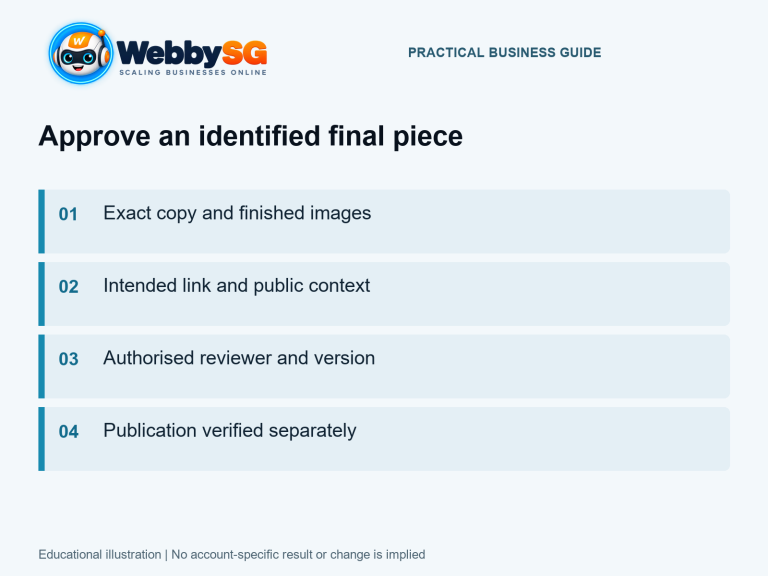
A light approval step catches typos, wrong prices and insensitive festive posts before they go out. Keep it short:
- The writer moves the post to "For approval" at least two working days before the publish date.
- One named approver, usually the owner or a manager, checks prices, dates, offers, spelling and tone.
- Approved posts are scheduled immediately and marked "Scheduled".
- Anything not approved by the deadline moves to the next free slot rather than going out unchecked.
Once a month, spend 30 minutes on a review:
- Which three posts performed best on reach, saves, clicks or enquiries, and what did they have in common?
- Which pillar is under-performing and should be cut or changed?
- Are any recurring posts, such as opening hours or promotions, out of date?
- Which key dates are coming up in the next 60 days, and has production started?
When to bring in help
Help becomes worthwhile when posts keep slipping, when you need regular video, or when organic and paid posts should support each other around big dates. Webby SG's social media marketing service covers planning, content creation, community management and monthly reporting on Facebook, Instagram, LinkedIn and TikTok, with a month of posts you approve in one sitting. Our social media advertising service covers paid campaigns on the same platforms and YouTube. If you already publish blog articles, our guide to blog writing services in Singapore explains how written content can feed your social calendar. For a second opinion on your current plan, get in touch.
Frequently asked questions
How far in advance should I plan social media posts?
For a small team, plan the next four weeks in detail and the next three months in outline. Major festivals such as Chinese New Year or National Day need production to start four to six weeks ahead. Leave a few open slots each month for timely posts and news.
What is the 70/20/10 rule for social media?
It is a rule of thumb that about 70% of your posts should offer value, 20% should share other people's content or relevant news, and 10% should promote your business. It is not a platform requirement. Its main point is that sales posts should be the minority.
Is a Google Sheet good enough for a content calendar?
Yes, for most small businesses. A shared Google Sheet with the right columns, a status drop-down and links to your visuals covers planning and approval. You still need a scheduler, such as Meta Business Suite, to publish posts automatically.
How many posts a week should a small business publish?
There is no official number. As a starting point, Webby suggests two or three good posts a week on your main platform, and one or two on LinkedIn for B2B firms. Choose a level you can sustain for months, then increase it if results justify the time.
Who should own the content calendar?
One named person should own it, even in a two-person team. They keep it up to date, chase approvals and run the monthly review. Others can contribute ideas and drafts, but a calendar with no owner usually stops being updated within weeks.