Keyword Research for Small Business: A Simple Method
A step-by-step keyword research method for small businesses in Singapore using free tools, what to do with zero-volume keywords and how to map them to pages.

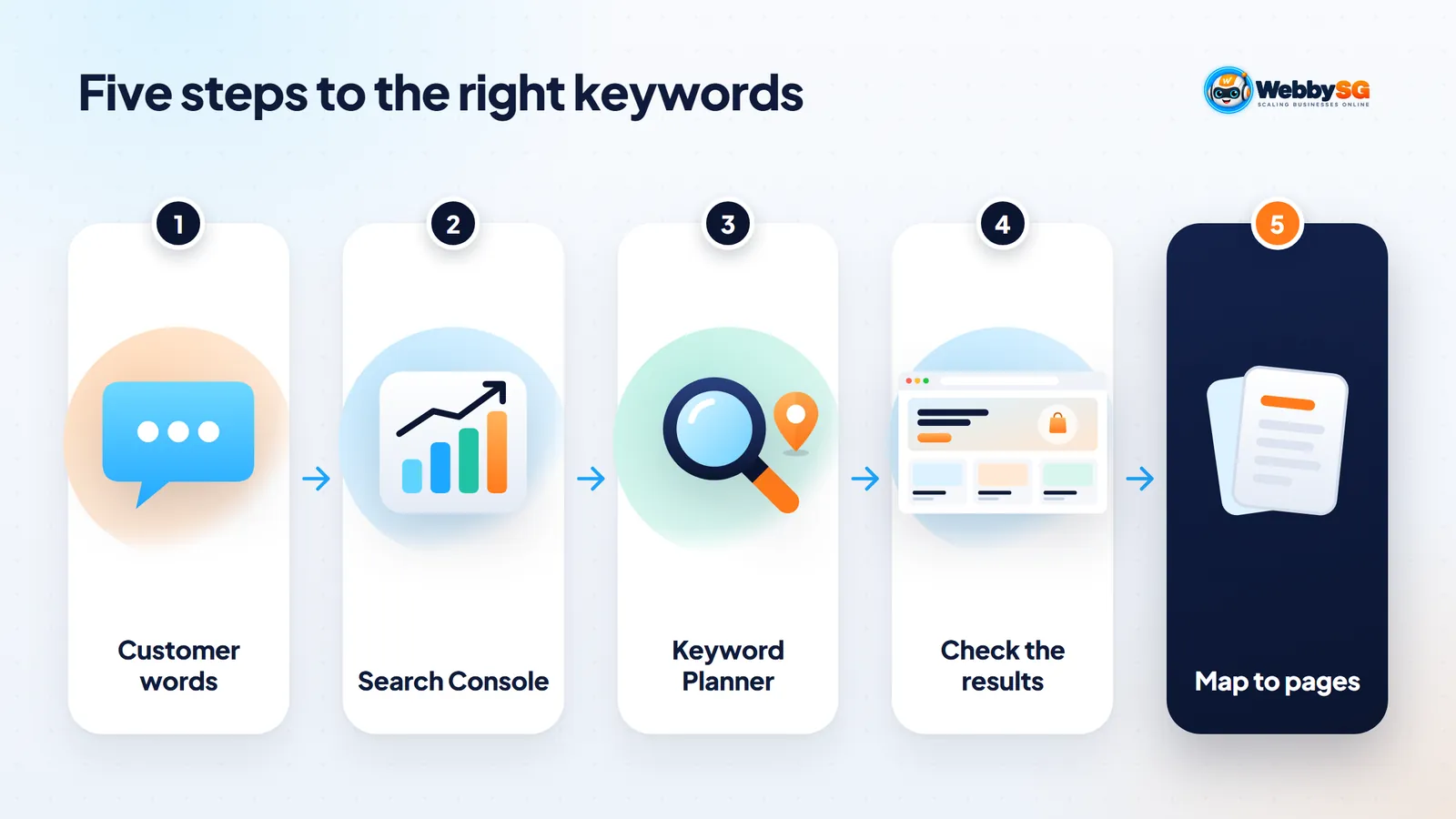
Keyword research for small business means finding the words your customers actually type into Google, then deciding which page on your website should answer each one. You do not need paid tools to do it well. For most Singapore SMEs, the best sources are your own customer conversations, Google Search Console, Google Keyword Planner set to Singapore, and the search results themselves. What you want at the end is a short map of the searches that actually turn into enquiries, with one clear page for each, rather than a long list of big-volume terms you will never rank for.
This guide gives you a simple method you can finish in an afternoon, including what to do when tools show zero searches for your service, which is common in Singapore's small market.
In short
- Start with the words customers use in calls, WhatsApp messages and emails, not the words in your brochure.
- Use free tools: Google Search Console for searches you already appear for, Keyword Planner set to Singapore for ideas and rough volumes, and Google's own suggestions.
- Low or zero volume does not mean no demand. In a small market, a keyword with a handful of searches a month can still bring valuable enquiries.
- Look at the current Google results before choosing a page type. If Google shows service providers, you need a service page; if it shows guides, you need an article.
- Give each page one main topic and a few close variants. Write the plan on a single page so you actually use it.
What keyword research for small business is really for
Big websites use keyword research to find thousands of traffic opportunities. A small business has a narrower job: make sure that when a potential customer in Singapore searches for what you sell, there is a page on your site that clearly matches that search.
Google's own SEO starter guide puts it simply: think about the words a user might search for to find your content, and remember that people with different levels of knowledge use different words. The same guide warns against repeating keywords excessively, which goes against Google's spam policies. Keyword research tells you which words to use; it does not mean repeating them.
For a small business, good keyword research answers four questions:
- Which services or products do people search for by name?
- Which words, areas and problems do they include in those searches?
- Which of those searches show buying intent, and which are early research?
- Which page on your site should rank for each one, and does it exist yet?
Start with how your customers describe you
Before opening any tool, write down how customers describe what they need. The best sources are things you already have:
- Enquiry messages: read the first line of your last 30 WhatsApp messages and contact form submissions.
- Phone calls: ask whoever answers the phone which words callers use.
- Quotations and invoices: list your services exactly as customers request them.
- Reviews: customers often name the service and the problem in Google reviews.
Singapore customers often use local terms that your industry may not. People search for "aircon servicing" more naturally than "air-conditioning maintenance", and for "HDB renovation" rather than "public housing interior works". Note area names too: estates such as Tampines, Jurong or Punggol, and terms such as "near me", "CBD" or "condo". These become your seed keywords: five to fifteen short phrases that describe your core services in customers' own words.
Free tools and how to set them to Singapore
Three free tools cover most of what a small business needs.
| Tool | What it tells you | Singapore setting | Limits |
|---|---|---|---|
| Google Search Console | The queries your site already appears for, with clicks, impressions and average position | Filter by Country: Singapore in the Performance report | Only shows searches you already appear for; keeps 16 months of data |
| Google Keyword Planner | New keyword ideas and average monthly searches | Set location to Singapore and language to English before searching | Needs a Google Ads account with billing details; volumes are often shown as broad ranges without active ad spend |
| Google search itself | Autocomplete suggestions, "People also ask" questions and related searches | Search from Singapore, ideally in a private window | No volumes; results vary by person and location |
Google Search Console
If your website is already live, start here. Open the Performance report, set the date range to the last 12 months, add a Country filter for Singapore and look at the Queries tab. Google's help page on the Performance report explains the available views: queries, pages, countries, devices, search appearance and dates. Sort by impressions. Queries with many impressions but few clicks, and an average position between about 5 and 20, are often your quickest wins because Google already considers you relevant.
Google Keyword Planner
Google describes the Keyword Planner as a free resource for finding keywords. It sits inside Google Ads, and Google's help centre notes that you need to complete account setup, including billing information, to use it. You do not have to run ads. Choose "Discover new keywords", enter your seed phrases, and set the location to Singapore. Without it, you see global or other-country volumes, which are useless for a local business.
Accounts that are not running ads often see volumes as ranges rather than exact figures. That is fine for a small business: you only need to know whether a keyword has some demand, a lot, or very little.
When tools show zero: low-volume local niches
Singapore is a small market, so many specialised services show zero or near-zero searches in Keyword Planner. That does not mean nobody searches for them. Google's Keyword Planner help page says keywords with very low search volumes are not discoverable or forecastable in the tool, and close variants are often rolled into one figure. A niche service can therefore show a blank even when real people in Singapore are searching for it every month.
When a keyword shows zero, look for other evidence of demand:
- Autocomplete: if Google suggests the phrase as you type, people search for it.
- Search Console: if the phrase appears in your queries with impressions, it has real searches.
- Competitors: if several Singapore competitors have a dedicated page for it, they have likely seen enquiries from it.
- Your enquiries: if customers ask for it by name, it is worth a page regardless of volume.
For a B2B or specialist service, one enquiry a month from a precise search can be worth more than hundreds of visits from a broad one. Prioritise by likely value, not by volume alone.
Reading search intent from the Google results
Search intent is what the person wants when they type a query. The fastest way to read it is to search the keyword yourself and look at what Google already shows on page one.
| What Google shows | Likely intent | Page you need |
|---|---|---|
| Map results and local businesses | Find a nearby provider now | Service page plus a complete Google Business Profile |
| Service and company pages | Compare providers | Service page with prices or ranges, proof and a clear call to action |
| Guides, how-to articles, "People also ask" | Learn or solve a problem | Blog article or guide |
| Product listings and shopping results | Buy a product | Product or category page |
| A mix of the above | Unclear or mixed | Usually a service page that also answers common questions |
If page one is full of map results, much of the opportunity sits in Google Maps rather than the normal results. Our local SEO guide for Singapore covers how to compete there.
Mapping keywords to service pages and blog posts
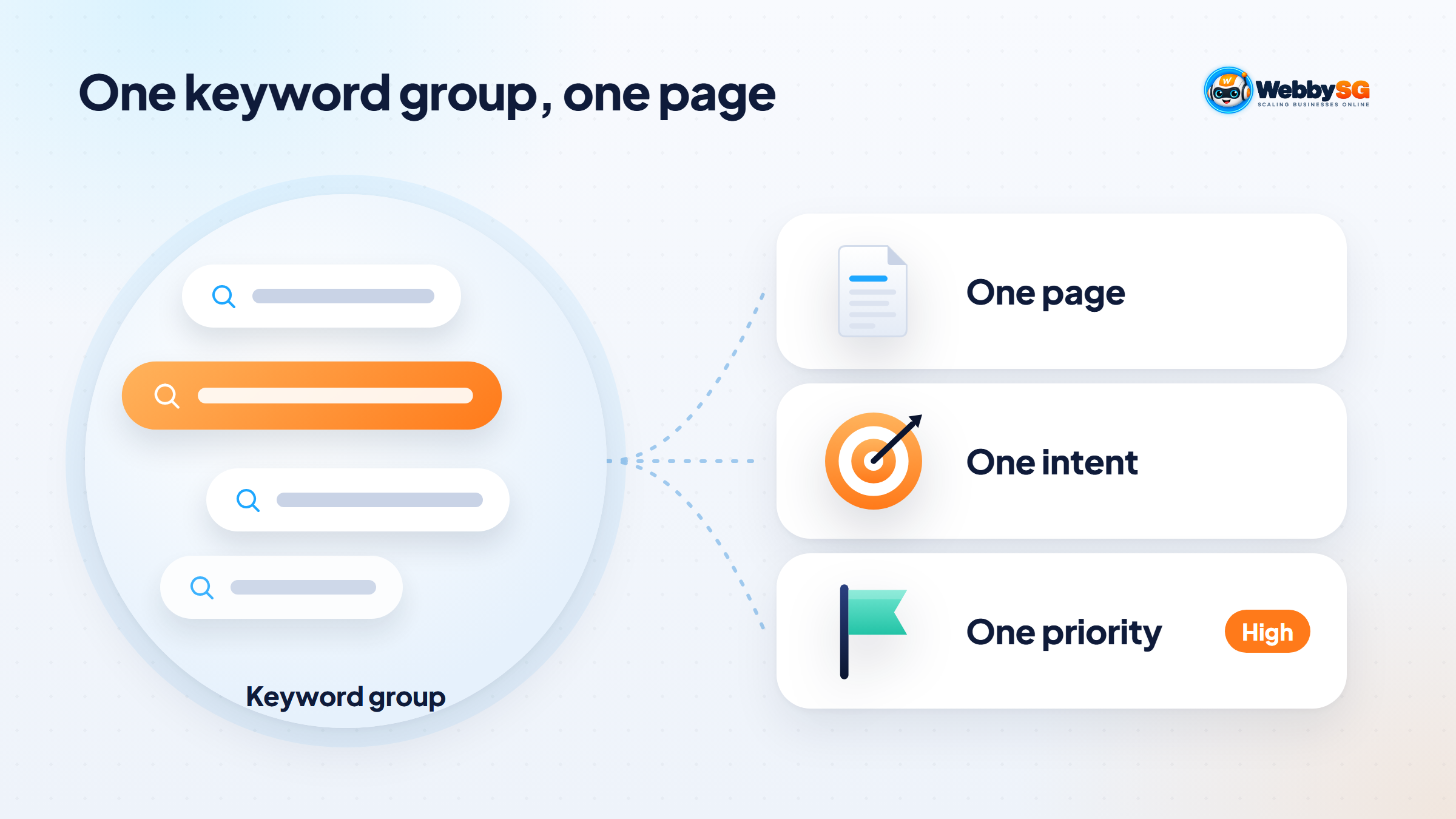
Once you have a list, group keywords that mean the same thing and give each group one page. A common mistake is creating several near-identical pages for "aircon servicing", "aircon service" and "aircon maintenance". These usually belong on one page, because Google treats them as the same need.
Simple rules for mapping:
- One main keyword per page, plus a few close variants and related questions on the same page.
- Buying keywords go to service or product pages. "Aircon chemical wash price" belongs on the service page, not in a blog post.
- Question keywords go to articles or FAQ sections. "Why is my aircon leaking water" suits a helpful article that links to the service page.
- Only create area pages when the content genuinely differs. Copying the same page for every estate with the name swapped tends to be treated as low-value content.
- Check for an existing page first. Improving a page that already ranks on page two is often faster than starting a new one.
Question keywords and AI Overviews
Google now shows AI Overviews for many informational searches, especially questions. For these searches, some people get an answer without clicking a result. That affects which keywords are worth your time.
Questions are still worth answering. AI Overviews cite and link to sources, so a clear, accurate answer on your site can still earn visibility, and someone who found your answer to "why is my aircon leaking water" is more likely to remember you when the unit finally needs a chemical wash. Put the answer in the first sentence or two, then explain. Our guide to answer engine optimisation explains how to structure content for AI-generated answers.
For keywords that lead directly to enquiries, such as a service plus "price" or "near me", searchers usually still want to compare providers and click through, so keep those as your priority.
A one-page keyword plan template
Keep the output short enough to use. A spreadsheet with these columns works for most small businesses:
| Keyword group | Main keyword | Intent | Page | Status | Priority |
|---|---|---|---|---|---|
| Aircon servicing | aircon servicing singapore | Compare providers | /aircon-servicing/ | Exists, page 2 | High |
| Chemical wash | aircon chemical wash price | Buy | /aircon-chemical-wash/ | To create | High |
| Leaking aircon | aircon leaking water | Solve a problem | Blog article | To create | Medium |
| Commercial | office aircon maintenance contract | Compare providers | /commercial-aircon/ | Exists | Medium |
This example is illustrative. Fill the template with your own services and the evidence you found. Then work through it in priority order: fix existing pages first, create missing service pages next, and add articles after that. Revisit the plan every six to twelve months, or when you add a service.
If you would rather have someone do the research and turn it into pages, our SEO services start with exactly this kind of keyword-to-page map. You can also read what SEO typically costs in our SEO cost guide for Singapore, or ask us a question about your own keyword list.
Frequently asked questions
Is Google Keyword Planner free?
Yes. Google describes Keyword Planner as a free tool, and you do not need to run ads to use it. You do need a Google Ads account with account setup completed, including billing information. Without active ad spend, search volumes are often shown as ranges rather than exact numbers.
How many keywords should I target per page?
Give each page one main keyword or topic, plus a few close variants and related questions. If two keywords need different answers or lead to different actions, they usually need different pages. Avoid repeating the keyword unnaturally; write for the reader.
Should I target keywords with zero search volume?
Often, yes, if there is other evidence of demand. Tools under-report small Singapore niches, so check Google's autocomplete, your Search Console queries, competitor pages and your own enquiries. A precise keyword with few searches can still bring valuable leads.
How often should I redo keyword research?
A full review every six to twelve months suits most small businesses. Check Search Console monthly for new queries you are appearing for, and repeat the research whenever you add a service, enter a new market or redesign the site.
Do I need separate keywords for each area of Singapore?
Usually not. Singapore is small, and most service businesses can rank with one strong service page and a well-maintained Google Business Profile. Create area pages only when you have genuinely different content for that area, such as a physical branch, local projects or area-specific pricing.