Schema Markup for Local Business: Singapore Guide
How to add LocalBusiness schema markup with a Singapore JSON-LD example: required properties, HDB unit numbers, holiday hours, placement and testing.
Schema markup for local business is a short block of code, usually JSON-LD, that tells search engines your business name, address, phone number, opening hours and type in a format they can read without guessing. Google's documentation lists only two required properties for LocalBusiness markup, name and address, and recommends adding telephone, url, geo coordinates and opening hours. It does not make your page rank higher on its own, but it helps Google understand and display your business details accurately. For a Singapore business, the details that most often go wrong are the unit number, the six-digit postal code and the country code on the phone number.
Below you'll find a Singapore example to copy and edit, the properties Google actually reads, what to do if you run the business from an HDB flat, and how to add and test the markup in WordPress, Shopify and Wix.
In short
- LocalBusiness schema describes one business location in a machine-readable way. Google requires name and address, and recommends telephone, url, geo, openingHoursSpecification and priceRange.
- Use the most specific subtype available, such as Restaurant, Dentist or HVACBusiness, rather than the generic LocalBusiness.
- Write the address the Singapore way: block and street in streetAddress, the unit number after it, a six-digit postalCode and addressCountry "SG". Phone numbers need the +65 country code.
- Keep every value identical to your Google Business Profile and the visible text on the page.
- Test with Google's Rich Results Test and the Schema Markup Validator before and after publishing.
What schema markup for local business does (and does not do)
Search engines read your contact page the same way a person skims it: they see an address, a phone number and some hours, and infer what each one is. Structured data removes the guesswork. Google's introduction to structured data describes it as giving Google explicit clues about the meaning of a page.
For a local business, the markup can support how your details appear in Google's knowledge panel and in results for category searches. What it does not do is just as important:
- It is not a ranking boost. Google's documentation talks about understanding and eligibility for search features, not higher positions. Its structured data guidelines also state that valid markup does not guarantee your data will appear in results.
- It does not replace your Google Business Profile. The map pack and Google Maps rely mainly on your profile. Schema on your website supports the same facts; it does not stand in for them.
- It cannot fix inconsistent details. If your website, profile and directory listings show different addresses or phone numbers, markup simply repeats the confusion in code.
Think of it as the technical layer of local SEO: worth an hour to set up properly, but only one part of being found locally.
Required and recommended properties
Google's local business structured data documentation separates properties into required and recommended. As of November 2026, it lists the following:
| Property | Status | What to put in it |
|---|---|---|
| name | Required | Your real-world business name, exactly as on your shopfront and Google Business Profile |
| address | Required | A PostalAddress with as many sub-properties as possible: streetAddress, addressLocality, postalCode, addressCountry |
| telephone | Recommended | Primary customer number including the country code, for example +65 6123 4567 |
| url | Recommended | The working URL for this specific location |
| geo | Recommended | Latitude and longitude with at least five decimal places |
| openingHoursSpecification | Recommended | Days with opens and closes times; add validFrom and validThrough for holiday hours |
| priceRange | Recommended | A short range or currency signs; Google will not show it if it is 100 characters or longer |
| menu, servesCuisine | Recommended (food businesses) | Menu URL and cuisine type |
| department | Recommended (where relevant) | Nested details for a separately run department, such as a pharmacy inside a store |
| aggregateRating, review | Recommended only for review sites | Only for sites that publish reviews of other businesses; do not mark up reviews of yourself |
Beyond Google's list, schema.org's LocalBusiness type supports more properties. Two useful ones are image (a photo of the premises or logo) and sameAs (links to your official social profiles). areaServed is helpful for businesses that travel to customers.
A Singapore JSON-LD example you can adapt
The example below is for a fictional florist in an HDB block. Every value is illustrative, so replace each one with your own details before publishing. The markup sits inside a script tag of type application/ld+json on your contact or location page.
| JSON-LD line | Singapore note |
|---|---|
| "@context": "https://schema.org" | Always the same |
| "@type": "Florist" | Most specific subtype that fits |
| "name": "Bloom & Co. Florist" | No taglines or keywords added to the name |
| "streetAddress": "Blk 123 Ang Mo Kio Avenue 3, #01-234" | Block and street, then #floor-unit |
| "addressLocality": "Singapore" | City name; Singapore has no state field to fill |
| "postalCode": "560123" | Six digits, no spaces |
| "addressCountry": "SG" | Two-letter country code |
| "telephone": "+65 6123 4567" | Include +65 |
| "url": "https://www.example.sg/contact/" | A working page for this location |
| "geo": latitude 1.36912, longitude 103.84588 | Five or more decimal places, copied from Google Maps |
| "openingHoursSpecification": Monday to Saturday, opens "09:00", closes "19:00" | One entry per group of days with the same hours |
| Holiday entry: opens "00:00", closes "00:00", validFrom and validThrough "2027-08-09" | Closed all day on National Day |
| "priceRange": "S$40–S$250" | Keep it short |
| "sameAs": your Facebook and Instagram page URLs | Official profiles only |
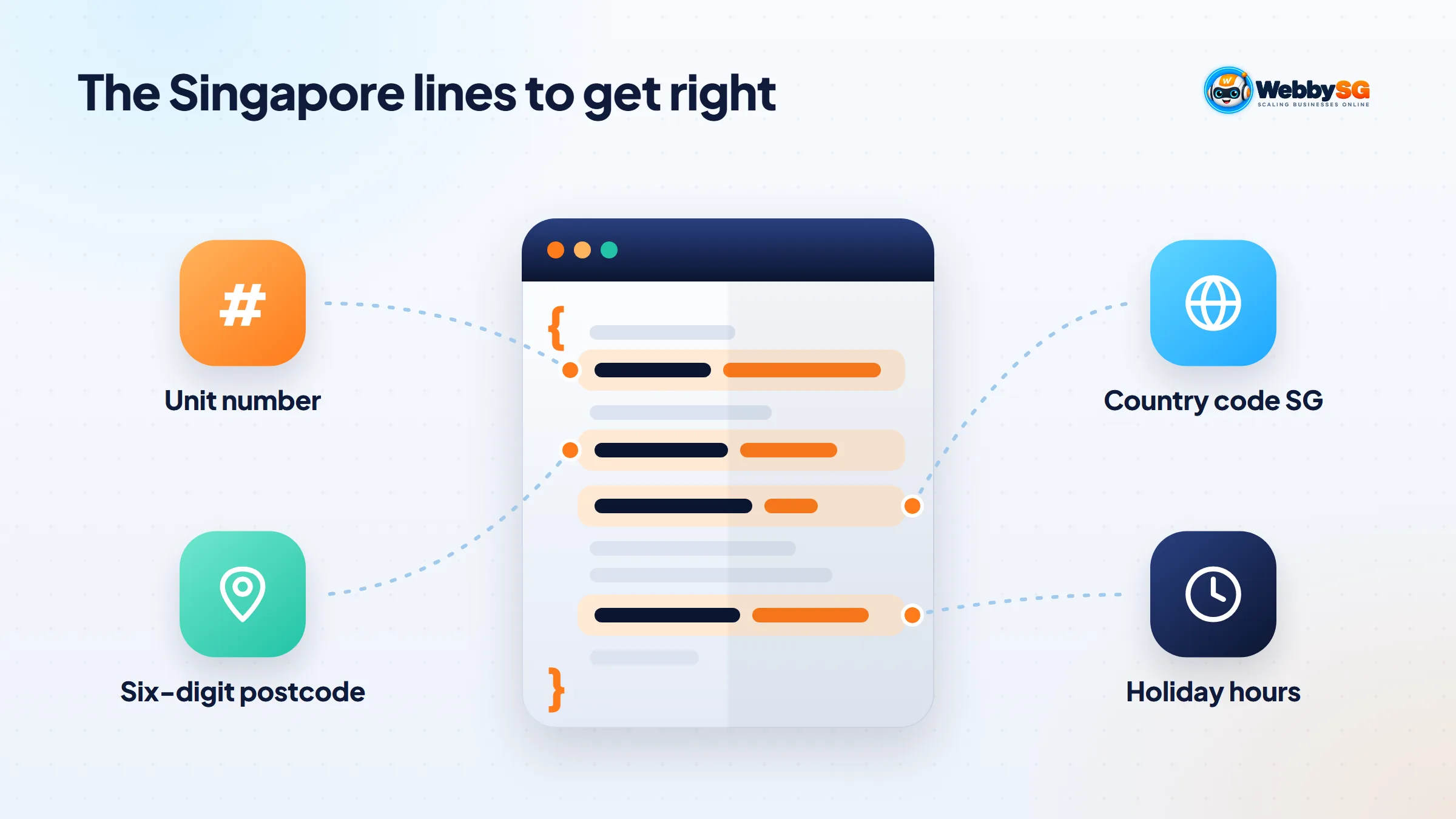
Two Singapore details deserve a closer look. First, the unit number: in an HDB block or a commercial building, the block and postal code alone do not identify your door, so keep the #floor-unit in streetAddress. Second, public holidays: Google's documentation says a day can be marked as closed by setting both opens and closes to "00:00", and holiday-only hours need validFrom and validThrough dates in YYYY-MM-DD format. Update these entries each year, or remove them once the date has passed.
Choosing the right business subtype
Google asks you to use the most specific LocalBusiness subtype available. Schema.org has a long list, grouped under broader types. Some common matches for Singapore SMEs:
| Your business | Subtype to consider |
|---|---|
| Café, restaurant, hawker-style eatery | CafeOrCoffeeShop, Restaurant |
| Dental or medical clinic | Dentist, MedicalClinic |
| Aircon servicing, plumbing, electrical | HVACBusiness, Plumber, Electrician |
| Renovation and interior design | HomeAndConstructionBusiness, GeneralContractor |
| Hair or beauty salon, spa | HairSalon, BeautySalon, DaySpa |
| Tuition centre | Check schema.org for an education type that fits; LocalBusiness if none does |
| Accounting or law firm | AccountingService, LegalService |
If two types genuinely apply, Google accepts several types in an array. It does not support the additionalType property for this purpose. If nothing specific fits, plain LocalBusiness is acceptable.
Storefront, service-area and home-based businesses
Many Singapore businesses do not have a shopfront: aircon technicians, home bakers, tutors, cleaners and renovation contractors often work from home or from a small office. Your schema should follow the same logic as your Google Business Profile.
Google's Business Profile guidelines are explicit here. Service-area businesses should hide their address from customers, and a home address that customers do not visit should not be shown. A rented mailing address where you do not actually operate is not eligible for a profile.
- Storefront: full address, geo coordinates and opening hours.
- Service-area business with an office customers can visit: full address plus areaServed listing the areas you cover.
- Home-based, customers do not visit: do not publish your home address on the page or in the markup. Use areaServed (for example, Singapore), telephone and url. Google requires address for local business rich results, so accept that the markup mainly helps Google understand your business rather than produce a rich result.
Whatever you choose, the page must show the same information as the markup. Google's guidelines say not to mark up content that is not visible to readers.
Where to place it: which pages need it
Google's guidelines say structured data belongs on the page it describes. In practice:
- One location: put the LocalBusiness markup on the contact page or the homepage, whichever shows your address and hours. You do not need it on every blog post.
- Several outlets: create one page per outlet, each with its own markup, address, phone number, hours and url.
- Organisation details site-wide: if your SEO plugin adds Organization markup to every page, that is fine. Keep the location details on the location page.
- Keep one version. Check that your theme, plugin and any manual code are not each outputting a separate, slightly different LocalBusiness block.
Adding schema in WordPress, Shopify and Wix
WordPress
Most sites on WordPress already run an SEO plugin, and several popular ones include local business settings, either built in or as an add-on. Fill in the business type, address, phone and hours in the plugin rather than pasting a second block. If you need full control, add the JSON-LD to the contact page with a code snippet plugin or your theme, and turn off the plugin's local output to avoid duplicates.
Shopify
Shopify themes usually output product and organisation data but not LocalBusiness details. For a physical shop or showroom, either add the JSON-LD to the template used by your contact or store page, or use an app that adds local business markup. Theme edits can be lost when you switch themes, so note where the code lives.
Wix
Wix lets you add manual structured data in each page's SEO settings. Wix's help centre says it accepts JSON-LD only, each markup must be under 7,000 characters, and a page can hold up to five markups. Paste your JSON-LD into the contact page's settings and use the test option Wix provides.
Testing and fixing errors
Run the first two checks before you publish and again afterwards, then the third once Google has recrawled the page:
- Google's Rich Results Test: shows whether Google can read the markup and flags missing required fields.
- The Schema Markup Validator (validator.schema.org): checks the code against the full schema.org vocabulary, including properties Google does not use.
- Search Console: run the URL Inspection tool on the live page to confirm Google fetched the version with your markup. There is no dedicated local business report, so this is the simplest way to check.
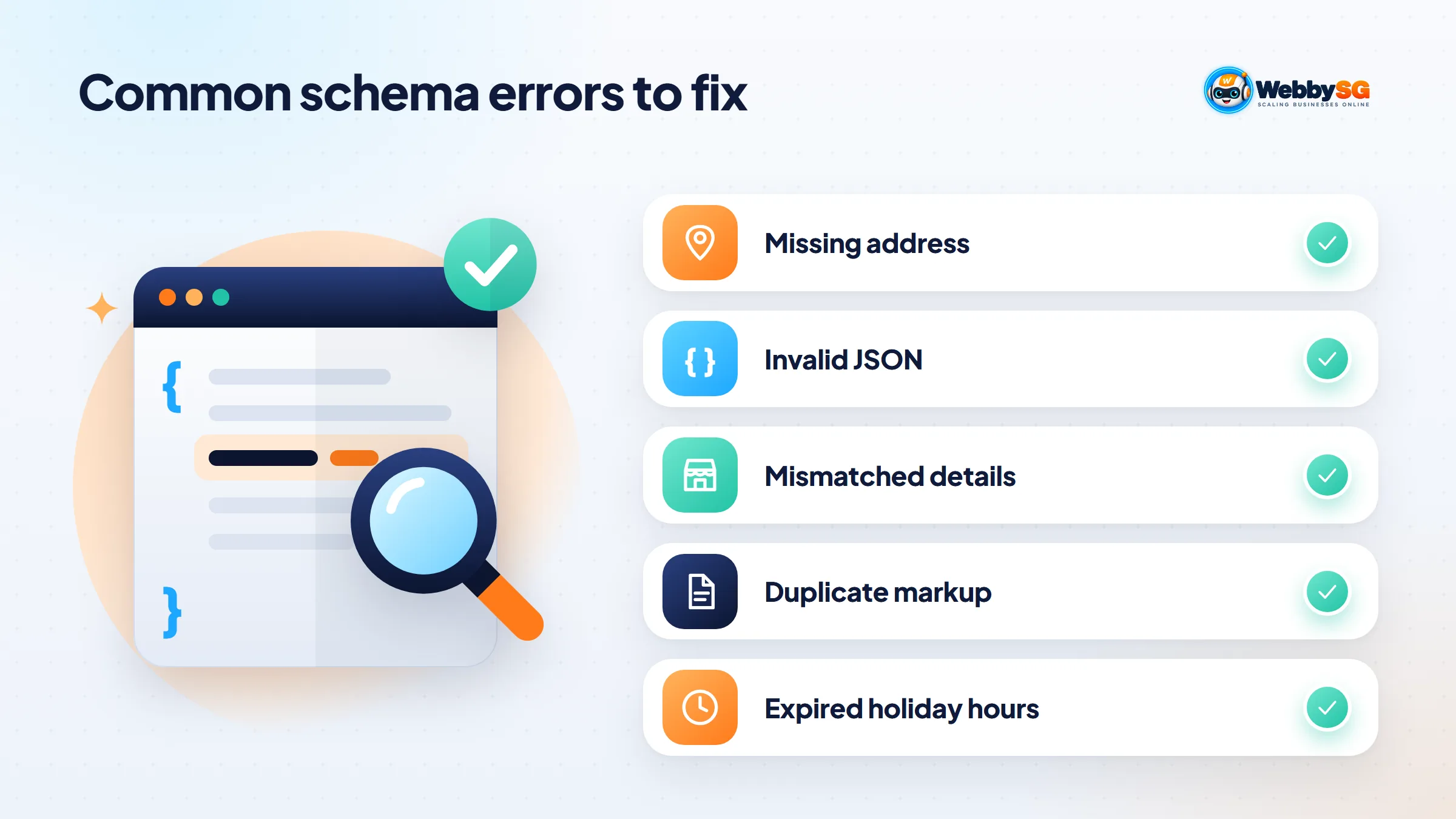
Common problems and their fixes:
- Missing field "address": the markup has no PostalAddress, or the plugin's location settings are empty.
- Invalid JSON: usually a missing comma, a curly quote pasted from a word processor, or HTML inside the code.
- Different details on page and in markup: update both, and your Google Business Profile, at the same time.
- Two LocalBusiness blocks: remove the manual code or switch off the plugin feature.
- Outdated holiday hours: delete expired validFrom and validThrough entries.
Getting local search right beyond the markup
Schema takes an hour; the rest of local search takes longer. The bigger wins usually sit in the other steps of our local SEO guide for Singapore, such as a complete Google Business Profile, consistent details across directories, location pages that answer customer questions, and reviews. If you would like help with the whole picture, our local SEO service covers structured data along with Business Profile optimisation and location pages. Structured, consistent business information also supports how AI search tools describe you, which our GEO optimisation guide covers in more depth. If you just want a second pair of eyes on your markup, get in touch.
Frequently asked questions
Does schema markup improve rankings?
Not directly. Google's documentation presents structured data as a way to help it understand a page and become eligible for search features, and its guidelines say valid markup does not guarantee those features will appear. Google staff have also said publicly that structured data does not make a site rank better. The benefit is accurate, richer presentation of your details.
Should LocalBusiness schema be on every page?
No. Google says to put structured data on the page it describes, so LocalBusiness markup belongs on your contact, homepage or location page. Businesses with several outlets should give each outlet its own page and markup. Site-wide Organization markup from an SEO plugin is a separate matter and can stay.
Can I use schema if I have no physical shop?
Yes. Use a fitting subtype with areaServed, telephone and url, and leave out a home address that customers do not visit, just as Google asks service-area businesses to hide their address on their Business Profile. Because Google requires an address for local business rich results, the markup will mainly help Google understand your business rather than produce a rich result.
Is JSON-LD better than microdata?
Google says all three formats are equally fine when they are valid, but it recommends JSON-LD in most cases. JSON-LD sits in one block separate from your page design, so it is easier to add, update and test. Wix accepts JSON-LD only.
Does schema help AI tools understand my business?
It can help. Structured data states your name, location, hours and services unambiguously, which makes those facts easier for any system that reads it to interpret. No AI provider has published a guarantee that markup changes its answers, so treat schema as one part of clear, consistent business information across your site and profiles.