Remarketing Ads: A Practical Guide for Small Businesses
How remarketing ads work on Google and Meta, how to set them up with GA4 and the Pixel, how much traffic and budget you need, and PDPA points to check.
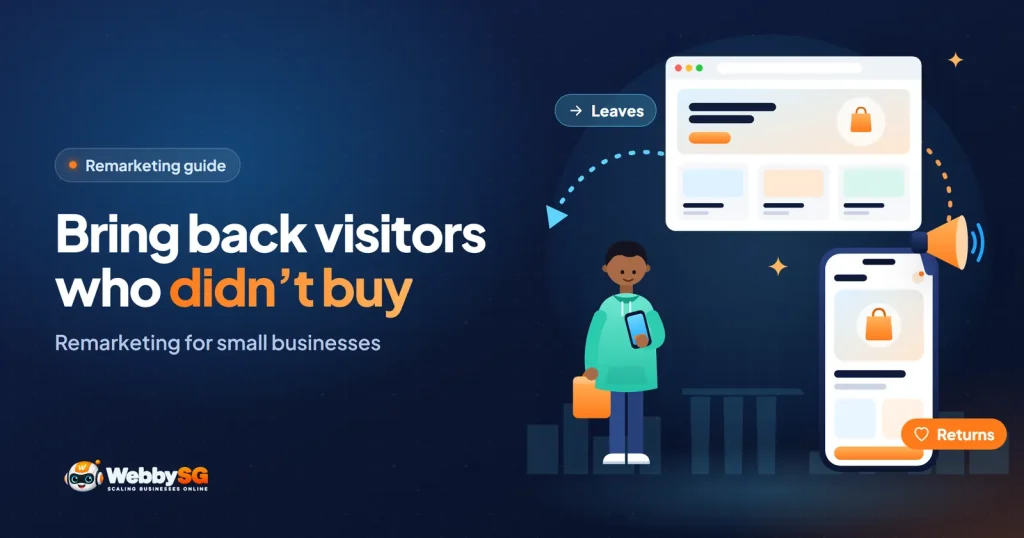
Remarketing ads are ads shown to people who have already interacted with your business, for example by visiting your website, watching your YouTube videos or joining your customer list. These people already know who you are, so the ads have less work to do than ads aimed at strangers, and the audiences are small enough that the spend stays modest. For a small Singapore business, the practical questions are whether you have enough traffic for the audiences to work, how to set them up on Google and Meta, how long to keep people in an audience, and which privacy rules apply.
In short
- Remarketing (Google's word) and retargeting (Meta's and most marketers' word) mean the same thing: showing ads to people who have already engaged with you.
- Google Ads needs at least 100 active users in the last 30 days before a segment can be used on Display, Search or YouTube.
- Start with a few simple audiences: all visitors, visitors to key pages, and people who started but did not finish an enquiry or purchase. Exclude people who already converted.
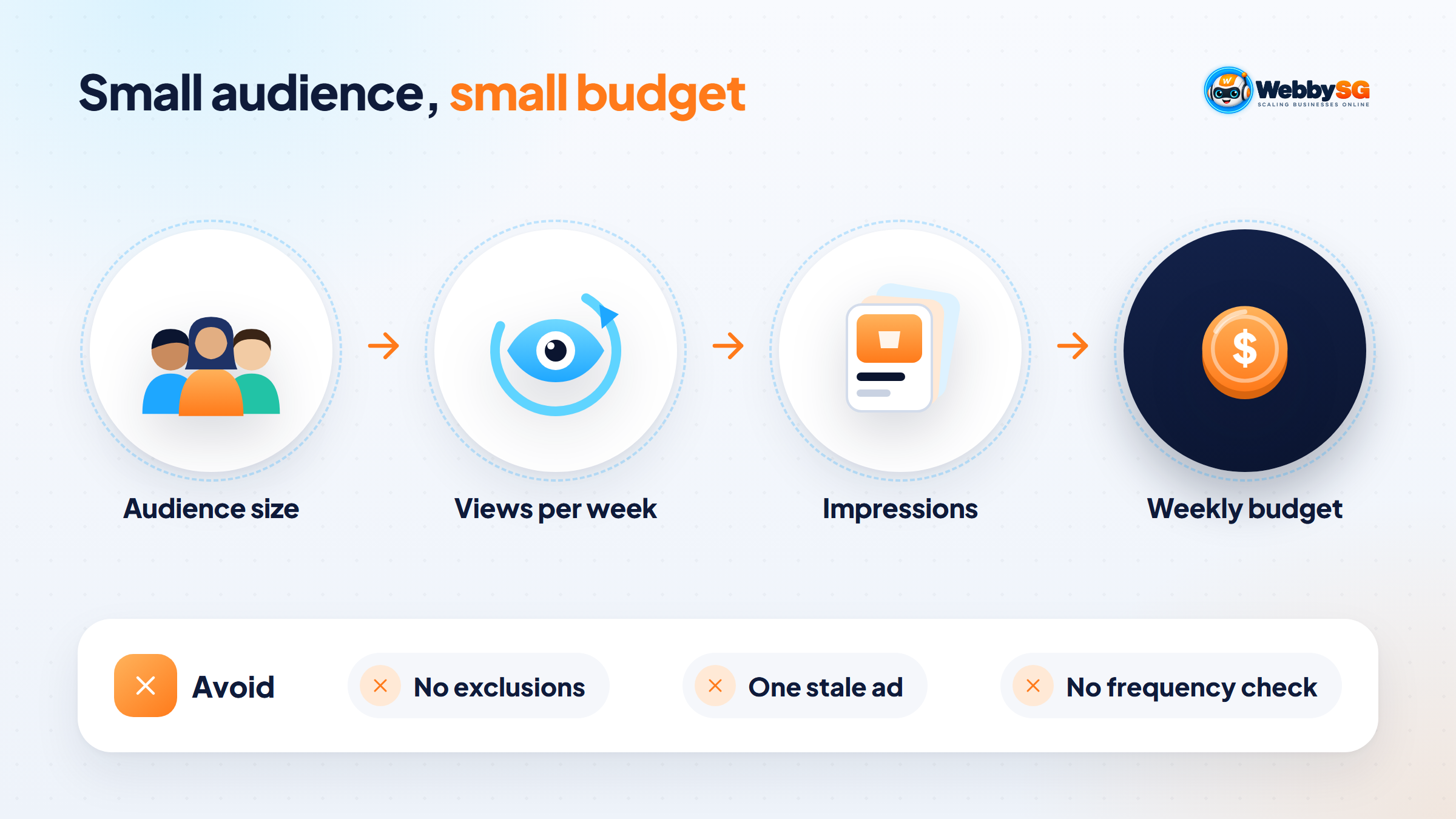
- Keep budgets small and frequency sensible. A small audience cannot absorb a large budget without seeing the same ad too often.
- If your tags collect personal data for ad targeting, the PDPC's guidelines say consent is required. Use a cookie banner and consent mode, and note Google's limits on remarketing in sensitive categories.
What remarketing ads are and how they work
Remarketing works by adding people to an audience list when they do something you can track. A tag on your website (the Google tag or the Meta Pixel) recognises a visitor's browser or signed-in account and adds them to the list. Later, when that person browses YouTube, Facebook, Instagram, Google Search or partner websites, the platform can show them your ads.
Google now calls these lists "your data segments". Its help page on how your data segments work lists the main sources: website visitors, app users, YouTube viewers and Customer Match lists that you upload from your own customer data.
Remarketing vs retargeting: is there a difference?
In practice, no. Google has historically used "remarketing", and Meta and most ad tools use "retargeting". Some marketers use remarketing for email and list-based follow-up and retargeting for ads based on browsing, but the platforms do not draw that line. This guide uses both words for the same idea.
Types of remarketing: website, list, video, dynamic and search
| Type | Who sees the ad | Best for |
|---|---|---|
| Website remarketing | People who visited your site or specific pages | Almost every business; the starting point |
| Customer list (Customer Match on Google, custom audiences on Meta) | Customers whose email or phone number you upload | Repeat sales, upsells, win-back campaigns |
| Video remarketing | People who watched your YouTube videos or Facebook and Instagram videos | Brands that run video ads or post video regularly |
| Dynamic remarketing | Shoppers, shown the exact products they viewed | Online stores with a product feed |
| Search remarketing | Past visitors when they search on Google | Raising bids or tailoring ads for people who already know you |
| Engagement audiences (Meta) | People who interacted with your Facebook Page, Instagram account, ads or lead forms | Businesses with active social accounts but modest website traffic |
Do you have enough traffic for remarketing?
This is where many small sites get stuck. Google's help page sets a minimum of 100 active visitors or users in the last 30 days for a segment to serve on the Display Network, Search and YouTube. Below that, a campaign targeting the segment simply will not serve, which catches out a lot of small sites that set everything up correctly and then see zero impressions.
Meta does not publish a single minimum, saying only that an audience can be targeted once it reaches a certain size. Its developer documentation for website custom audiences sets the retention window at between 1 and 180 days.
A quick check before you start:
- Open GA4 and look at monthly users. If the whole site has only a few hundred users a month, a "visited the pricing page" audience may never reach 100.
- Start with broad audiences (all visitors over 30 to 90 days) and narrow them later.
- Add audiences that do not depend on website traffic: Meta engagement audiences, YouTube viewers and your customer list.
- If traffic is the bottleneck, fix that first with search ads, SEO or prospecting campaigns. Remarketing amplifies traffic; it does not create it.
Setting up remarketing in Google Ads with GA4
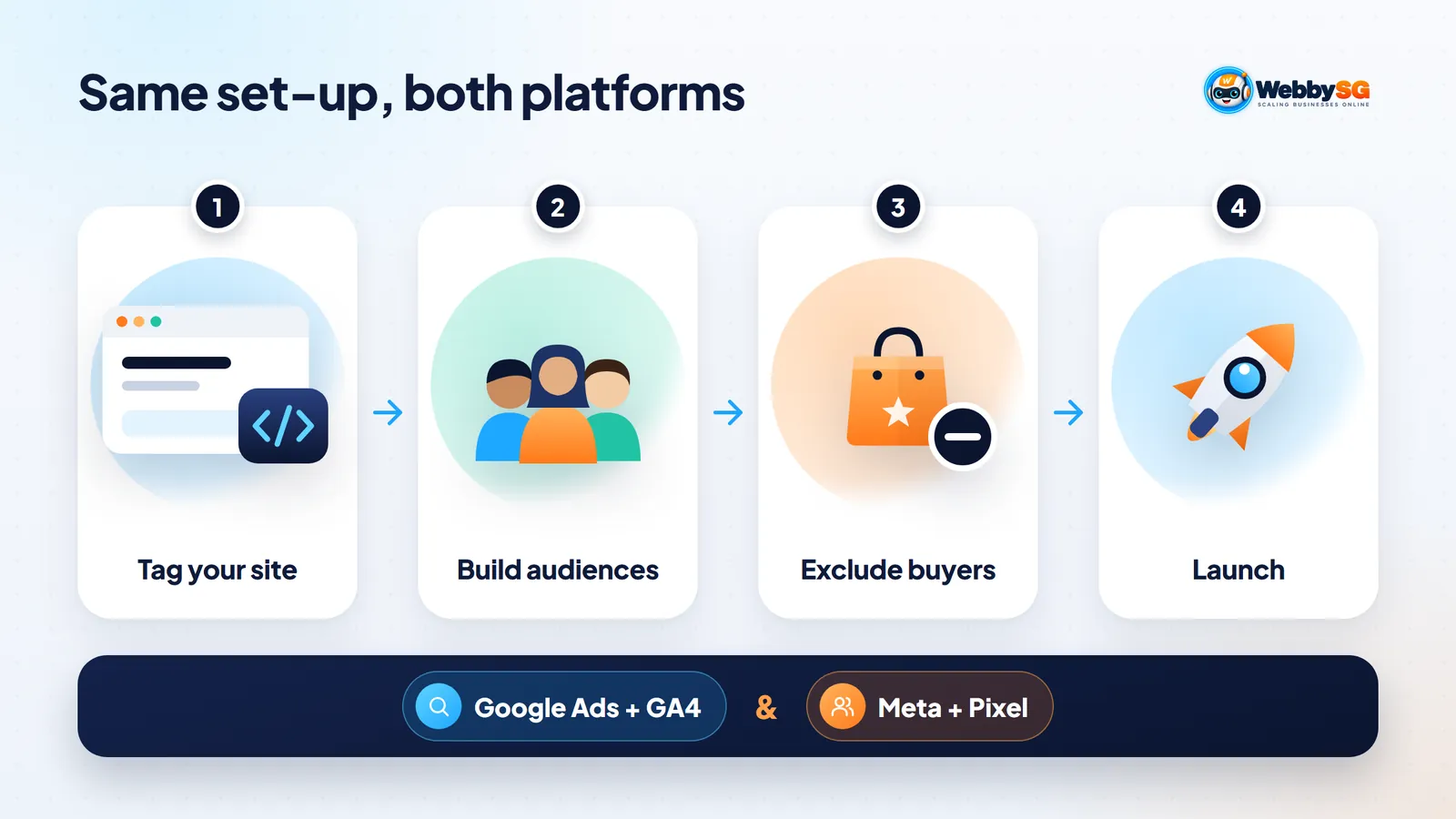
There are two common routes. Most small businesses use the first, because GA4 lets you build audiences on behaviour such as pages viewed and key events.
Route 1: GA4 audiences
- Link GA4 and Google Ads under Admin, Product links, Google Ads links, and turn on personalised advertising for the link.
- Build audiences in GA4 under Admin, Audiences. Useful starters: all users in the last 30 days, users who viewed service or product pages, and users who started but did not complete an enquiry or checkout.
- Create a "converted" audience of people who triggered your lead or purchase key event, so you can exclude them.
- Wait for the audiences to fill. They only collect people from the day you create them, so set them up early.
- Use them in campaigns. In Google Ads, add the segments to a Display or Demand Gen campaign as targeting, or to Search campaigns as observation so you can raise bids or change ads for past visitors.
Route 2: the Google Ads tag
Install the Google tag with your Google Ads account linked and create website visitor segments directly in Google Ads' audience manager. This works well if you do not use GA4 or need rules based on URLs only.
Our guide to Google Ads for Singapore SMEs covers how remarketing fits alongside Search campaigns, and our overview of YouTube ad formats explains the video options if you want to reach past visitors on YouTube.
Setting up retargeting on Facebook and Instagram
- Install the Meta Pixel through your platform's integration (Shopify, WooCommerce and Wix all offer one) or Google Tag Manager. Add the Conversions API if you can, so fewer events are lost.
- Set up standard events such as Lead, ViewContent, AddToCart and Purchase, and test them in Events Manager.
- Create custom audiences in Ads Manager under Audiences: website visitors (up to 180 days), people who engaged with your Instagram account or Facebook Page, video viewers and lead form openers.
- Exclude recent converters using a Lead or Purchase audience.
- Run a retargeting ad set with ads that answer objections: reviews, a guarantee, a short explainer video or a limited offer.
Note that Meta's Advantage+ campaigns may expand delivery beyond your custom audience. If you want strict retargeting, check the audience settings on each ad set.
Audience durations, frequency and messaging that work
Singapore is a small market, so audiences fill slowly and people see the same ads quickly. Match the membership duration to how long your customers take to decide.
| Business | Typical decision time | Suggested audience window | Message |
|---|---|---|---|
| Food delivery, small online purchases | Hours to days | 7 to 14 days | Reminder, free delivery threshold, limited offer |
| Fashion, home goods | Days to weeks | 14 to 30 days | Products viewed, reviews, new arrivals |
| Services (cleaning, tuition, clinics) | One to four weeks | 30 to 60 days | Reviews, before-and-after, easy booking |
| Renovation, B2B, high-value services | One to several months | 90 to 180 days | Case studies, guides, consultations |
These windows are starting points, not rules. Watch frequency in your reports: if the same person sees an ad many times a week and results fall, refresh the creative, widen the audience or lower the budget. Rotate several ads rather than one, and change the message by stage. Someone who read a pricing page needs different reassurance from someone who only glanced at the homepage.
Budget, measurement and common mistakes
Remarketing budgets are limited by audience size, not ambition. As an illustration: an audience of 2,000 people who each see your ads two or three times a week needs roughly 5,000 impressions a week. At an assumed cost of S$10 per 1,000 impressions, that is about S$50 a week, or around S$7 a day. Your actual costs will differ, but the logic holds: small audiences need small budgets.
Measure remarketing on the actions that matter: enquiries, bookings and sales from the remarketing campaign, compared with its cost. Be careful with view-through conversions, which count people who saw an ad and later converted without clicking. Many of them would have come back anyway.
Common mistakes:
- Not excluding people who already bought or enquired
- One ad shown for months to the same audience
- Audiences too narrow to ever reach the minimum size
- No frequency check, which annoys people and wastes budget
- Remarketing in sensitive categories that Google and Meta restrict
- Judging success on clicks rather than enquiries or sales
Our guide on how to read a Google Ads report explains which columns to watch.
Privacy and consent points for Singapore businesses
The PDPC's Advisory Guidelines on the PDPA for Selected Topics say that where targeting of ads involves collecting and using personal data through cookies, the individual's consent is required. Consent may be reflected in browser settings, but a person's failure to change those settings does not by itself mean consent. As good practice, the PDPC suggests letting visitors set cookie preferences on your website to enable or disable cookies for personalised ad targeting.
Practical steps:
- Name the Google tag, Meta Pixel and any other ad tags in your privacy policy, with their purpose.
- Use a cookie banner that lets visitors accept or reject advertising cookies, and connect it to Google consent mode and the Pixel's consent settings.
- Only upload customer lists for Customer Match or custom audiences if your customers were told their details may be used for marketing.
Platform rules also apply. Google's personalised advertising policy does not allow advertiser-curated audiences, including your data segments and Customer Match, for ads in sensitive interest categories such as health, negative financial status, relationship hardships, and religious or political beliefs. Clinics, debt services and similar businesses should check these rules before planning remarketing. This is general information, not legal advice.
Getting help with remarketing
For most small businesses, remarketing is the second campaign, not the first: you need something bringing new visitors before there is anyone to follow up. If you are unsure whether your traffic is big enough, or whether your tags and cookie banner are wired up properly, check that before you put money in.
Webby SG sets up and manages Google Ads remarketing as part of our search engine marketing service, and runs Meta retargeting through our social media advertising service. If you would like us to review your set-up, contact us.
Frequently asked questions
Is remarketing the same as retargeting?
Yes, for practical purposes. Google has historically called it remarketing and now calls the audiences "your data segments", while Meta and most marketers say retargeting. Both mean showing ads to people who have already interacted with your website, app, videos or customer list.
How much traffic do I need for Google Ads remarketing?
Google requires a segment to have at least 100 active visitors or users in the last 30 days before it can serve on the Display Network, Search or YouTube. In practice, aim for a few hundred monthly visitors to the pages you want to remarket on. If you are below that, start with broader audiences and longer windows.
How much should I spend on remarketing ads?
Size the budget to the audience, not the other way round. Work out how many people are in the audience and how often you want them to see an ad each week, then multiply by your expected cost per 1,000 impressions. For many small Singapore audiences, that comes to a modest daily budget rather than hundreds of dollars.
Do remarketing ads annoy customers?
They can, if the same ad follows people for weeks or keeps showing after they have bought. Exclude converters, keep audience windows sensible, rotate several ads and watch frequency in your reports. Ads that add something new, such as reviews or a useful guide, are received far better than repeated reminders.
Is remarketing allowed under Singapore's PDPA?
Yes, but where ad targeting collects and uses personal data through cookies, the PDPC's guidelines say consent is required. Explain your ad tags in your privacy policy, give visitors a way to accept or reject advertising cookies, and only use customer lists that people agreed could be used for marketing. Check with a legal adviser for your specific case.