Wix vs WordPress for Singapore Businesses
Wix or WordPress for your Singapore business site? Compare three-year costs, SEO, e-commerce, local payments, maintenance and moving to WordPress later.
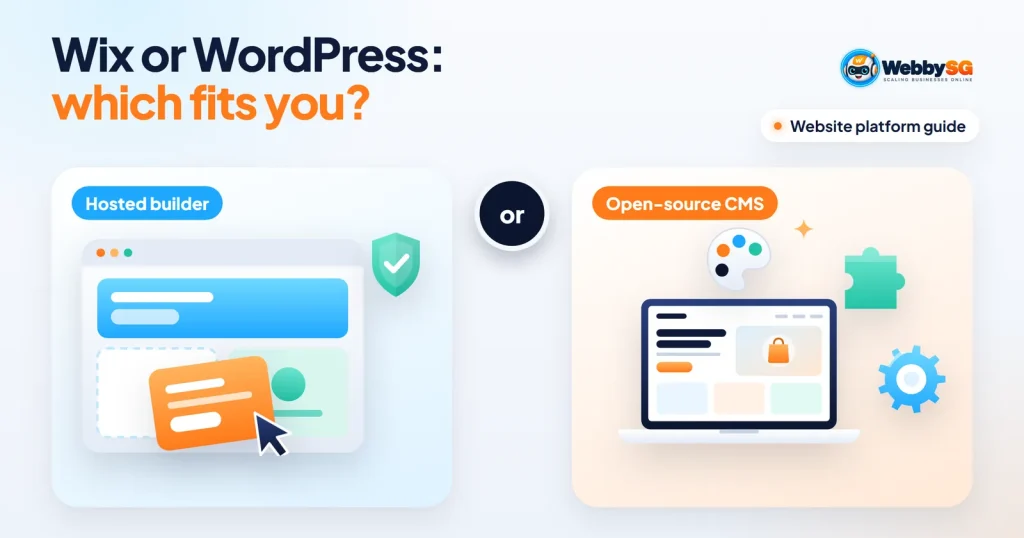
Wix vs WordPress comes down to convenience versus control. Wix is a hosted website builder: you pay a subscription, and Wix handles hosting, security and updates, but your site has to stay on Wix. WordPress is free, open-source software that you install on hosting you choose: you get full ownership and far more flexibility, but someone has to maintain it. For a Singapore business, Wix suits a simple service site that the owner wants to edit with little upkeep. WordPress suits businesses that rely on search traffic, plan to grow the site, need custom features, or want to be free to move hosts later. For a product-led online shop, Shopify is often the better fit than either. If your choice is between WordPress and a bespoke build, see our WordPress vs custom website comparison.
We build on both platforms, so this comparison is about fit rather than a favourite.
In short
- Choose Wix for a straightforward service website you want to update yourself, with minimal technical responsibility.
- Choose WordPress for SEO-led growth, larger sites, custom functions, or full ownership of your site and data.
- WordPress software is free, but hosting, premium plugins and maintenance are not. Wix bundles hosting into a yearly or monthly plan.
- Both can take payments in Singapore. Wix lists HitPay, which supports PayNow QR and GrabPay; WooCommerce on WordPress supports Singapore merchants through WooPayments and other gateways.
- Wix sites cannot be moved to another host, so leaving Wix later means rebuilding the site and setting up redirects.
Wix vs WordPress: the short answer
| If you… | Choose |
|---|---|
| Need a 5–10 page service site and want to edit it yourself | Wix |
| Depend on Google for enquiries in a competitive market | WordPress |
| Plan to publish a lot of content, such as guides and case studies | WordPress |
| Need bookings, calculators, member areas or integrations | WordPress (Wix if its built-in apps are enough) |
| Want no responsibility for hosting, updates or security | Wix |
| Sell physical products as your main business | Consider Shopify; WooCommerce if content matters too |
| Want to be able to change hosts or developers freely | WordPress |
How Wix and WordPress differ (hosted builder vs open-source CMS)
Wix is software as a service. You build with a drag-and-drop editor, add features from the Wix App Market, and pay a plan for hosting and premium features. Wix states that a Wix site needs to be hosted and operated on Wix's servers, because its architecture does not support external hosting.
WordPress (meaning the self-hosted WordPress.org software, not WordPress.com) is a content management system. According to WordPress.org, it is open-source software licensed under the GPLv2, which gives you the freedom to run it for any purpose. You install it on hosting of your choice, pick a theme, and add functions with plugins.
| Wix | WordPress | |
|---|---|---|
| Hosting | Included; must stay on Wix | Your choice of host, in Singapore or elsewhere |
| Software cost | Part of the plan | Free; you pay for hosting, premium themes and plugins |
| Updates and security | Handled by Wix | Your responsibility, or your maintenance provider's |
| Flexibility | Within Wix's editor and apps | Very wide, through plugins and custom code |
| Ownership | You own your content; the platform is rented | You own the site files, database and content |
Three-year cost: plans, hosting, apps and maintenance
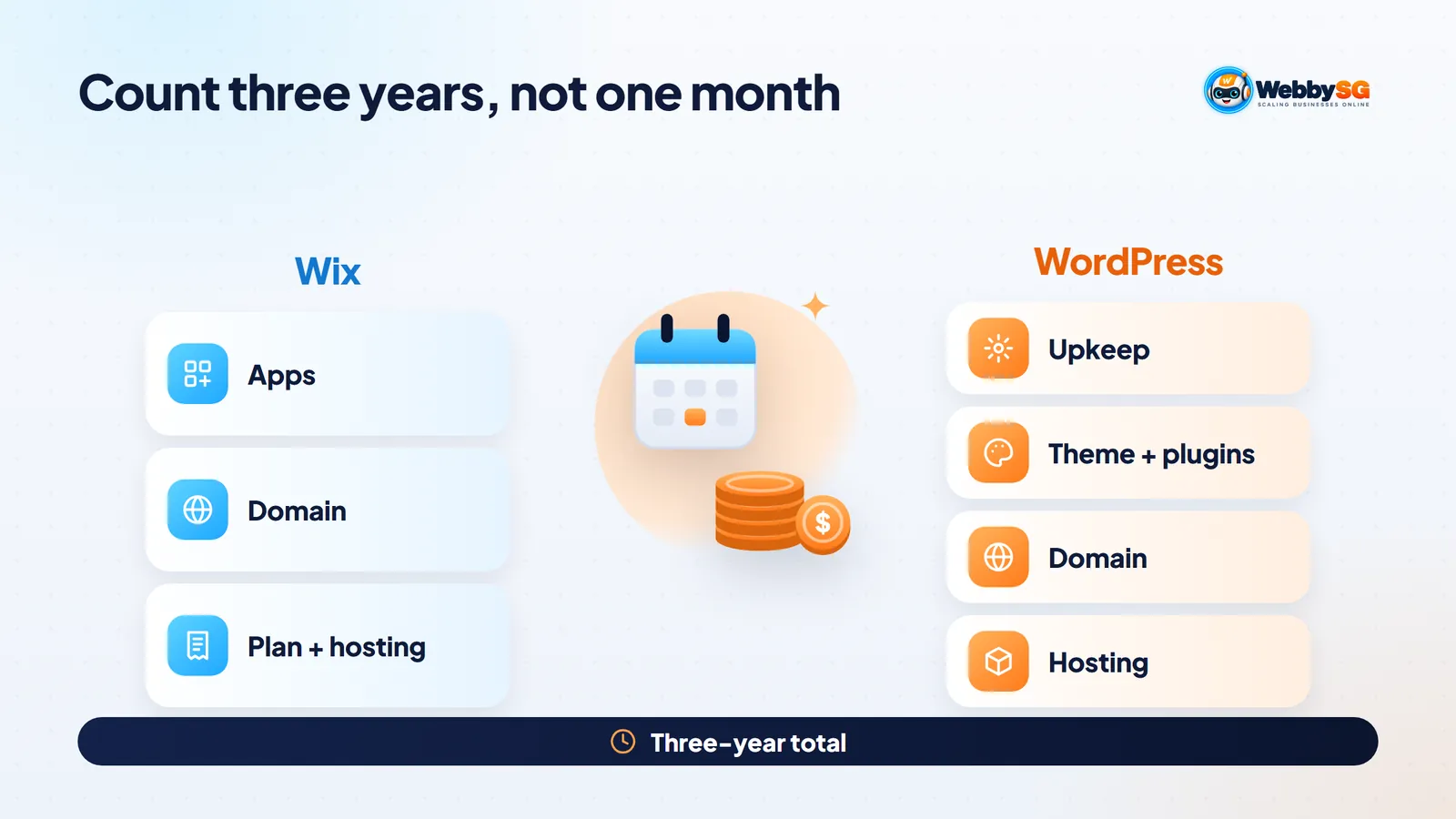
Comparing the monthly plan price alone is misleading. Count everything you will pay over three years, the typical life of a small business site before a redesign.
| Cost line | Wix | WordPress |
|---|---|---|
| Platform or software | Premium plan (Light, Core, Business or Business Elite), billed yearly or monthly | Free |
| Hosting | Included in the plan | Separate hosting plan, from basic shared hosting to managed WordPress hosting |
| Domain | Free for the first year on paid plans, then renewal | Yearly renewal |
| Extra features | Paid Wix apps, if needed | Premium theme and plugins, often yearly licences |
| Maintenance | Mostly your own time | Updates, backups and security: your time or a maintenance plan |
| Design and build | DIY or a designer | DIY or a designer |
Wix's pricing page says prices and currency vary by location, so check the plans while browsing from Singapore to see what you will actually be billed. For WordPress hosting, our guide to web hosting in Singapore explains what to compare beyond the headline price. As a reference for build costs, Webby SG's published prices for both Wix and WordPress sites run from S$600 to S$1,200 for a landing page to a 5–7 page site, as of November 2026.
What usually happens with SMEs: the Wix bill is easy to predict, because one plan covers hosting and security. WordPress hosting can cost less, but the three-year total swings on two things that are easy to forget at the start: yearly licences for premium plugins, and whether you pay someone to maintain the site or give up your own Saturday mornings to do it.
Design, ease of editing and who can update the site
Wix is easier for non-technical owners. A salon owner can change opening hours or swap a promo banner in a few minutes without calling anyone. You edit pages visually, and what you see is close to what visitors get. The drawback is that it is easy to break a layout on mobile by moving elements around, so check the mobile view after every change.
WordPress editing depends on how the site is built. With the block editor or a well-configured page builder, staff can update text, images and blog posts without help. Structural changes and new features usually need someone familiar with WordPress. Before choosing, decide who will update the site day to day, and make sure the platform suits that person.
SEO and page speed
Both platforms let you edit titles, meta descriptions, headings, image alt text and URLs, and set up redirects. A well-built Wix site can rank for local searches, especially with a strong Google Business Profile. WordPress offers more control: custom structured data, detailed URL structures, fine control of what is indexed and, with the right hosting and caching, more room to tune speed.
For most small service businesses, content quality and local signals matter more than the platform. The difference shows in competitive niches and content-heavy sites, where WordPress's flexibility becomes an advantage. Whichever you choose, test your key pages in PageSpeed Insights on mobile.
E-commerce and Singapore payment options
Wix: e-commerce features come with the Core plan and above. For Singapore payments, Wix's help centre lists several providers. Its HitPay integration page lists Singapore among its supported countries, and HitPay's methods include cards, Apple Pay, Google Pay, PayNow QR, GrabPay and DBS PayLah!. Check with HitPay which of these are switched on for your account. Stripe and PayPal are also available.
WordPress with WooCommerce: WooCommerce adds a full online shop to WordPress. WooCommerce's own WooPayments country list includes Singapore, and other gateways offer WordPress plugins for local methods such as PayNow. WooCommerce gives you more control over products, checkout and integrations, but adds plugins to maintain.
If the shop is the business, compare both against Shopify. Our Shopify website design page explains when it is the simpler choice.
Security, backups and maintenance responsibility
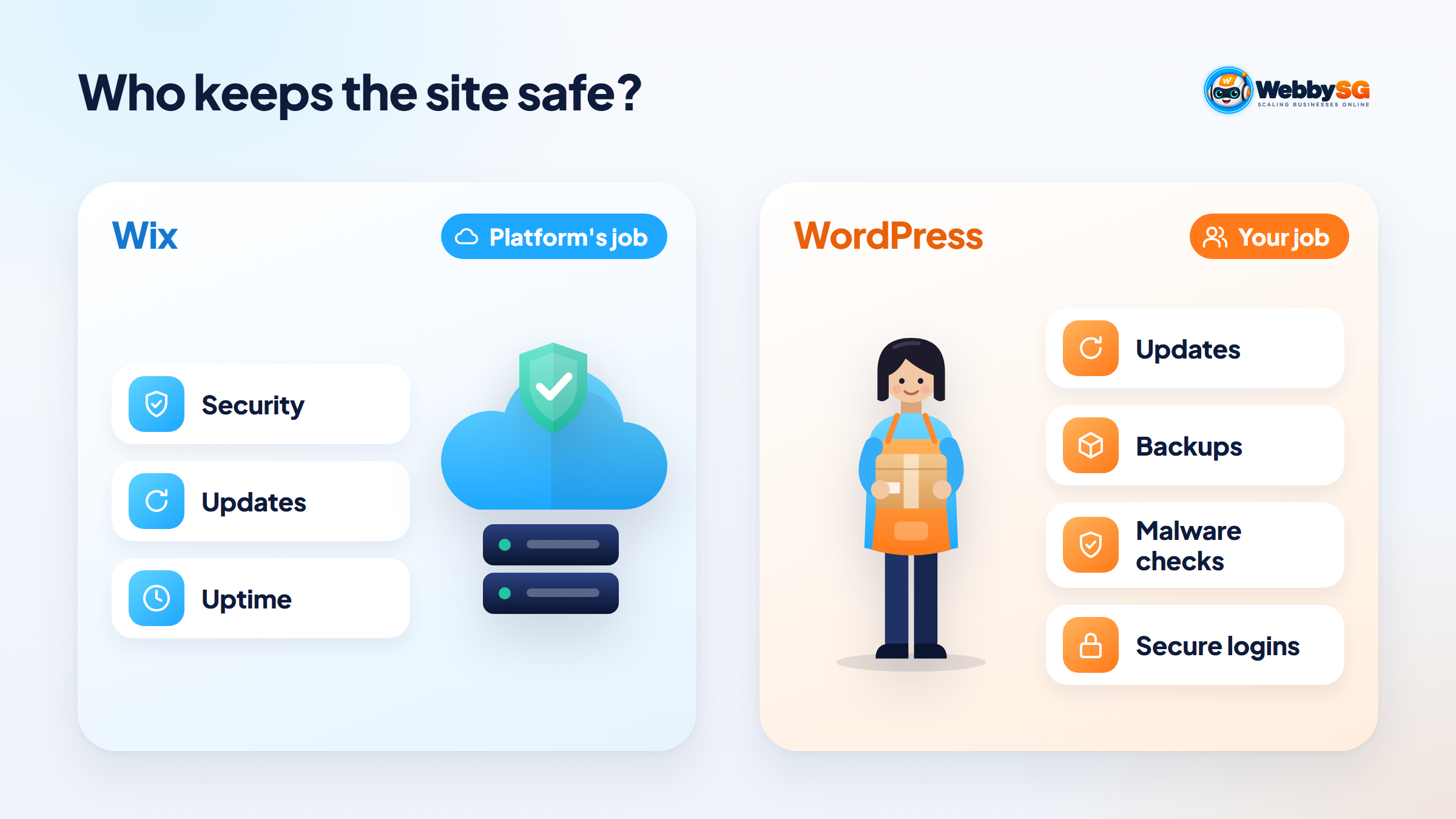
For most owners, this is where the choice is really made. On Wix, platform security, server updates and uptime are Wix's job. You are responsible for your content, your account security and any third-party apps.
On WordPress, someone must:
- Update WordPress core, the theme and plugins regularly.
- Remove plugins that are no longer maintained.
- Run off-site backups and test that they restore.
- Monitor for malware and uptime problems.
- Keep logins secure, with strong passwords and two-factor authentication.
Unmaintained WordPress sites are a common target for attacks. If no one on your team will do this, budget for a website maintenance plan.
On privacy, both platforms can collect personal data through forms and tracking. Under the PDPA, tell people why you collect their data and get consent. Wix offers a cookie consent banner from its Privacy & Cookies settings, through a partnership with Usercentrics; WordPress sites use a consent plugin.
Moving from Wix to WordPress later
Because a Wix site cannot be exported to another host, moving to WordPress means rebuilding: recreating the design, copying content, moving images and setting up the site structure again. Wix's help centre has also said that blog posts cannot be exported to other platforms, so large blogs take extra work.
The step that protects your search rankings is redirects: every old Wix URL should point to its new WordPress equivalent with a 301 redirect. Plan the move when traffic is quiet, and keep your domain registered in your own name throughout. Our Wix website service covers both building on Wix and moving off it with redirects in place.
Which to choose for your type of business
| Business | Usual best fit | Why |
|---|---|---|
| Tuition centre, salon, clinic or consultant with a simple site | Wix | Easy updates, bookings available, little upkeep |
| Renovation, aircon or cleaning firm competing on Google | WordPress | More SEO control and room for service and area pages |
| B2B company with many services and case studies | WordPress | Handles large content structures and integrations |
| Small shop with a few products alongside services | Wix | Built-in store and local payment providers |
| Product-led online store | Shopify or WooCommerce | Stronger commerce features |
Webby SG builds and maintains WordPress websites for Singapore businesses, with hosting, domain and site registered in your name. If you are unsure which platform suits you, ask us for a recommendation.
Frequently asked questions
Is Wix good for SEO in 2026?
Wix gives you the main on-page SEO controls, including titles, descriptions, headings, alt text and redirects, and Wix sites can rank well for local searches. WordPress offers deeper control, which matters more in competitive or content-heavy markets. For most small service businesses, content and local signals matter more than the platform.
Is WordPress free?
The WordPress software is free and open source under the GPLv2. Running a site still costs money: hosting, a domain, often premium themes or plugins, and maintenance. The total depends on your host and how much of the upkeep you do yourself.
Can I transfer my Wix site to WordPress?
Not directly. Wix states that its sites must be hosted on Wix's servers, so there is no export to another host. Moving means rebuilding the site on WordPress, copying content across and setting up 301 redirects from the old URLs to keep your search rankings.
Which is better for a small online shop in Singapore?
For a few products alongside a service business, Wix's store is usually enough, and it supports Singapore payment providers such as HitPay for PayNow QR. For a larger catalogue or content-led shop, WooCommerce on WordPress gives more control. If selling products is the main business, also consider Shopify.
Do I need a developer for WordPress?
Not for everyday edits on a well-built site: staff can update pages and posts in the editor. You will usually want help with the initial build, new features and regular maintenance, including updates, backups and security monitoring.