WooCommerce SEO: A Practical Guide for Store Owners
A practical WooCommerce SEO checklist: permalinks, product and category pages, filters and variations, schema, Merchant Center, speed and the right plugin.
WooCommerce SEO is the work of making a WooCommerce store easy for Google to crawl, understand and show for product searches. WooCommerce is a solid base for SEO because it runs on WordPress, gives you full control of URLs, page content and structured data, and works with the main SEO plugins. The catch is that a default store also creates problems you have to manage yourself: duplicate filter and sort URLs, thin tag pages, out-of-stock products and incomplete product schema. Fix those first, then improve product and category content.
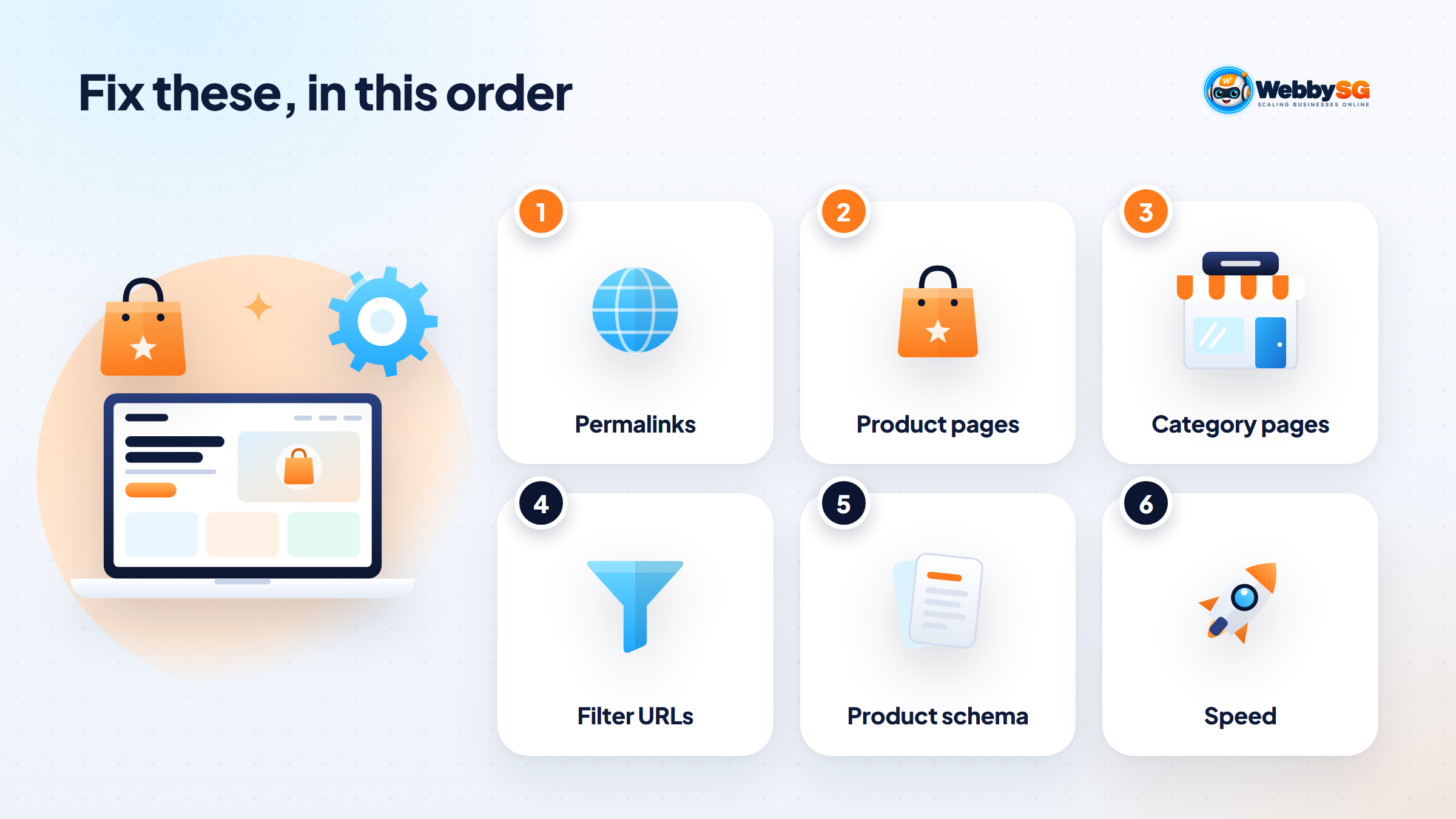
This guide is a practical checklist for small store owners, in the order we would tackle it, with notes for Singapore stores selling in SGD.
In short
- Settle your permalink structure before launch. Changing it later turns every old product URL into a 404 unless you add redirects.
- Category pages often rank better than individual products for broad searches, so give them real content, not just a product grid.
- Keep filter, sort and tag URLs out of Google's index unless they are pages you have deliberately built to rank.
- Complete product structured data (price, currency, availability, shipping and returns) and connect Google Merchant Center to show products in free listings.
- Choose one SEO plugin and configure it properly. Hosting, caching and image sizes usually matter more than which plugin you pick.
Is WooCommerce good for SEO?
Yes, with effort. WooCommerce gives you more control than hosted platforms: you can edit URL bases, write long category content, add any structured data and run a full WordPress blog alongside your store. That control is why content-heavy stores often choose it.
The trade-off is responsibility. On a hosted platform, the provider handles speed, security and much of the technical set-up. On WooCommerce that falls to you or your developer, and every plugin, theme and hosting choice shows up in performance. A store left untouched for a couple of years can easily pick up thousands of crawlable filter URLs and a bloated homepage; tidied up, the same store can compete comfortably.
| Area | WooCommerce | Shopify |
|---|---|---|
| URL structure | Fully editable product and category bases | Fixed prefixes such as /products/ and /collections/ |
| Content and blogging | Full WordPress editor and blog | Built-in blog, more limited layout options |
| Structured data | Basic output by default; extend with plugins or code | Depends on theme and apps |
| Speed and hosting | Your responsibility | Managed by Shopify |
| Maintenance | Plugin, theme and core updates needed | Mostly handled by the platform |
If you are still choosing a platform, see our Shopify website design page for the hosted alternative.
Set up permalinks and site structure correctly
According to WooCommerce's permalinks documentation, the settings live under Settings > Permalinks in WordPress. By default, products sit under /product/, categories under /product-category/ and tags under /product-tag/. You can also choose a shop base, a shop base with the category, or a custom base.
Practical advice:
- Keep product URLs short. The default /product/name/ or a /shop/name/ base works well. Including the category in product URLs can create problems when a product moves category or sits in several.
- Decide before launch. WooCommerce warns that changing permalinks updates existing product URLs, so old links and indexed pages return 404 errors unless you add redirects.
- Keep the structure shallow. Home, then main categories, then subcategories or products. Every important product should be reachable within a few clicks of the homepage.
- Link categories from the main menu and add breadcrumbs, so both visitors and Google understand the hierarchy.
Optimising product pages
Most small stores copy the manufacturer's description and add a photo. That gives Google nothing to distinguish your page from every other store selling the same item.
- Write a unique description. Cover what the product is, who it suits, sizes or specifications, and the questions customers actually ask you.
- Use a descriptive product title. Include the product type and key attribute, such as "Teak dining table, 180cm, seats 6", not just a model code.
- Write the SEO title and meta description in your SEO plugin. Mention delivery in Singapore or self-collection if it helps the click.
- Optimise images. Compress them, use descriptive file names and add alt text that describes the product.
- Show price, stock and delivery clearly. If you are GST-registered, IRAS requires prices shown to the public, including on websites, to be GST-inclusive. A price shown as "$100 + GST" on its own does not meet that rule. Set WooCommerce to enter and display prices inclusive of the 9% GST.
- Add reviews. Genuine customer reviews add useful content and can feed review stars in structured data.
- Link related products and the parent category so Google can find them easily.
Category pages that rank
For broad searches such as "outdoor furniture Singapore", Google often prefers a category page to a single product, because the searcher wants to compare options. Yet many WooCommerce category pages are just a grid of products with no text.
To make category pages competitive:
- Add a short introduction at the top (two or three sentences) that names the category and what shoppers will find.
- Add helpful content below the products: how to choose, materials, sizes, care, and the delivery details Singapore shoppers ask about (lift-access fees, HDB delivery windows, self-collection). This is also a natural place for an FAQ.
- Write a unique SEO title and meta description for each category.
- Avoid creating many near-identical categories. One strong category beats five thin ones.
Filters, variations and duplicate URLs
This is where most WooCommerce stores leak SEO value. Layered navigation, sorting and filter plugins create URLs such as ?orderby=price or ?filter_colour=blue&filter_size=large. Each combination is a new URL with nearly the same content, and Google can spend a lot of time crawling them.
Google's guidance on faceted navigation URLs says that if you do not need filtered URLs in search, you can disallow crawling of the filter parameters in robots.txt while leaving product pages and the unfiltered category crawlable. Canonical tags pointing to the unfiltered version can reduce crawling of filtered URLs over time, and nofollow on filter links is described as less effective in the long term.
| URL type | Example | Recommended handling |
|---|---|---|
| Sort order | ?orderby=price | Keep out of search: canonical to the category, or block the parameter in robots.txt |
| Filters | ?filter_colour=blue | Block in robots.txt unless you deliberately want a filtered page to rank |
| Product tags | /product-tag/sale/ | Usually noindex, or stop using tags as public pages |
| Pagination | /page/2/ | Leave crawlable so Google can reach products on later pages |
| Variations | ?attribute_size=large | One product URL for all variations; let the variation selector change the page |
If a filtered view is something people search for, such as "white rattan chairs", consider building it as a proper subcategory with its own content rather than relying on a filter URL. One caution: a page blocked in robots.txt cannot have its noindex or canonical tag read by Google, so choose one method per URL type.
Out-of-stock and discontinued products
Do not delete product pages just because stock runs out. A page that already ranks and has links is valuable.
- Temporarily out of stock: keep the page live, show the status clearly, mark availability as out of stock in structured data, and offer a back-in-stock alert or alternatives.
- Discontinued with a replacement: 301-redirect the old product to the replacement or the closest equivalent.
- Discontinued with no replacement: redirect to the most relevant category if it genuinely helps the visitor; otherwise let the page return a 404 or 410.
Check WooCommerce's "Hide out of stock items from the catalogue" setting. It removes products from listings, but the product URLs remain live, which can leave pages with few internal links.
Product schema and Google Merchant Center free listings
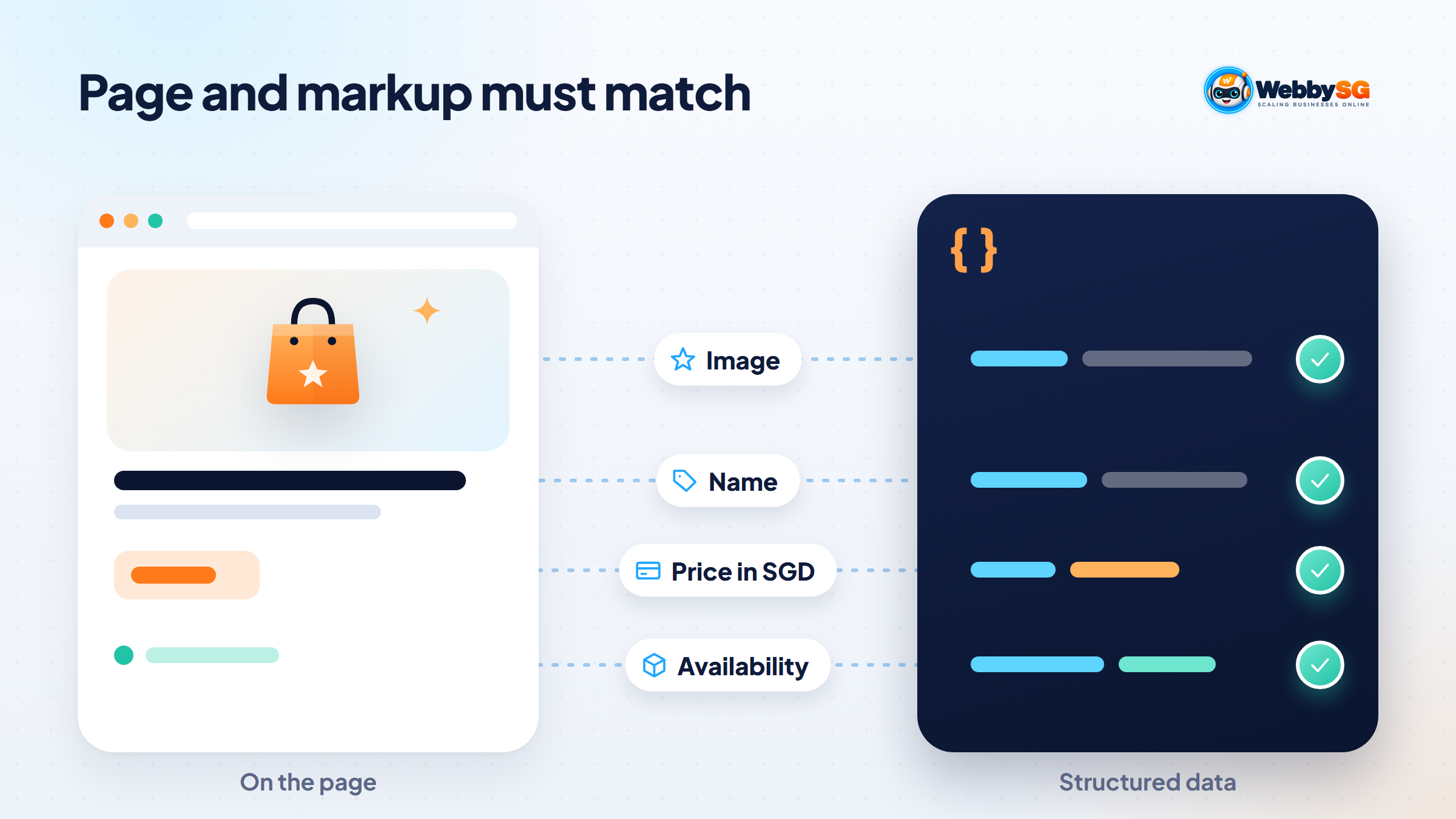
Structured data helps Google show price, availability and review information in search results. Google's documentation on merchant listing structured data lists the required properties for product pages where customers can buy: the product's name, image and offers, with the offer's price and price currency. Recommended properties include availability, shipping details, return policy, brand, GTIN, SKU and review ratings.
WooCommerce outputs basic product markup, and SEO plugins extend it. Check yours with Google's Rich Results Test and fix missing fields. For a Singapore store, make sure the currency is SGD, and add shipping and returns information if you can.
Google Merchant Center lets your products appear in free listings across Google surfaces such as the Shopping tab, Search and Images. Singapore is a supported country with SGD pricing. Connect your store using Google's official WooCommerce extension or a feed plugin, add your shipping settings, and review any product disapprovals.
Speed and hosting for WooCommerce
WooCommerce is heavier than a brochure site. Cart, checkout and account pages cannot be fully cached, and every plugin adds work. The biggest gains usually come from:
- Hosting with enough resources, ideally with servers in or near Singapore. Our web hosting guide for Singapore explains the options.
- Page caching for product and category pages, with cart and checkout excluded.
- Compressed, correctly sized images in modern formats.
- Removing unused plugins and avoiding heavy page builders where possible.
- Regular updates to WordPress, WooCommerce, the theme and plugins, which also matter for security.
Which WooCommerce SEO plugin you actually need
You need one SEO plugin, not several. Yoast SEO, Rank Math and All in One SEO all handle titles, meta descriptions, XML sitemaps, canonical tags, breadcrumbs and noindex settings. Each offers paid WooCommerce add-ons or tiers with extra product schema and features. Before paying, check whether the free version plus correct settings already covers what you need. Running two SEO plugins at once often creates duplicate tags.
Whichever plugin you choose, confirm these settings: product tags set to noindex if you do not use them as landing pages, the XML sitemap includes products and categories but not tags or filtered URLs, and breadcrumbs are enabled.
If you would like help, our WooCommerce website design team builds and fixes stores with these settings in place, and our website maintenance service keeps plugins, speed and security in check afterwards. For a quick review of your store, contact us.
Frequently asked questions
Is WooCommerce better than Shopify for SEO?
Neither is automatically better. WooCommerce gives more control over URLs, content and structured data, which helps content-heavy stores. Shopify handles hosting and speed for you but uses fixed URL prefixes. A well-run store on either platform can rank well. If you are still comparing platforms, the Shopify Singapore guide covers the practical considerations for running a store locally.
Do I need Yoast WooCommerce SEO premium?
Not necessarily. The free versions of the main SEO plugins cover titles, meta descriptions, sitemaps and canonical tags. Paid WooCommerce add-ons mainly extend product schema and add convenience features, so check whether you need those before paying.
Should I noindex product tags?
In most small stores, yes. Tag pages tend to be thin lists that duplicate categories. If you do use a tag as a genuine landing page with its own content, keep that one indexable and consider turning it into a category instead.
How do I stop filter URLs from being indexed?
Google's faceted navigation guidance suggests disallowing filter parameters in robots.txt if you do not need them in search, while keeping products and the main category crawlable. Canonical tags pointing to the unfiltered category are another option. Use one approach per URL type, since a URL blocked in robots.txt cannot have its tags read.
What should I do with discontinued products?
If there is a replacement or close equivalent, 301-redirect the old product page to it. If not, redirect to the most relevant category only when that genuinely helps the visitor; otherwise let it return a 404 or 410. Keep temporarily out-of-stock products live with their availability marked.