Shopify Singapore Guide: Costs, Setup and Fit for SMEs
What Shopify really costs a Singapore SME in SGD, how to set up payments, GST and delivery, and when WooCommerce or Wix is the better choice.
Shopify is a hosted e-commerce platform, and for many Singapore SMEs it is the fastest way to get a reliable online store running. Shopify Singapore pricing is published in SGD, with the Basic plan at S$39 a month (or S$29 a month billed yearly) as of November 2026. Card payments, GrabPay and local delivery can all be set up from the admin, while PayNow usually needs a third-party provider. Shopify is a strong choice if you sell physical products and want little technical upkeep. It is a weaker fit if you need full control over your site, heavy content marketing or the lowest possible running cost.
This guide is for owners deciding whether Shopify suits their business, what it will cost in the first year, and which Singapore-specific settings to get right before launch.
In short
- Shopify's Singapore plans are priced in SGD: Basic S$39, Grow S$132 and Advanced S$531 a month on monthly billing, or S$29, S$99 and S$399 a month billed yearly (as of November 2026).
- Shopify Payments is available to Singapore businesses and supports cards and, for eligible stores, GrabPay. PayNow normally comes through a third-party provider, which adds a Shopify transaction fee of 2% on Basic.
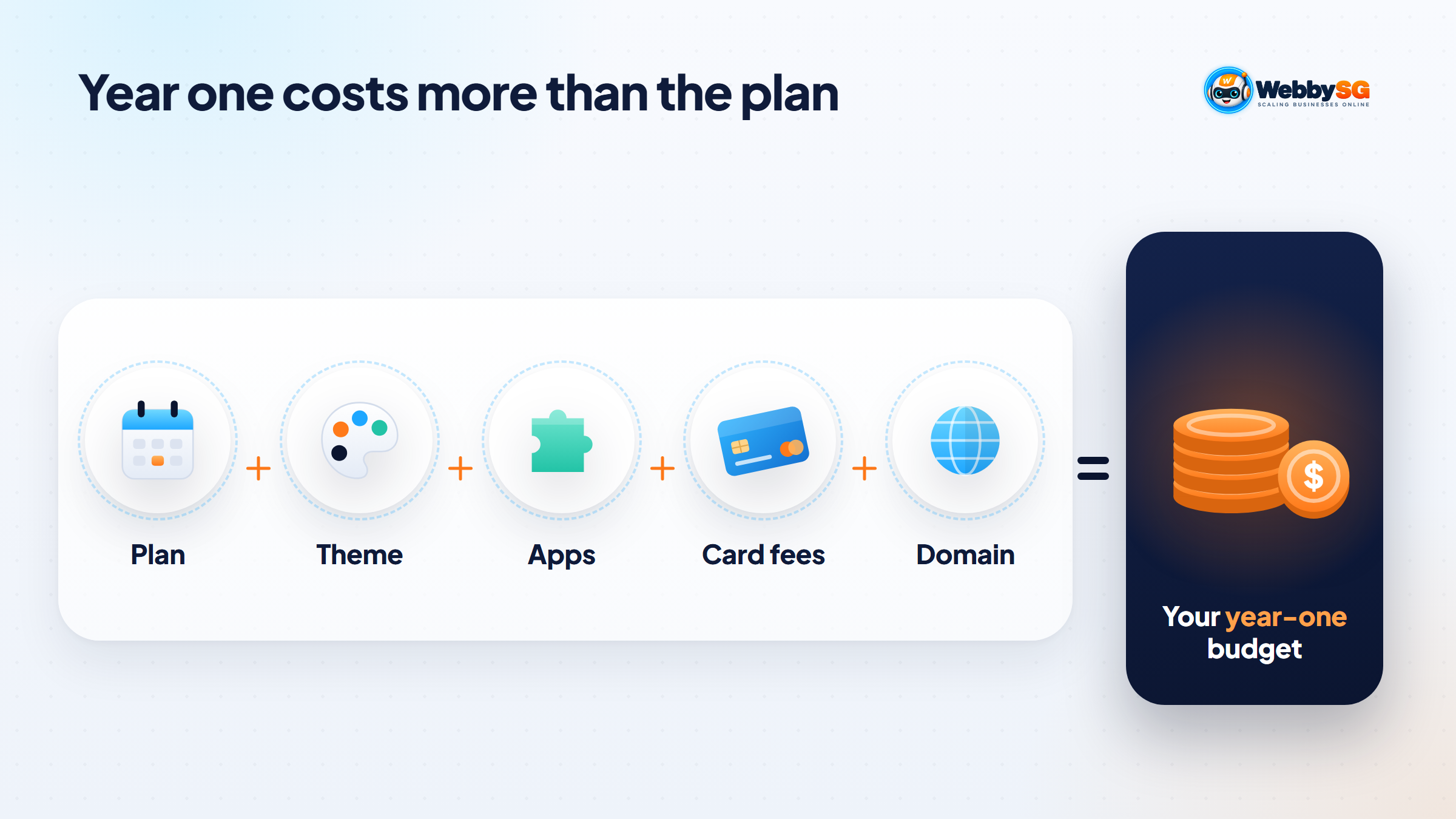
- Budget for more than the plan: a theme, a few paid apps and payment fees often cost more than the subscription itself.
- GST registration is compulsory once taxable turnover exceeds S$1 million. Once registered, you charge 9% GST and must show GST-inclusive prices.
- Your checkout collects personal data, so PDPA notice and consent rules apply, including for marketing sign-ups.
Is Shopify the right platform for your Singapore business?
Shopify handles hosting, security updates, checkout and payments for you. You pay a monthly fee and give up some control in exchange. It is used widely here: Store Leads counted 17,668 live Shopify stores in Singapore in its report updated 6 November 2026.
In our experience the platform question is rarely about features. It is about who will look after the store once it is live, and how much you are willing to pay each month for not having to.
Shopify tends to suit businesses that:
- Sell physical products, from a dozen items to several thousand
- Want to launch quickly without managing hosting, plugins or server updates
- Sell online and at markets, pop-ups or a shop, using Shopify POS for in-person sales
- Expect to add staff, sales channels or overseas markets later
It is a weaker fit when:
- Most of your revenue comes from services or bookings rather than products
- The website is mainly a content or lead-generation site with a small shop attached
- You need unusual checkout logic, complex B2B pricing or deep custom integrations on a small budget
- You want to avoid recurring app subscriptions, which add up over time
Shopify Singapore pricing: what it really costs in the first year
Shopify's Singapore pricing page lists the plans in SGD (Shopify Plus is quoted in USD). The figures below are as of November 2026. New stores were also offered a 3-day free trial followed by $1 a month for the first three months, so check the current promotion when you sign up.
| Plan | Monthly billing | Billed yearly | Year 1 subscription (yearly billing) | Online card rate (Shopify Payments) | Fee if you use a third-party gateway |
|---|---|---|---|---|---|
| Basic | S$39/month | S$29/month | S$348 | 3.2% + S$0.50 | 2% |
| Grow | S$132/month | S$99/month | S$1,188 | 3.1% + S$0.50 | 1% |
| Advanced | S$531/month | S$399/month | S$4,788 | 3% + S$0.50 | 0.6% |
| Plus | From US$2,300/month | On request | Quoted | 2.9% + S$0.50 | 0.2% |
Source: Shopify Singapore pricing page, checked 14 November 2026. Amex and international cards are charged at higher rates.
Most Singapore SMEs start on Basic. Grow becomes worth it when you need staff accounts (Basic has no additional staff accounts; Grow includes five), or when your sales are high enough that the lower card rate and third-party fee cover the difference in subscription.
A 12-month cost worksheet
Use these lines to build your own first-year budget:
- Plan subscription. S$348 for Basic billed yearly, or S$468 if you pay S$39 monthly for 12 months.
- Theme. Free themes are available. Paid themes in the Shopify Theme Store were listed at roughly US$100 to US$500 as one-off purchases in November 2026.
- Apps. Reviews, subscriptions, bundles, delivery-date pickers and marketing tools are often separate monthly subscriptions. List the apps you need and add up their monthly fees before you commit.
- Payment fees. As an illustration, a store on Basic with Shopify Payments that takes 200 orders of S$50 in a month (S$10,000 in sales) pays about S$420 in card fees: 3.2% of S$10,000 plus 200 × S$0.50. Over a year at that pace, card fees would be roughly fourteen times the Basic subscription.
- Domain. A .sg or .com.sg domain renews every year. See our guide to registering a .sg domain.
- Set-up help, photography and copy. If you hire help for the build, add the quote here.
Shopify vs WooCommerce vs Wix for Singapore SMEs
All three can run a small Singapore online store. The difference is who maintains the site, how far you can customise it and how costs grow.
| Factor | Shopify | WooCommerce | Wix |
|---|---|---|---|
| Hosting and updates | Included and managed by Shopify | You arrange hosting, updates, backups and security | Included and managed by Wix |
| Best for | Product-led stores that want to scale | Content-heavy sites, custom requirements, full ownership | Small catalogues and service businesses that also sell a few products |
| Customisation | Wide, through themes and apps; checkout and URL structure are controlled by Shopify | Very wide; you own the code and the data | Moderate, within Wix's editor and app market |
| Main ongoing costs | Plan, apps, payment fees | Hosting, premium plugins, developer time | Plan, apps, payment fees |
| Content and blogging | Adequate | Strongest (WordPress) | Adequate |
| Technical skill needed | Low | Moderate to high | Low |
A practical rule: if the shop is the business, start with Shopify. If content and search traffic drive the business and the shop supports it, look at WooCommerce on WordPress. If you are a service business with a small product range and want an easy editor, Wix may be enough.
What to prepare before you build the store
Most delays in a Shopify build come from missing content, not the platform. Get these ready first:
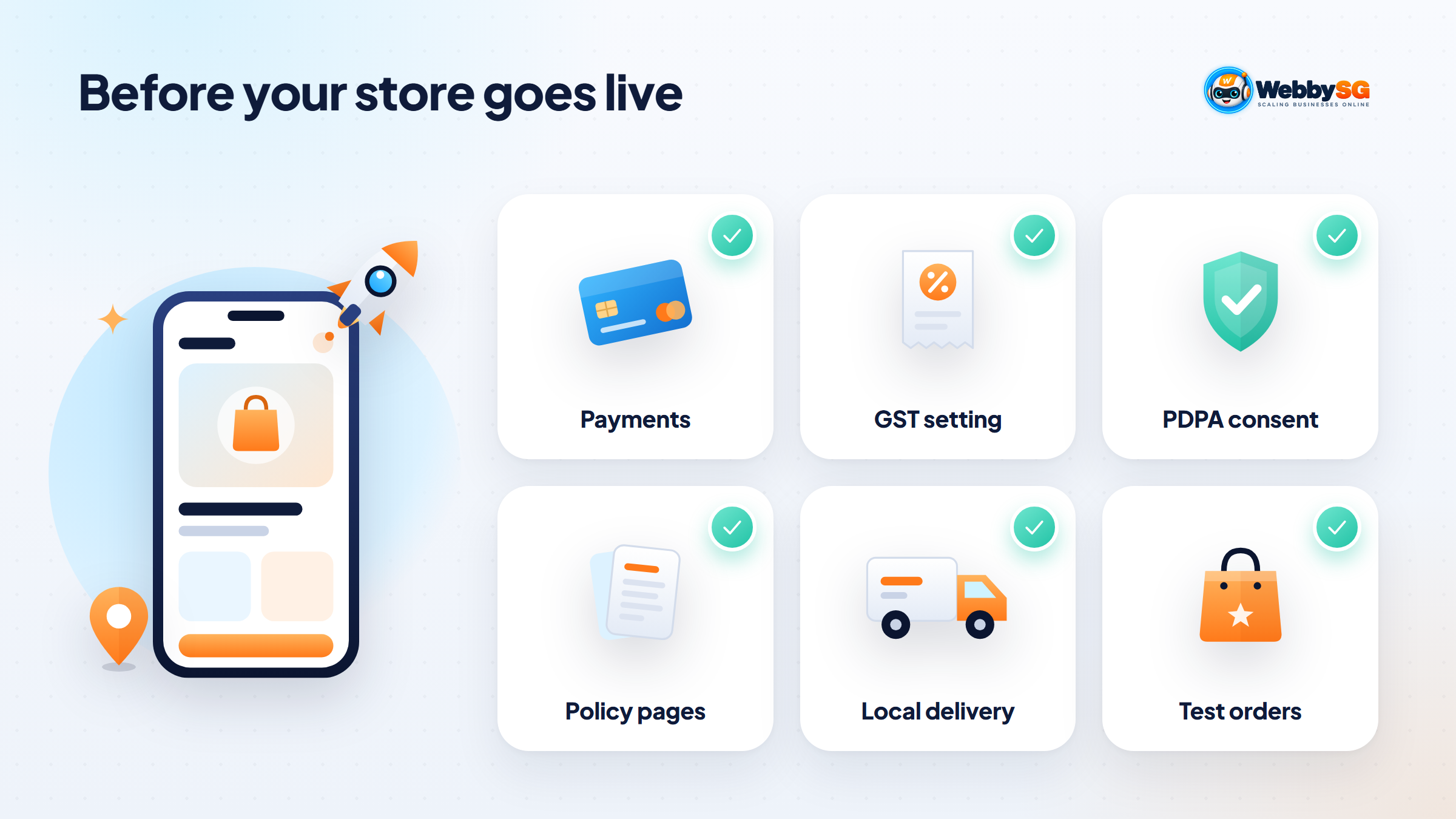
- Business registration. Your UEN and registered business name, which you will need when verifying Shopify Payments.
- A Singapore bank account in the business's name for payouts.
- Domain. Registered in your company's name, not your designer's.
- Product data. Names, descriptions, prices, variants (size, colour), weights and SKUs, ideally in a spreadsheet you can import.
- Photos. Consistent, well-lit product images at the same aspect ratio.
- Policies. Shipping, returns and refunds, and privacy (see below).
- Delivery plan. Which couriers, which delivery fees, and whether you offer self-collection.
- Your contact details. Email, WhatsApp number and business address for the footer and contact page.
Payments in Singapore: Shopify Payments, PayNow and gateways
Singapore is on Shopify's list of countries supported for Shopify Payments. You will need to verify personal and business details, and payouts go to a Singapore bank account. Using Shopify Payments means no extra Shopify transaction fee, and it handles cards and wallets such as Apple Pay and Google Pay.
For local methods, Shopify's help centre states that GrabPay is available to eligible Singapore stores accepting SGD payments from customers in Singapore. Some local payment methods are in early access, so they may not appear in every store yet.
PayNow is not listed among Shopify Payments' local methods for Singapore. Stores that want PayNow usually add it through a third-party payment provider with a Shopify app. That works well, but note the cost: on Basic, Shopify charges a 2% transaction fee on orders paid through a third-party provider, on top of the provider's own fees. A cheaper option for a small number of orders is a manual payment method, such as showing your PayNow details and confirming each payment yourself. Shopify does not charge third-party transaction fees on manual payments, but you have to check every transfer before fulfilling the order.
Run a few real test orders with each method before launch, including a refund.
GST, PDPA and the policy pages you need
GST
According to IRAS, you must register for GST if your taxable turnover exceeded S$1 million in the past calendar year, or if you can reasonably expect it to exceed S$1 million in the next 12 months. Below that threshold, you can choose to register voluntarily but do not have to. Most new Shopify stores are not GST-registered.
If you are registered, GST is charged at 9%, and IRAS requires prices shown to the public, including on your website, to be GST-inclusive. In Shopify, set tax for Singapore and turn on the setting that includes tax in your prices, so customers see the final price on product pages. If you are not registered, make sure Shopify is not charging tax at all.
PDPA
Your checkout collects names, addresses, phone numbers and email addresses, so the PDPA applies. The PDPC's data protection obligations include telling people why you collect their data, getting consent for those purposes, letting them withdraw consent, and appointing a Data Protection Officer whose business contact details are public. For a Shopify store this usually means:
- A privacy policy that names what you collect, why, and which apps or partners receive it (couriers, payment providers, email tools)
- A marketing sign-up box at checkout that customers tick themselves, kept separate from the order
- A DPO contact email in the privacy policy
This is general information, not legal advice.
Policy pages to publish
- Privacy policy
- Shipping and delivery policy (fees, areas, timeframes, self-collection)
- Returns and refund policy
- Terms of service
- Contact information, including your registered business name and UEN
Delivery, self-collection and returns in Singapore
Singapore's size makes delivery simpler than in most markets, but customers compare fees closely. Shopify lets you set up three useful options:
- Shipping rates for courier delivery, either flat or by weight or order value. Local couriers such as SingPost and Ninja Van are common choices; check which offer a Shopify integration for label printing and tracking.
- Local delivery for orders you deliver yourself, limited by postal code or distance from your location.
- Local pickup for self-collection from your shop, studio or office, with your opening hours in the confirmation email.
A free-delivery threshold, such as free delivery above a set order value, is a simple way to raise basket size. Set it after you know your average order value and courier cost.
For returns, decide the window, who pays return delivery and the condition items must be in, then state it plainly in your returns policy. Clear terms prevent more disputes than generous ones.
DIY, freelancer or agency: when to get help
Shopify is designed for owners to set up themselves, and many do. The question is whether your time is better spent elsewhere.
| Option | Suits you if | Watch out for |
|---|---|---|
| DIY | Under about 50 products, a standard theme, and time to learn | Payment, tax and PDPA settings left half-done |
| Freelancer | A clear, fixed scope such as theme set-up and product upload | Accounts set up in the freelancer's name; no support after launch |
| Agency | Custom design, migration from another platform, integrations, or ongoing marketing | Higher cost; check what is fixed-price and what is extra |
Getting help usually pays off for migrations, where product data, customer records and old URLs need to move cleanly, and for stores where the checkout, delivery rules or integrations go beyond a standard set-up. Whoever builds the store, keep the Shopify account, domain and payment accounts in your company's name.
Webby SG builds and maintains Shopify stores for Singapore businesses. Our Shopify website design service page sets out what a build includes, and our e-commerce website service covers the other platforms if Shopify turns out not to be the right fit. If you would like a second opinion on which platform suits you, send us a message.
Frequently asked questions
How much does Shopify cost per month in Singapore?
As of November 2026, Shopify's Singapore plans are priced in SGD: Basic is S$39 a month, Grow S$132 and Advanced S$531 on monthly billing, or S$29, S$99 and S$399 a month billed yearly. Payment fees, a theme and any paid apps come on top. For most small stores, apps and payment fees decide the real monthly cost more than the plan does.
Can I accept PayNow on Shopify?
Yes, but usually not through Shopify Payments, which lists GrabPay rather than PayNow as its Singapore local method. Most stores add PayNow through a third-party payment provider's Shopify app, which incurs Shopify's third-party transaction fee (2% on Basic) plus the provider's fees. You can also offer PayNow as a manual payment method and confirm each transfer yourself.
Do I need to charge GST on my Shopify store?
Only if your business is GST-registered. Registration is compulsory when taxable turnover exceeded S$1 million in the last calendar year or is expected to exceed S$1 million in the next 12 months. If you are registered, charge 9% GST and show GST-inclusive prices on your store.
What are the disadvantages of Shopify?
The main ones are recurring costs, since paid apps add monthly fees, and the extra transaction fee if you use a third-party payment provider. Shopify also controls the checkout and URL structure, so some customisations are limited on lower plans. Content-heavy sites are often easier to run on WordPress.
Can I move my existing website to Shopify?
Yes. Products and customers can be imported by CSV or migration apps, and pages and blog posts can be copied across. The important step is setting up URL redirects from your old addresses to the new Shopify ones, because Shopify uses its own URL structure. Without redirects, you can lose search rankings that the old site had built.