UI vs UX: The Difference Explained for Business Owners
UI is how your website looks and responds; UX is whether people can do what they came for. See the difference with real website examples.
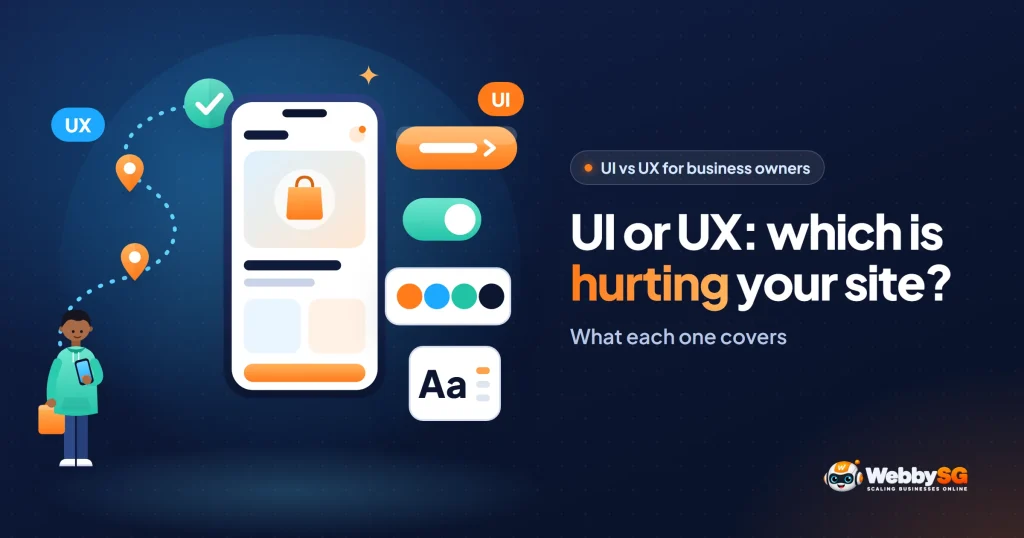
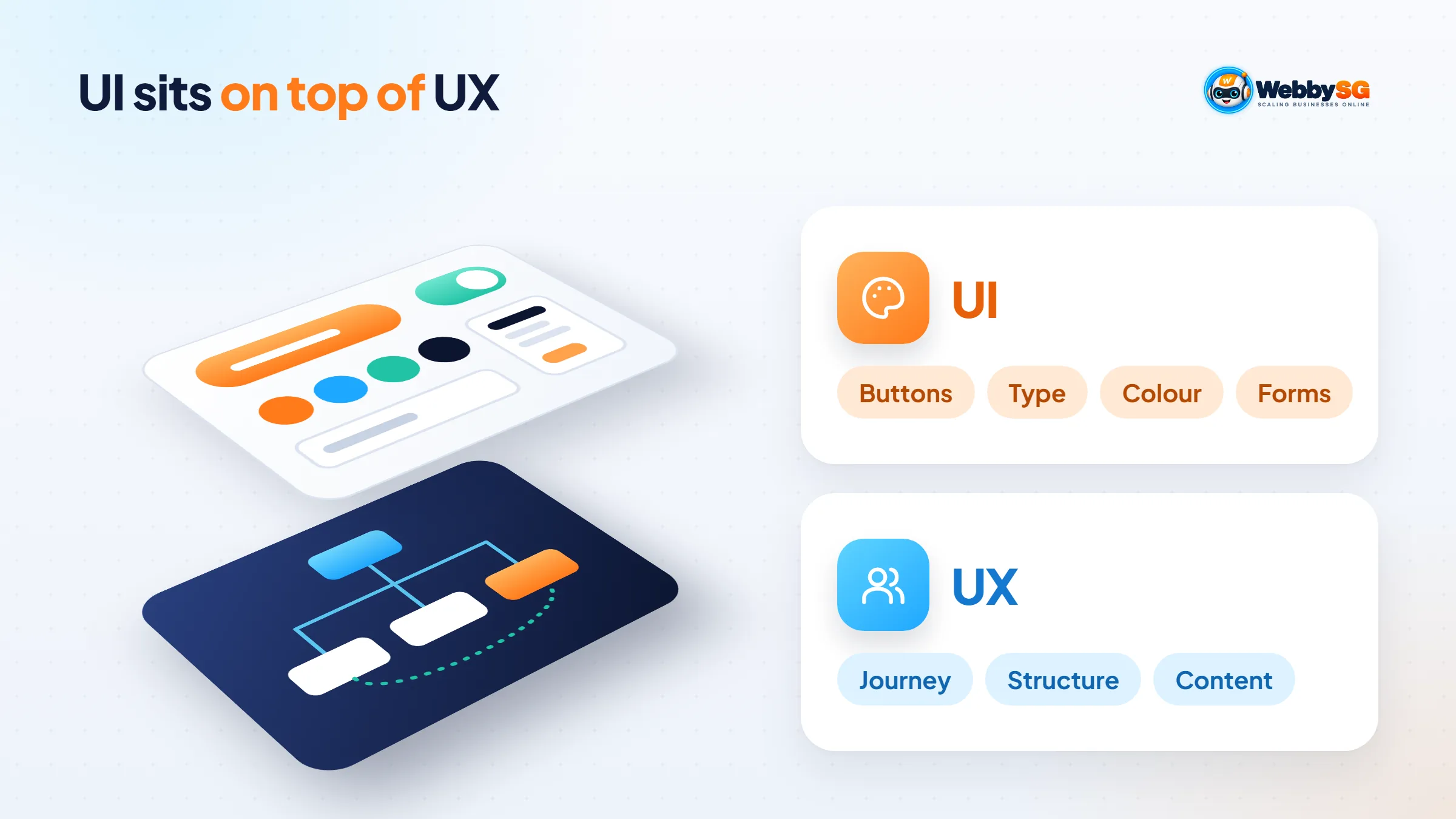
UI vs UX comes down to this: UI (user interface) is what people see and touch on your website, such as buttons, menus, forms, colours and type, while UX (user experience) is whether they can actually do what they came for, such as find a price, book a slot or send an enquiry, without confusion. UI is one part of UX. A site can look polished and still lose customers because the journey is confusing, and a plain-looking site can win enquiries because every step is obvious. For a business owner, the useful question is not which matters more but which one is causing your problem.
This guide explains the difference from the buyer's side: what each covers on a business website, how to tell whether a problem is UI or UX, and what to ask for when you brief or budget a website project.
In short
- UX is the whole experience of using your site: structure, content, flow and how easy each task is. UI is the visible layer: layout, buttons, forms, type and colour.
- "People can't find what they need" is usually UX. "People can't tell what is clickable or can't read it" is usually UI.
- On most SME projects, one designer or agency handles both. Larger or more complex products may have separate specialists.
- UX work does not have to mean a big research budget. Watching five people try your key task can reveal most of the obvious problems.
- When comparing quotes, check whether "UI/UX" includes a sitemap, wireframes and user testing, or only visual page designs.
UI vs UX in one sentence each
UX (user experience) is how easy and satisfying it is for someone to achieve their goal with your business online, from finding the right page to completing the enquiry or purchase. Don Norman and Jakob Nielsen of the Nielsen Norman Group define it broadly as covering all aspects of the end user's interaction with a company, its services and its products.
UI (user interface) is the set of screens and controls people use to do that: the navigation bar, buttons, forms, icons, typography, colours and how each element responds when tapped, hovered over or filled in wrongly.
The same NN/g article makes the key point: UI is only one part of UX. A beautiful search box is not a good experience if the search returns nothing useful.
| UX (user experience) | UI (user interface) | |
|---|---|---|
| Main question | Can people do what they came for, easily? | Is what they see clear, usable and on-brand? |
| Focus | Structure, journeys, content order, friction | Layout, components, visual style, interaction states |
| Typical outputs | Research notes, sitemap, user flows, wireframes, test findings | Page designs, component library, style guide, prototypes |
| Measured by | Task success, enquiries, drop-off points, support questions | Readability, consistency, accessibility checks, visual polish |
| Real-world analogy | The layout of a shop and how easily you reach the cashier | The signage, shelves, lighting and price tags |
What UX covers on a business website
On a typical SME website, UX work is less abstract than it sounds. It answers questions like these:
- Who visits and why? A renovation company's visitors may want a rough price, proof of past work and a quick way to book a site visit.
- What pages are needed, and in what order? This becomes the sitemap and navigation.
- What does each page need to say first? Content order often matters more than visuals.
- How many steps does the main task take? Booking, enquiring or checking out should be as short as possible.
- Where do people get stuck? Analytics, session recordings and simple user tests reveal drop-off points.
Take a hypothetical example: a tuition centre in Tampines. Parents arrive wanting class timings, fees for their child's level and whether the centre is near the MRT. If those three answers sit on three different pages behind a menu labelled "Programmes", the site has a UX problem, however good it looks. Putting a timetable, a fee table and a map on the main service page fixes more than a new colour scheme would.
For online stores, UX research has documented where checkouts lose people. Baymard Institute's cart abandonment research, updated in October 2026, puts the documented average cart abandonment rate at 70.22% across 50 studies. In its survey of US online shoppers who abandoned during checkout (excluding those who were just browsing), 18% cited being required to create an account and 17% cited a checkout that was too long or complicated. Those are UX problems: the screens can look fine, but the flow asks too much.
What UI covers on a business website
UI turns the structure into something people can see and use. On a business website, that includes:
- Visual hierarchy: the most important message and button stand out on each page.
- Components: buttons, menus, cards, forms and tables that look and behave the same everywhere.
- Interaction states: what a button looks like when tapped, what a form shows when a field is wrong, what appears after a form is sent.
- Typography and colour: readable font sizes and enough contrast between text and background.
- Mobile layout: tap targets big enough for a thumb, sticky call or WhatsApp buttons, menus that work one-handed.
Good UI also covers accessibility. The Web Content Accessibility Guidelines (WCAG) 2.2 set a minimum contrast ratio of 4.5:1 for normal text at Level AA, which is a useful check for pale grey text on white, a common UI mistake on modern-looking sites.
Is your website problem UI or UX? Common symptoms
Owners usually notice symptoms, not causes. This table maps common complaints to the more likely culprit. Many problems involve both, but starting with the right one saves time and money.
| Symptom | More likely | Why |
|---|---|---|
| Visitors can't find your prices, location or service list | UX | Navigation and content structure don't match what visitors look for |
| People call to ask questions the site should answer | UX | Key information is missing or buried |
| Lots of traffic, few enquiries | UX first | Unclear offer, weak next step or too many steps |
| Visitors start the form but don't finish | UX and UI | Too many fields (UX), or confusing labels and errors (UI) |
| Buttons don't look clickable, or links blend into text | UI | Weak visual cues for interactive elements |
| Text is hard to read on phones | UI | Small font sizes or low contrast |
| Pages look inconsistent from one to the next | UI | No shared components or style guide |
| The site looks dated next to competitors | UI | Visual style, imagery and spacing |
| Mobile visitors leave much faster than desktop visitors | Both | Layout and tap targets (UI) or a desktop-first journey (UX) |
If enquiries are the issue, our guide on why a website fails to generate leads goes further, and our website UX audit guide shows how to review your own site step by step.
Can one designer handle both?
Usually, yes. On small business websites, the same designer or agency normally plans the structure, creates wireframes and designs the final pages. The skills overlap, and splitting them across separate people adds cost and handover risk for a project of 5 to 20 pages.
Separate UX and UI specialists make more sense when:
- You are building an app, customer portal or booking system with many screens and user types
- You need formal research, such as interviews or usability studies across several customer groups
- You are building a design system that several teams or products will share
When hiring one person or team for both, check their portfolio for evidence of UX thinking (sitemaps, wireframes, before-and-after reasoning), not only attractive screenshots. Our guide to choosing a UI/UX design agency in Singapore covers what to ask.
How UI and UX show up in a website project and quote
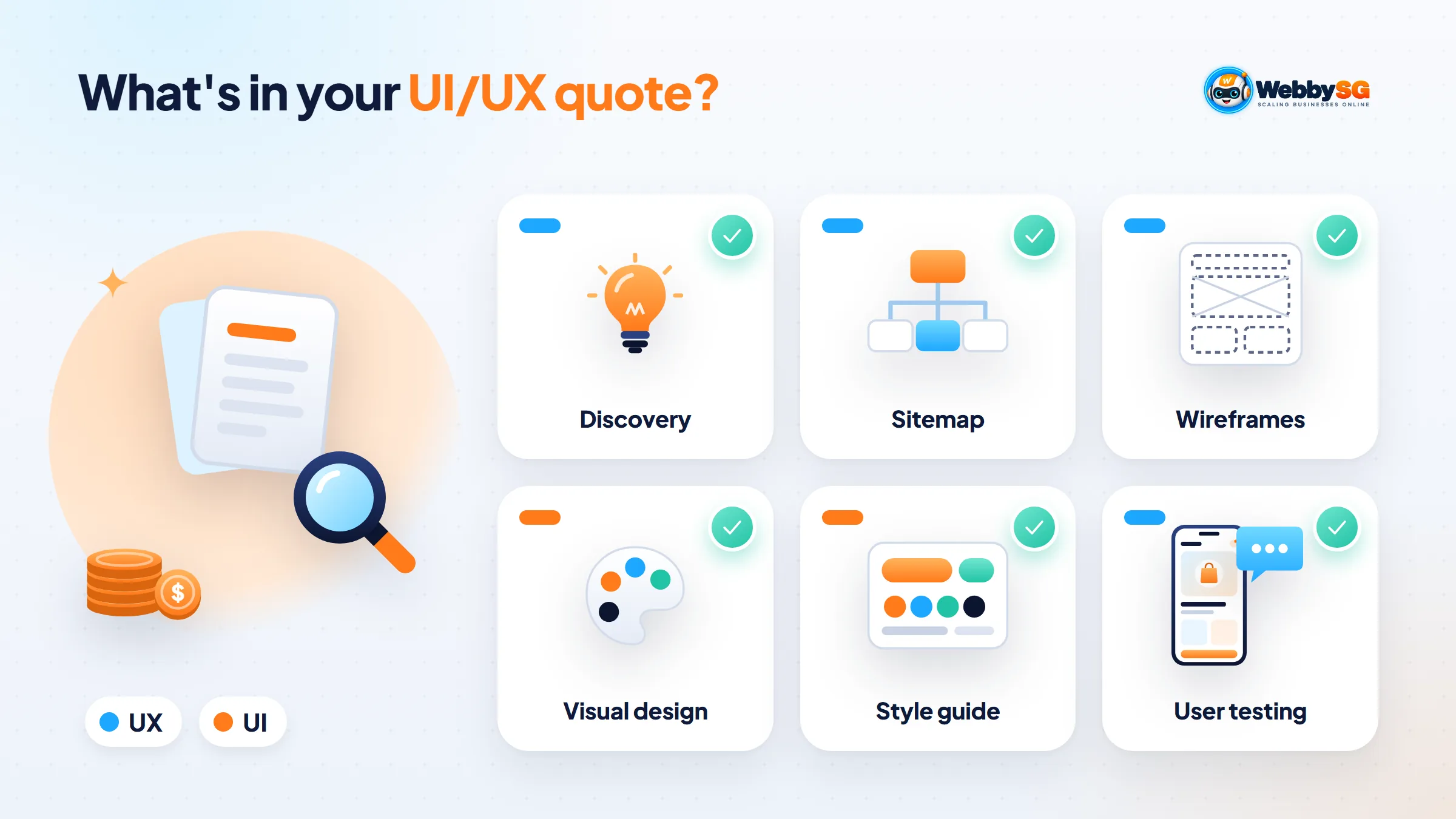
"UI/UX design" on a quote can mean very different scopes. Ask which of these are included:
- Discovery: a session on your goals, customers and competitors (UX)
- Sitemap and content plan: the list of pages and what each must say (UX)
- Wireframes: plain layouts for key pages, reviewed before visual design starts (UX)
- Visual design: styled page designs for desktop and mobile (UI)
- Component and style guide: buttons, forms, colours and type rules (UI)
- Prototype or user testing: a clickable version tested with real people (UX)
- Design rounds: how many revisions are included at each stage
A quote that jumps straight to visual page designs has little UX work in it. That can be fine for a simple site where you already know the structure, but it is worth knowing what you are paying for.
Does a small business need UX research?
Not a large study. Light, practical research is often enough. Jakob Nielsen's widely cited NN/g article on testing with five users argues that small, repeated tests with about five people uncover roughly 85% of usability problems in a design, with the caveat that it assumes similar users and works best when you test, fix and test again. For an SME, that can be as simple as asking five customers to find a price and send an enquiry on their own phones while you watch silently.
Quick answers to common career questions
Many people searching "UI vs UX" are weighing a career. Briefly:
- Which is harder? Neither. They need different strengths. UX leans on research, structure and problem-solving; UI leans on visual design, consistency and detail.
- Do you need to code? Not usually. Designers work in tools such as Figma, though understanding how HTML and CSS work helps you design things that can be built. Our web design tools guide covers the common ones.
- Which pays more? It depends on seniority, company and market. Check a current salary survey for Singapore rather than relying on general claims.
- Will AI replace UX? AI tools can speed up layouts and copy drafts, but deciding what a specific customer needs and testing it with real people remains human work.
Getting UI and UX right on your website
Webby SG's web design service covers both: we plan the sitemap and page structure with you, design wireframes for key pages, and then create the visual design for desktop and mobile. If your current site looks fine but underperforms, contact us for a second opinion on whether the issue is UI, UX or something else, such as traffic or offer.
Frequently asked questions
What is the main difference between UI and UX?
UX is about whether people can achieve their goal on your website easily, from finding information to completing an enquiry or purchase. UI is the visible layer they use to do it: buttons, menus, forms, colours and typography. UI is one part of the overall user experience.
Can one person do both UI and UX?
Yes, and on most small business websites one designer or agency does. Separate specialists are more common on large apps, portals and products with many user types. When hiring one person for both, look for evidence of planning work such as sitemaps and wireframes, not just finished visuals.
Is UX more important than UI?
They depend on each other. Good UX with poor UI can leave people unable to read or use the page, while good UI with poor UX produces an attractive site that doesn't lead anywhere. For most business sites, fix structural UX problems first, because a clearer journey usually does more for enquiries than a visual refresh.
Is UI/UX a coding job?
Generally not. UI and UX designers mainly work in design and prototyping tools, and developers turn their designs into code. A basic understanding of HTML, CSS and how websites are built is helpful, especially for designing realistic interactions.
Does a small business need UX research?
Not a formal study, but some evidence helps. Look at your analytics for drop-off points, ask your staff which questions customers repeat, and watch a handful of customers try your main task on their phones. These low-cost checks often reveal the biggest problems.