Performance Max Campaigns: A Practical Guide for SMEs
What Google Performance Max campaigns are, where ads show, what you need before launch, and how SMEs avoid wasted spend and low-quality leads.

Performance Max campaigns are a Google Ads campaign type that uses Google's AI to show your ads across all of Google's inventory from a single campaign: Search, YouTube, Display, Discover, Gmail and Maps, plus Shopping for retailers with a product feed. You give Google a conversion goal, a budget, creative assets and optional audience signals, and it decides where, when and to whom to show your ads. For a Singapore SME, Performance Max (often shortened to PMax) can work well, but only when conversion tracking is accurate and there is enough budget and data for the system to learn. Without those, it tends to spend money on cheap clicks and low-quality leads.
This guide explains how PMax works, what to prepare before launch, when to start with Search instead, and how to keep lead quality and reporting under control.
In short
- PMax runs across Search, YouTube, Display, Discover, Gmail and Maps from one campaign, guided by your conversion goal rather than keywords.
- Its results depend on your conversion tracking. If it counts every form fill as a success, it will find more form fills, including junk ones.
- Google recommends running new PMax campaigns for at least six weeks and avoiding frequent budget, bid or status changes that can reset learning.
- Negative keywords are now available at campaign level (up to 10,000 per campaign) and account level (up to 1,000), and brand exclusions block brand traffic.
- For small lead-generation budgets, a tightly built Search campaign is often the safer first step.
What Performance Max is and where your ads appear
According to Google's help page About Performance Max campaigns, PMax can access all Google Ads inventory, including YouTube, Display, Search, Discover, Gmail and Maps. Google says it is designed to complement keyword-based Search campaigns, and to increase reach and conversions beyond them. Where a search query exactly matches an exact-match keyword in a Search campaign, the Search campaign takes priority.
| Channel | What the ad can look like | Typical role for an SME |
|---|---|---|
| Google Search | Text ads and, with a feed, Shopping ads | Captures people actively searching |
| YouTube | Video ads | Reach and remarketing; needs a decent video |
| Display Network | Image and responsive ads on partner sites and apps | Low-cost reach; quality varies |
| Discover and Gmail | Image ads in feeds and inbox tabs | Awareness and remarketing |
| Maps | Local ads and pins | Useful for businesses with a physical location |
| Search partners | Ads on non-Google search sites | Extra reach; check performance separately |
How PMax decides who sees your ads
PMax does not use keyword lists in the way Search campaigns do. It combines several inputs:
- Your conversion goal and bid strategy: for example, maximise conversions or conversion value, optionally with a target cost per acquisition or return on ad spend.
- Asset groups: collections of headlines, descriptions, images, logos and videos built around one theme, product range or audience.
- Audience signals: your customer lists, website visitors and interest segments. These are hints to speed up learning, not strict targeting.
- Search themes: phrases that describe what your customers search for. Google says they carry the same priority as phrase and broad match keywords.
- Your landing pages and feed: with final URL expansion on, Google can send traffic to other pages on your site and generate assets from their content. You remain responsible for what those pages say.
The system then bids in each auction based on how likely that person is to convert. That makes the quality of your conversion data the single biggest factor in how well PMax performs.
Before you launch: tracking, assets and feed checklist
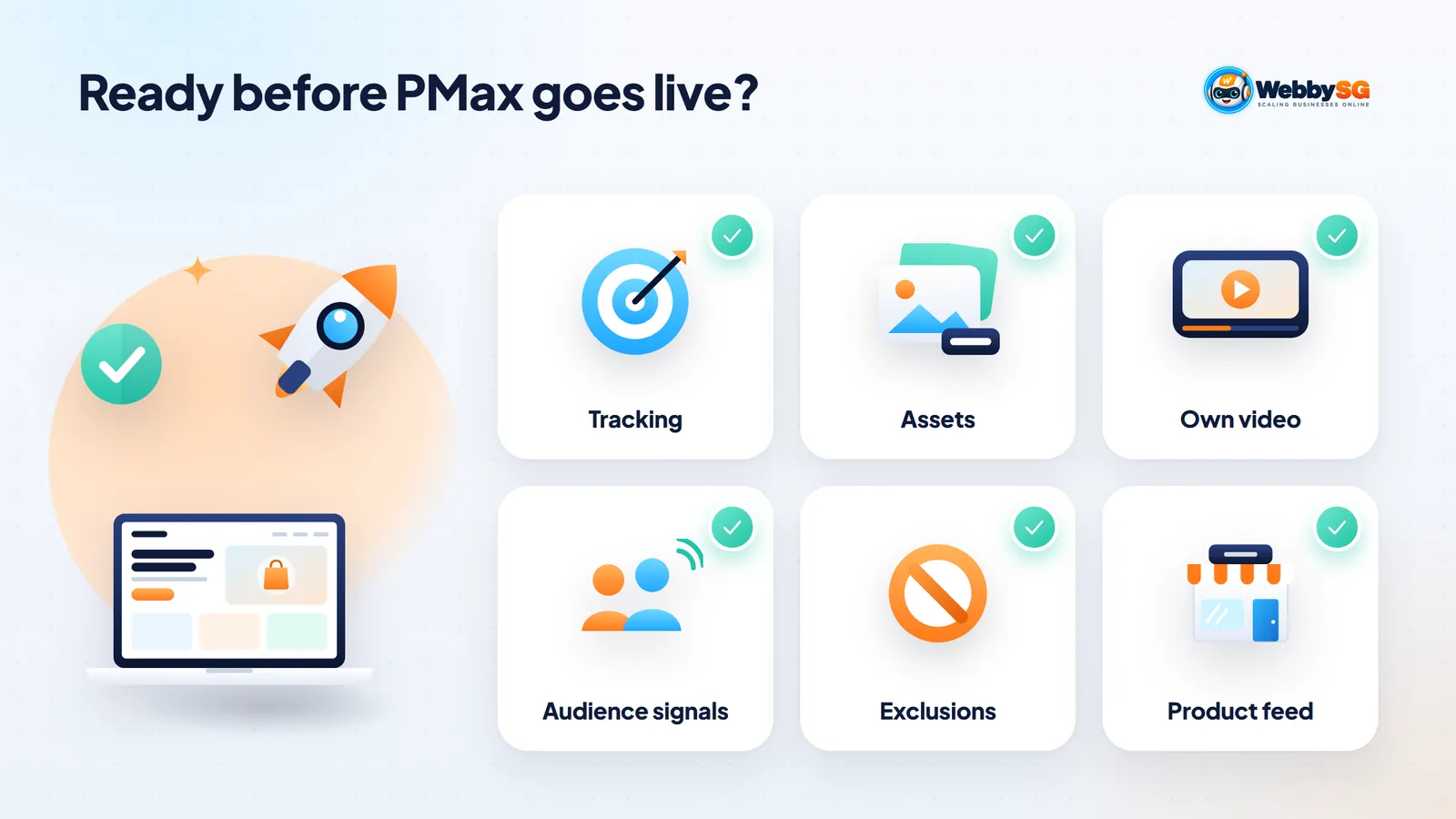
- Conversion tracking works and counts the right things. Track enquiries, calls, WhatsApp clicks and purchases, and test each one. Remove page views or button clicks from your primary conversion goals.
- Each conversion has a realistic value if you use value-based bidding.
- Enough assets. Google's PMax optimisation tips recommend at least 15 headlines, 5 descriptions, 7 images (3 landscape, 3 square and 1 portrait) and at least 1 video, aiming for "Good" or "Excellent" ad strength.
- Your own video. Without one, Google may create videos automatically from your other assets, which rarely show your business at its best.
- Audience signals ready: a customer list and website visitor list if you have them.
- Exclusions decided: brand exclusions, negative keywords, and any pages that final URL expansion should not use.
- For online stores: a Merchant Center feed with accurate titles, prices, availability and images.
- A landing page that converts: fast on mobile, clear offer, and a short form or WhatsApp button.
PMax or Search first? A decision guide for small budgets
Google does not publish a minimum budget for PMax. When you create a campaign, Google Ads suggests up to three daily budgets, and describes the lowest as the minimum it recommends. The guidance below is our practitioner view for Singapore SMEs, not a Google rule.
| Your situation | Start with | Why |
|---|---|---|
| Service business, small budget, few past conversions | Search | You control keywords and see search terms clearly while you build conversion data |
| Online store with a clean product feed | PMax (with a feed) | Shopping inventory is one of PMax's strongest uses |
| Established Search campaigns with steady conversions | Add PMax | PMax can find extra conversions beyond your keywords |
| Brand-new account, untested website | Search, then review | Fix tracking and landing pages before handing control to automation |
| Lead quality matters more than volume | Search, or PMax only with qualified-lead tracking | PMax optimises towards whatever you count as a conversion |
A worked example, with made-up figures: a hypothetical aircon servicing firm in Singapore has S$1,500 a month for Google Ads and currently gets around 15 tracked enquiries a month from Search. Split across Search and PMax, each campaign would see only a handful of conversions a month, which gives PMax very little to learn from. That firm is better off keeping the budget in Search, tightening its keywords and conversion tracking, and revisiting PMax once enquiries and budget have grown.
If you are new to Google Ads, our Google Ads guide for Singapore SMEs covers account basics, and our comparison of SEM vs SEO helps decide how paid search fits with organic.
Lead generation: keeping junk leads out
A common complaint from service businesses that switch to PMax on their own is a sudden rise in spam or unqualified form submissions, and the placement and channel reports often point to Display and partner sites as the source. PMax is doing what it was told: finding more of whatever you count as a conversion. To protect lead quality:
- Optimise for qualified leads. Google's Performance Max FAQ recommends enhanced conversions for leads to connect online enquiries with offline sales, and choosing conversion goals such as "qualified lead". Google says choosing these lead goals also switches on invalid-traffic protections built for lead generation campaigns.
- Feed back outcomes. Mark which leads became customers in your CRM and import that data, so PMax learns from real sales, not raw form fills.
- Harden your forms. Add spam protection, a required phone field and a qualifying question, such as project type or budget range.
- Prefer calls and WhatsApp as conversion actions where they reflect genuine intent, but set a minimum call duration.
- Review placements and search terms regularly, and exclude poor-quality sites and irrelevant queries.
- Keep PDPA in mind when uploading customer lists or lead data: only use personal data in ways people were told about and consented to.
Ecommerce: feeds, listing groups and asset groups
For online stores, PMax uses your Merchant Center feed to show Shopping ads and to build dynamic ads on other channels. Product feed quality matters as much as the ads themselves: clear titles with the product type and key attributes, correct prices in SGD, accurate stock status and good images.
Google's FAQ recommends consolidating campaigns where you can, and using asset groups within a single PMax campaign to segment by theme and creative. A practical structure for an SME store:
- One PMax campaign per distinct goal or margin level, rather than one per product category.
- Asset groups by product range, each with matching images and headlines.
- Listing groups (product filters) inside each asset group so only the relevant products appear.
- A separate campaign only when a product set needs a different budget or ROAS target.
What PMax reporting shows and hides
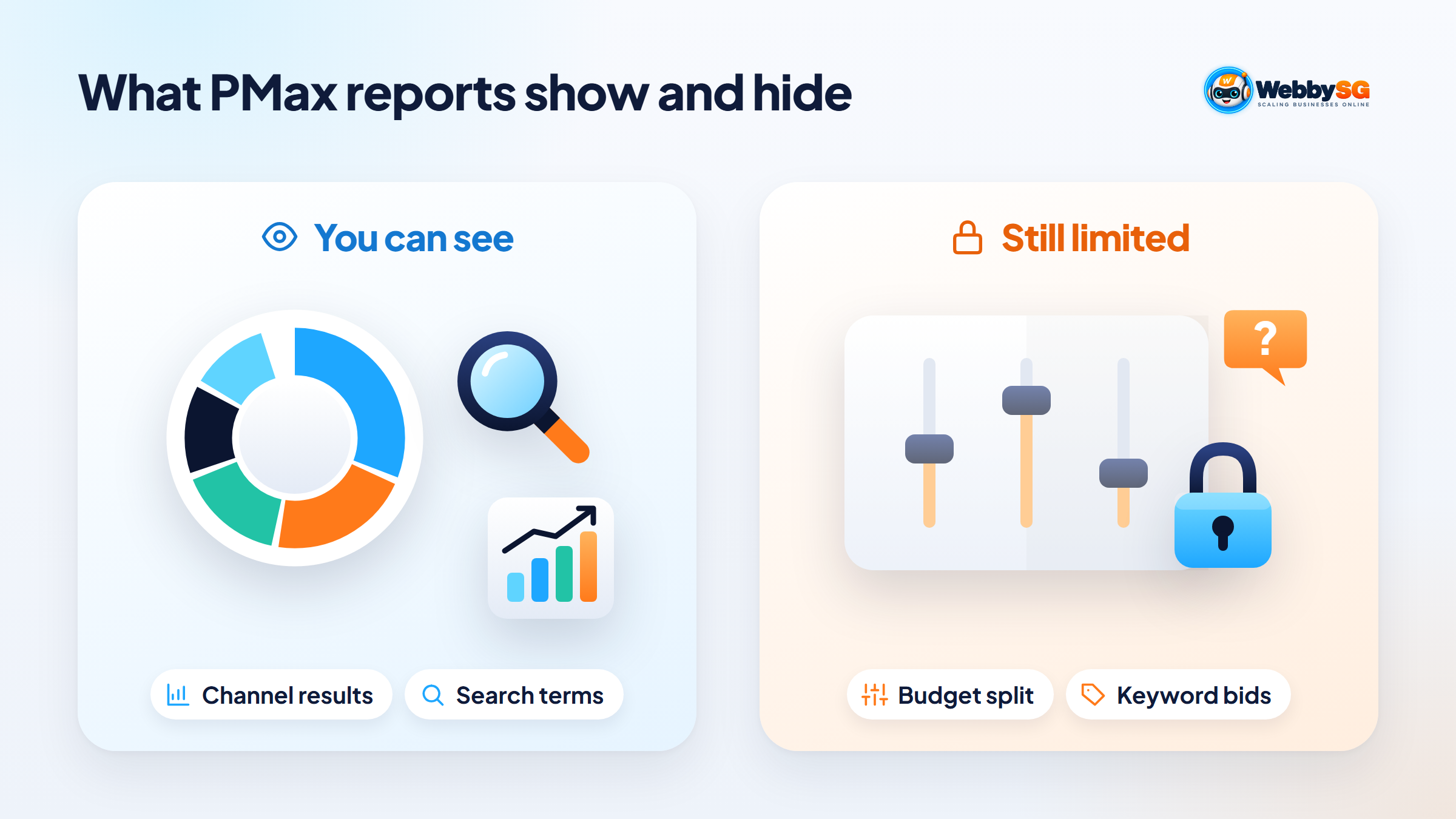
PMax reporting has improved. Google's channel performance report now breaks results down by Google Search, Display Network, YouTube, Discover, Maps, Gmail and Search partners, with data available from 6 June 2025. Google also points advertisers to a search terms report, asset reporting, and search term insights with a "Source" column showing whether queries came from your search themes.
| You can see | Still limited |
|---|---|
| Conversions, cost and value by channel | Full control over how budget is split between channels |
| Search terms and search term insights | Keyword-level bidding as in Search campaigns |
| Asset performance ratings | Exact contribution of each asset to each conversion |
| Audience and product insights | Store-level offline conversions by channel (combined in the total) |
Read PMax results over several weeks, not days, and allow for conversion lag. Our guide on how to read a Google Ads report explains the core metrics.
Common mistakes in SME Performance Max campaigns
- Launching with page views or button clicks counted as conversions.
- Judging results after a week, or changing budgets and targets every few days. Google recommends at least six weeks for new campaigns.
- Letting PMax take branded searches that a Search campaign would capture more cheaply, without brand exclusions.
- Uploading only a logo and a few stock images, so Google auto-generates weak creatives.
- Running several small PMax campaigns that split limited data.
- Leaving final URL expansion on and sending traffic to blog posts or careers pages.
- Never checking placements, search terms or the channel report.
Getting help with Performance Max
Whether PMax suits your business depends on your tracking, budget and lead quality, not on the campaign type itself. Webby SG's Google Ads management service sets up call, form and WhatsApp tracking in GA4 and Tag Manager before spend begins, and reports monthly on spend, leads and cost per lead. For a second opinion on whether to try PMax or stick with Search, contact us.
Frequently asked questions
How much budget does Performance Max need?
Google does not set a fixed minimum. When you create a campaign, Google Ads suggests up to three daily budgets and treats the lowest as its minimum recommendation. In practice, the budget should be large enough to produce regular conversions, because PMax learns from conversion data. Very small budgets are usually better spent on a focused Search campaign first.
Can I add negative keywords to Performance Max?
Yes. According to Google's Performance Max FAQ, you can apply up to 10,000 negative keywords at campaign level and up to 1,000 at account level. Negative keywords do not match close variants. For blocking brand searches, Google recommends brand exclusions, which also catch misspellings.
How many Performance Max campaigns should I run?
For most SMEs, one is enough to start. Google recommends consolidating campaigns where possible and using asset groups to separate themes. Add a second campaign only when products or services need a different budget, goal or target.
Does Performance Max replace Search campaigns?
No. Google positions PMax as a complement to keyword-based Search campaigns, and exact-match Search keywords take priority when a query matches them exactly. Many accounts run both: Search for core, high-intent terms and PMax for additional reach.
How long is the PMax learning period?
Google's optimisation tips recommend running new Performance Max campaigns for at least six weeks before judging them, and avoiding frequent changes to budget, bid strategy or campaign status, which can reset learning. Allow for conversion lag too, especially if customers take days to decide.