Contact Form Best Practices for Singapore SMEs
A practical checklist for contact forms that get real enquiries: fields, layout, spam protection, email delivery, PDPA consent and conversion tracking.
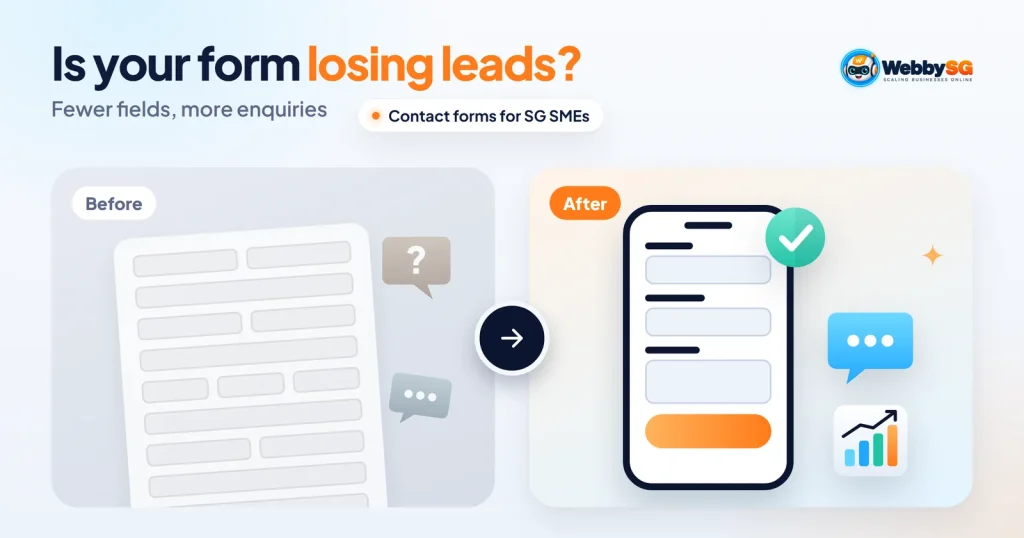
Contact form best practices come down to one goal: make it easy for a real customer to send you an enquiry, and make sure that enquiry reaches someone who replies quickly. In practice that means asking only for the fields you need, using clear labels that work on a phone, stopping spam without puzzles that block real people, checking that notification emails land in your inbox, telling people how you will use their details under the PDPA, and tracking submissions so you know which marketing brings in leads. Most underperforming forms fail on one of those steps, not on the colour of the button.
This guide is for Singapore SMEs running a site on WordPress, Wix, Shopify or a custom build. It follows an enquiry from the form to your inbox, and ends with a checklist you can run in 15 minutes.
In short
- Ask for the minimum: name, one contact method, and a message. Add a field only if it helps you reply better.
- Use visible labels above each field, not grey hint text inside it, and the right input types for phones.
- Use invisible spam protection first (honeypot fields, score-based checks) before puzzles.
- Send form emails through a proper email service with SPF and DKIM set up, and test monthly.
- State the purpose for collecting personal data, keep marketing consent separate and optional, and do not ask for NRIC numbers.
What a good contact form needs to do
A contact form has three jobs:
- Get the enquiry started with as little effort as possible for the customer.
- Give you enough information to reply well, so the first response is useful rather than a string of follow-up questions.
- Deliver the enquiry reliably to the right person, and record it so you can measure where leads come from.
The third job is where many SMEs lose leads without knowing it. A form can look perfect and still send every enquiry to a spam folder or an inbox nobody checks.
Which fields to ask for (and which to drop)
Every extra field is a reason to give up. Start with the minimum and add only what changes how you reply.
| Field | Keep? | Why |
|---|---|---|
| Name | Yes | One field is enough; splitting first and last name adds effort |
| Email or mobile number | Yes, at least one | Let people choose how they want to be contacted |
| Message | Yes | Make it optional if you also offer a "service needed" dropdown |
| Service needed (dropdown) | Often | Helps you route the enquiry and reply with the right information |
| Budget or timeline | Sometimes | Useful for project-based services; make it optional with ranges |
| Company name | B2B only | Skip it for consumer services |
| Address or postal code | Only if needed | Useful for on-site services such as aircon or renovation quotes |
| NRIC number | No | Not needed for an enquiry, and restricted under PDPC guidelines |
| Date of birth, gender, salary | No | Collect only what you need for the purpose |
Mark optional fields as "(optional)" rather than putting asterisks on required ones. It is clearer, and it nudges you to question every field you make mandatory.
Layout, labels and mobile-friendly inputs
Most visitors will fill in your form on a phone. Design for that first.
- One column. Fields stacked vertically are faster to scan and complete than side-by-side layouts.
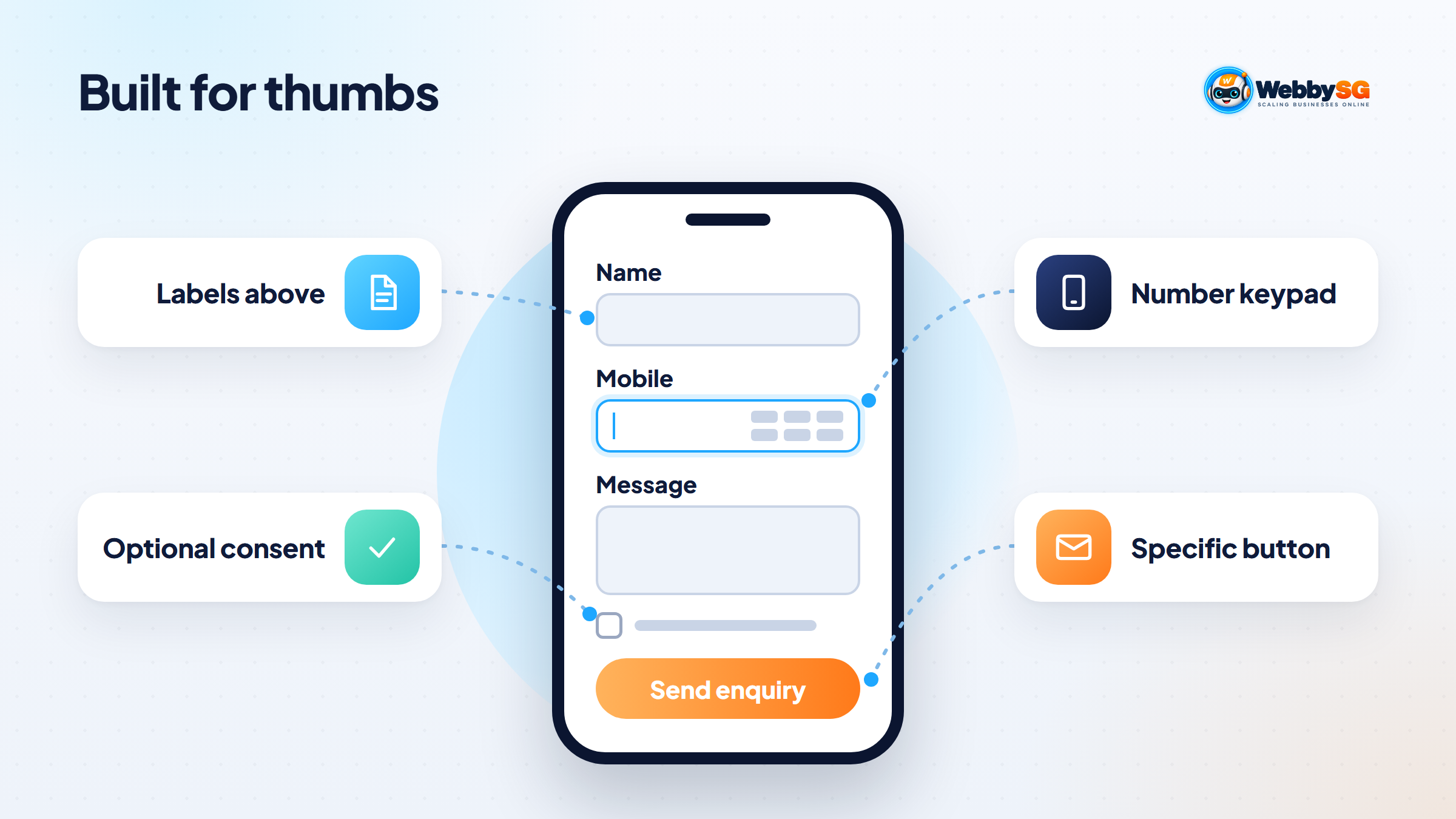
- Visible labels above each field. The W3C's forms tutorial recommends identifying every control with a proper label. Grey hint text inside the field disappears when someone starts typing, so it should never replace the label.
- The right input type. Use email fields for email (the phone shows the @ key), telephone fields for phone numbers (the number pad appears), and allow autofill so phones can complete names and emails in one tap.
- Accept Singapore numbers in any format. "9123 4567", "91234567" and "+65 9123 4567" should all be accepted. Do not force a format the customer has to guess.
- Clear error messages next to the field, in plain words ("Please enter an email address"), and keep everything the person has already typed.
- A specific button. "Send enquiry" or "Get a quote" tells people what happens next better than "Submit".
- A confirmation that sets expectations. After sending, show a message such as "Thanks, we reply within one working day" and send a short confirmation email.
Stopping spam without blocking real customers
Any public form attracts bots. The aim is to stop them without making real people solve puzzles. Use these layers, starting with the least intrusive:
- Honeypot field. A hidden field that people never see but bots fill in. Submissions with it filled are discarded. Most form plugins offer this.
- Score-based checks. Google's reCAPTCHA v3 runs in the background without interrupting users and returns a score from 0.0 (very likely a bot) to 1.0 (very likely a real interaction). Google suggests starting with a threshold of 0.5 and adjusting based on your own traffic. Other providers offer similar invisible checks.
- Server-side rules. Block submissions containing many links or known spam phrases, and limit how many times one visitor can submit in a short period.
- Visible challenges as a last resort. Image puzzles frustrate customers and can be hard for people using assistive technology. Use them only if invisible methods fail.
Whatever you choose, check the spam or blocked folder of your form tool every week for the first month. Over-aggressive filtering can quietly throw away real enquiries.
Making sure enquiries actually reach your inbox
This failure is easy to miss because nothing looks broken. Many websites send form notifications through the web server's basic mail function, often from an address like wordpress@yourdomain, and email providers tend to treat that as suspicious. Picture a typical scenario: a clinic's enquiries drop by half after a hosting move, the team assumes the market has gone quiet, and weeks later someone finds the missing messages sitting in a spam folder.
To fix it:
- Send through a proper email service, such as your business email provider or a transactional email service, using an SMTP plugin on WordPress or the built-in notification settings on Wix and Shopify.
- Set up SPF, DKIM and DMARC records for your domain, so receiving servers can confirm the email really comes from you. Your email provider gives you the exact records to add in your DNS.
- Send from your own domain, such as enquiries@yourcompany.sg, not from a free email address, and set the reply-to as the customer's email so you can reply directly.
- Save every submission in the website database or your CRM as well as emailing it, so nothing is lost if an email fails.
- Send to a shared inbox or more than one person, so enquiries are not missed when someone is on leave.
- Test monthly. Submit the form yourself and confirm the email arrives, lands in the inbox and shows all the fields.
PDPA consent and privacy wording for Singapore forms
A contact form collects personal data, so the PDPA applies. In practice, that means telling people why you are collecting their details, using them only for that purpose and reasonable related ones, and protecting what you collect. For a typical enquiry form:
- Add a short purpose notice next to the button, for example: "We will use your details to respond to your enquiry. See our privacy policy." Link to a privacy policy that names your Data Protection Officer contact.
- Keep marketing consent separate. If you want to send newsletters or promotions, add a separate, unticked checkbox. Do not make it a condition of sending an enquiry.
- Do not ask for NRIC numbers. The PDPC's advisory guidelines on NRIC numbers say organisations are generally not allowed to collect them, except where required by law or where they are necessary to verify identity to a high degree of fidelity. An enquiry form needs neither. The PDPC also advises against organisations using NRIC numbers to authenticate identity.
- Watch the Do Not Call rules. If you plan to send marketing calls or text messages to Singapore numbers collected on your form, you generally need to check them against the Do Not Call Registry first, unless the person has given clear and unambiguous consent in written or other accessible form. Replying to someone's own enquiry is a different matter from sending them promotions.
- Protect the data. Limit who can see form entries, delete old submissions you no longer need, and keep your website and plugins updated.
This is general information, not legal advice.
Form, WhatsApp or phone: offering the right options
Many Singapore customers prefer to message rather than fill in a form. The best contact pages offer a choice:
| Channel | Best for | Watch out for |
|---|---|---|
| Contact form | Detailed enquiries, quotes, B2B, after-hours | Delivery problems; slow replies lose leads |
| WhatsApp button | Quick questions, consumer services, mobile visitors | Harder to track; personal phones mixing work and personal chats |
| Phone | Urgent services, older customers | Missed calls outside office hours |
| Email link | People who prefer their own email app | Exposes your address to spam scrapers |
Put the form and a WhatsApp button side by side, and use WhatsApp Business rather than a personal account so you can set a greeting message and business hours. If the form is not bringing in leads at all, our guide to why a website is not generating leads covers the wider causes.
Tracking form submissions in GA4 and Google Ads
If you cannot count enquiries, you cannot tell which ads, pages or channels bring them in.
- Send people to a thank-you page after a successful submission, such as /thank-you/. This is the most reliable thing to track.
- Mark it as a key event in GA4. GA4's enhanced measurement can record form_start and form_submit events automatically. For a count you can rely on, mark the thank-you page view, or an event that fires only after a successful submission, as the key event.
- Import the key event into Google Ads, or set up a Google Ads conversion on the same thank-you page, so you can see which campaigns produce enquiries.
- Track WhatsApp and phone clicks as separate events, so the form does not get all the credit or none of it.
- Compare with your inbox. Once a month, check that the number of tracked submissions roughly matches the enquiries you actually received.
For a broader look at whether your site turns visitors into enquiries, see our website UX audit guide.
Contact form best practices: a quick checklist
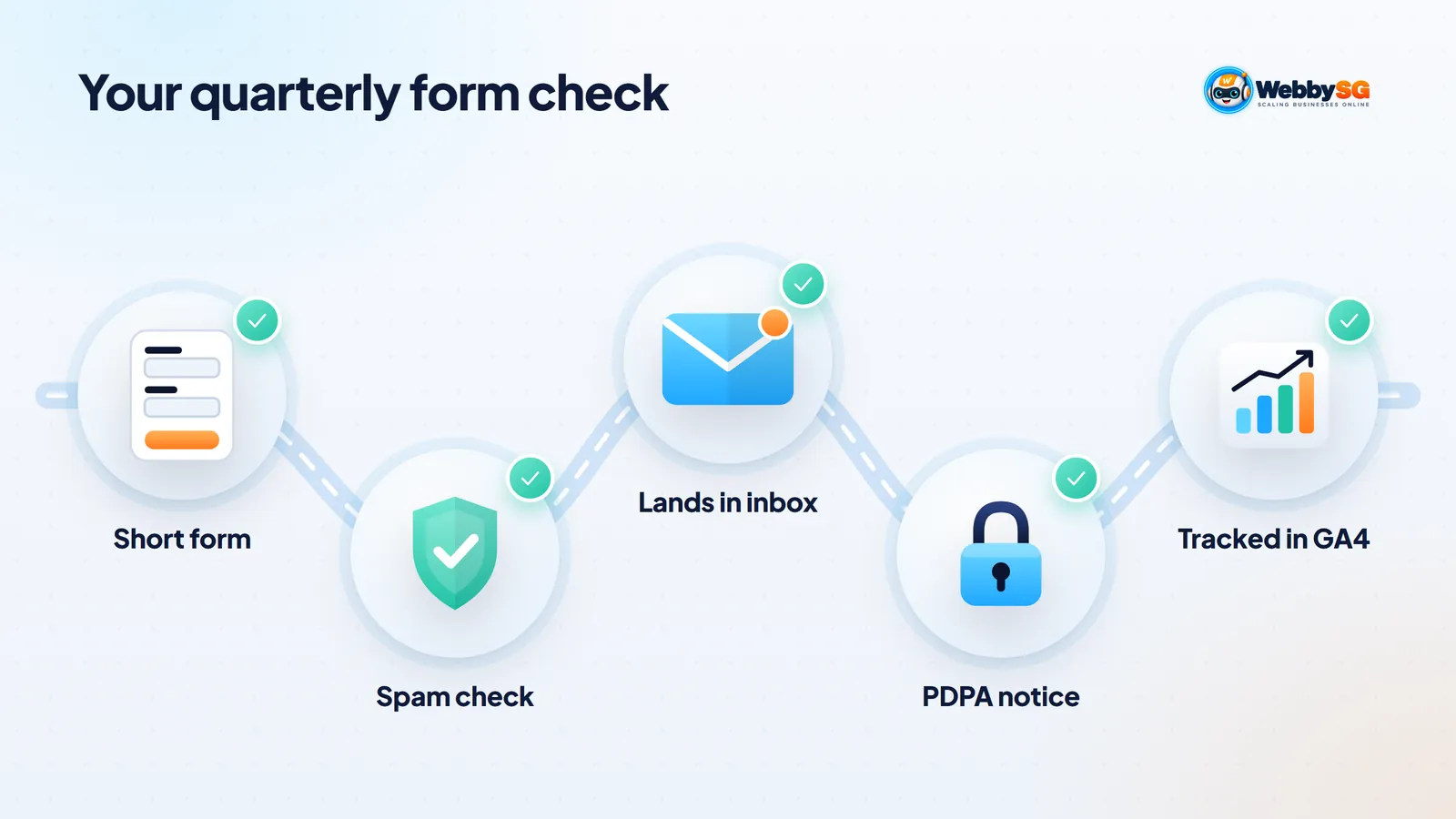
- Three to five fields, with optional ones labelled
- Visible labels, one column, correct input types, autofill on
- Clear error messages that keep what was typed
- Specific button text and a confirmation message with a reply time
- Honeypot or invisible spam check; blocked submissions reviewed
- Emails sent through SMTP or an email service, with SPF, DKIM and DMARC set up
- Submissions saved on the site or in a CRM as a backup
- Purpose notice and privacy policy link; marketing consent separate and unticked
- No NRIC field
- Thank-you page tracked in GA4 and Google Ads; WhatsApp and phone clicks tracked
- A test submission sent and received this month
If you would like a form that is built properly from the start, our web design service covers contact forms, deliverability and tracking as part of every site. For WordPress sites, our website maintenance service includes regular form and email tests. You can also send us an enquiry and see how ours works.
Frequently asked questions
How many fields should a contact form have?
For most SMEs, three to five: name, an email or phone number, a message, and perhaps a service dropdown. Add a field only if it changes how you reply, and mark optional fields clearly. B2B and quote forms can justify a few more fields if they help you give an accurate first answer.
Do I need a consent checkbox on my contact form in Singapore?
For replying to an enquiry, a clear notice explaining why you are collecting the details is usually enough, because the person is giving them to get a reply. If you want to use their details for marketing, add a separate, unticked consent checkbox and do not make it a condition of sending the enquiry. This is general information, not legal advice.
Is reCAPTCHA still needed to stop spam?
Not always. A honeypot field and server-side rules stop a lot of spam on small sites. If spam continues, an invisible, score-based check such as reCAPTCHA v3 adds protection without making customers solve puzzles. Avoid visible image challenges unless nothing else works.
Why do my WordPress contact form emails go to spam?
Usually because WordPress sends them through the web server's basic mail function, which receiving email providers do not trust. Send form emails through your email provider or a transactional email service with an SMTP plugin, and set up SPF, DKIM and DMARC records for your domain. Then test by submitting the form yourself.
Should I use a contact form or a WhatsApp button?
Use both. WhatsApp suits quick questions and mobile visitors, while a form suits detailed enquiries, quotes and people contacting you after hours. Offering both side by side lets customers choose, and tracking clicks on each shows you which your customers prefer.