Brand Guidelines: A Practical Guide for Small Businesses
What brand guidelines include, a lean template for small businesses, and how to apply logo, colour, font and tone rules to your website and social posts.
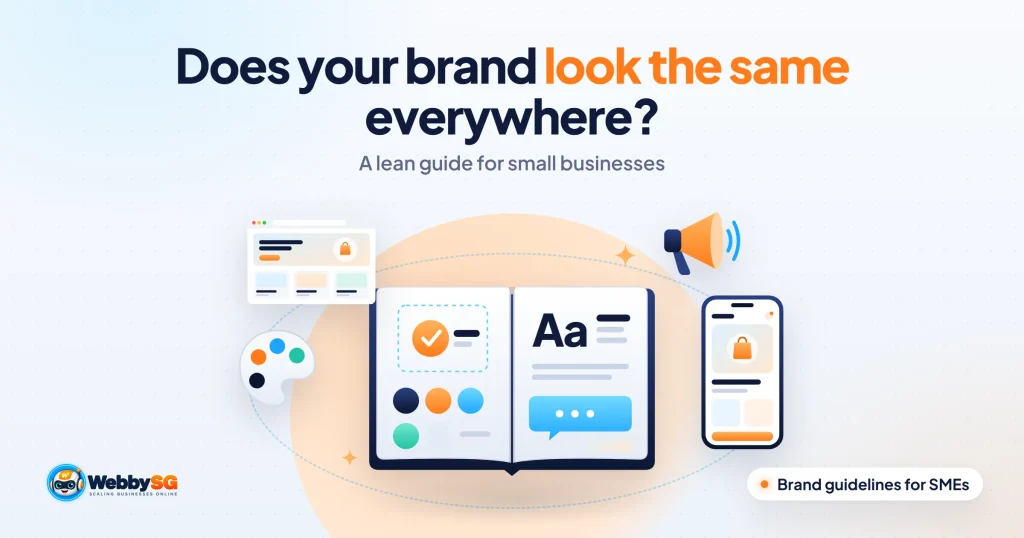
Brand guidelines are a short set of rules that tell anyone working on your business, from a web designer to a new staff member writing an Instagram caption, how your brand should look and sound. They cover your logo, colours, fonts, tone of voice and imagery, with clear examples of what to do and what to avoid. For a small business, brand guidelines do not need to be a 60-page book. One to five pages, kept up to date and actually used, will make your website, social posts and ads look like they come from the same company.
Most examples you will find online come from global brands with dedicated brand teams. This guide is for Singapore SMEs: what to put in a lean version, how each rule turns into website settings, and how to hand it to an agency or freelancer.
In short
- Brand guidelines record how your brand looks and sounds, so everyone applies it the same way.
- A small business needs five things at minimum: logo rules, a colour palette with exact codes, fonts, tone of voice and photo style.
- Check your colours for accessible contrast before you lock them in. WCAG 2.2 Level AA asks for at least 4.5:1 for normal text and 3:1 for large text.
- Translate the guidelines into website design settings and social templates, or they stay in a PDF nobody opens.
- Store the master files in your company's own accounts and share one link with every designer you work with.
What brand guidelines are (and how they differ from a style guide)
People use "brand guidelines", "brand style guide" and "brand book" almost interchangeably. In practice, there is a useful distinction:
| Document | What it covers | Who uses it |
|---|---|---|
| Brand strategy | Who you serve, what you stand for, how you differ from competitors | Owners and management |
| Brand guidelines | How the brand looks and sounds: logo, colour, type, tone, imagery, with do and don't examples | Anyone creating anything for the business |
| Style guide | Detailed rules for one channel, such as a website's components or an editorial style for blog posts | Designers, developers, writers |
For most SMEs, one document can hold the guidelines and a short website style section. Keep the strategy to a paragraph at the top so readers understand why the rules exist.
The minimum a small business needs: a lean template
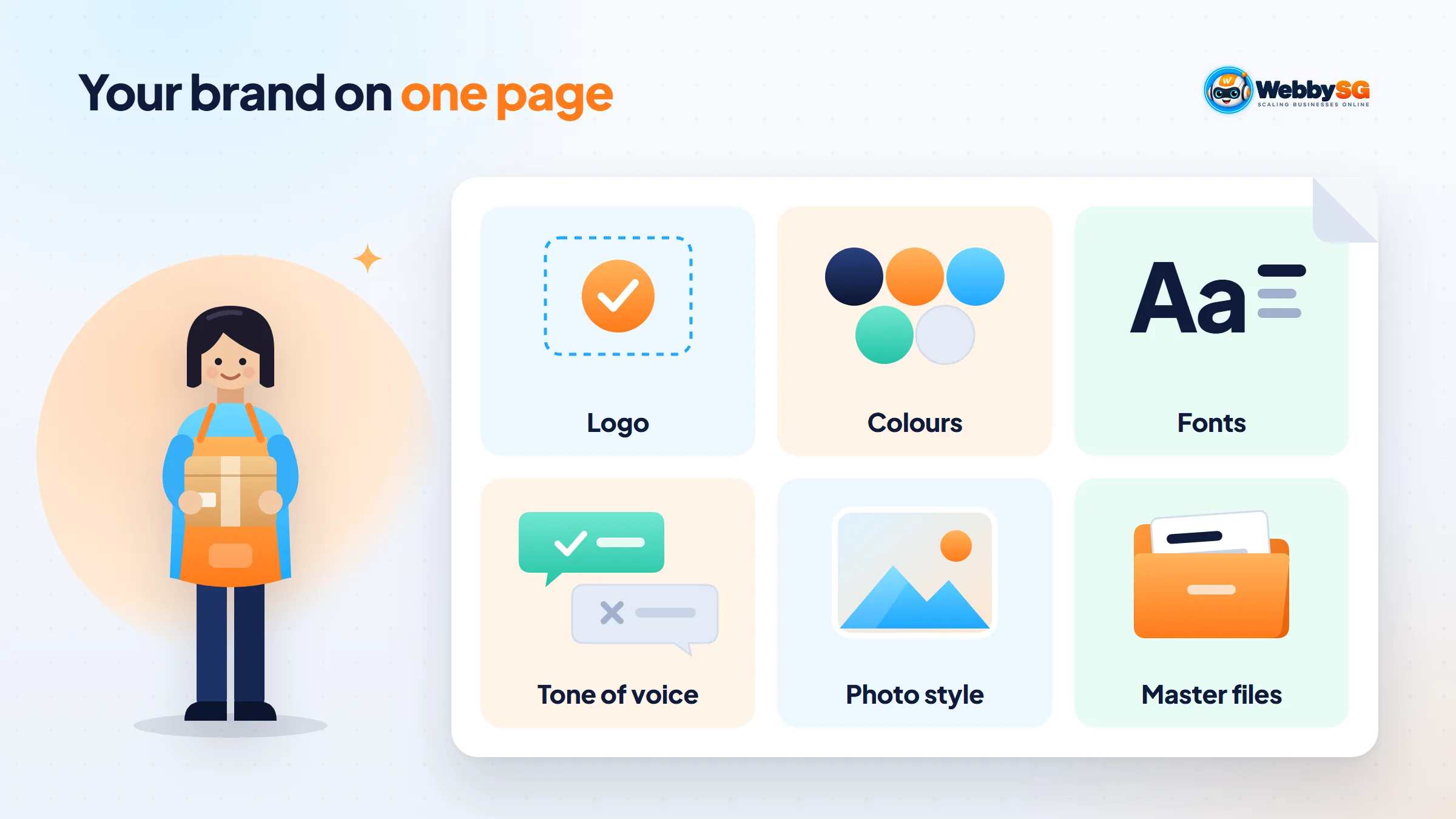
If you only have time for one page, include these sections. Each can be a few lines with an example image.
- Brand summary. One or two sentences on who you serve and how you want to come across, for example "practical, friendly experts for busy homeowners".
- Logo. The approved versions, minimum size, clear space and three or four things not to do.
- Colours. Primary, secondary and neutral colours with HEX codes for screen, plus CMYK or Pantone values if you print.
- Fonts. One heading font and one body font, with the weights and sizes you use.
- Tone of voice. Three to four words that describe it, with short do and don't examples.
- Imagery. The style of photos and graphics you use, and what to avoid.
- Contact and files. Who approves new material and where the master files live.
That is enough for a website build and a year of social content. Add sections later when you need them, such as email signatures, signage or packaging.
Logo rules: versions, clear space and what not to do
Your logo will appear on a website header, a favicon, a WhatsApp profile picture, invoices and shop signage. One file will not work everywhere, so define a small set of versions:
- Primary logo: the full version, usually horizontal, for the website header and documents.
- Stacked or compact version for narrow spaces.
- Icon or mark on its own, for favicons and social profile pictures.
- Single-colour versions in white and in black for photos and dark backgrounds.
Then set the rules:
- Clear space: the empty margin around the logo, often defined as the height of one letter in the logotype.
- Minimum size: the smallest width at which the logo stays legible on screen and in print.
- Don'ts: no stretching, recolouring, adding shadows or placing it on busy photos without a backing shape.
Supply the files in SVG for the website, PNG with a transparent background for general use, and a vector format (AI, EPS or PDF) for print.
If the logo matters to your business, consider protecting it. The Intellectual Property Office of Singapore (IPOS) explains that a registered trade mark can include devices and brands as well as words, is protected for 10 years from the filing date and can be renewed. Check the current fees on the IPOS site before you file.
Colours and fonts that work on screen and in print
Colours
List each colour with its role and its codes. Roles matter more than the number of colours: designers need to know which colour is for buttons, which for headings and which only for decoration.
Check contrast before you finalise the palette. The W3C's WCAG 2.2 contrast guidance sets a minimum of 4.5:1 for normal text and 3:1 for large text, defined as at least 18 point, or 14 point bold. Buttons, form borders and icons need at least 3:1 against what surrounds them. Logos themselves are exempt, but text on your website is not. Here is how an example palette checks out:
| Role | Example HEX | Contrast check | Use it for |
|---|---|---|---|
| Primary | #0F766E (deep teal) | White text on it: 5.47:1, passes | Buttons, links, key headings |
| Accent | #14B8A6 (bright teal) | White text on it: 2.49:1, fails | Icons, illustrations, highlights only, not text |
| Text | #1F2937 (charcoal) | On white: 14.68:1, passes | Body text and headings |
| Secondary text | #6B7280 (mid grey) | On white: 4.83:1, passes | Captions, labels |
| Light grey | #9CA3AF | On white: 2.54:1, fails | Borders and dividers, not text |
A free contrast checker will give you these ratios in seconds. If your favourite brand colour fails, keep it for decoration and choose a darker shade of it for text and buttons.
Fonts
Choose a heading font and a body font, and note where the licences come from. Web fonts such as Google Fonts are free to use on websites; some commercial fonts need a separate web licence. Give sizes for the website too: a body size of around 16px on mobile is a common starting point.
In Singapore, check language support. If you publish in Chinese, Malay or Tamil as well as English, confirm your chosen fonts include those scripts, or name a matching fallback font for each language so mixed-language pages still look consistent.
Tone of voice with do and don't examples
Tone is the section small businesses most often leave out, yet it is the one your social media captions and AI writing tools depend on. Pick three or four words, then show what they mean:
| Tone word | Do | Don't |
|---|---|---|
| Clear | "Same-day aircon servicing across Singapore. WhatsApp us for a slot." | "We deliver end-to-end climate comfort solutions." |
| Friendly | "Not sure which plan you need? Send us a photo and we'll tell you." | "Kindly be advised that enquiries are processed in order of receipt." |
| Confident, not boastful | "Over 10 years servicing condos and landed homes." (only if true) | "Singapore's No. 1 aircon company!" |
The "don't" in the last row is not only a style point. The Advertising Standards Authority of Singapore expects advertisers to be able to back up their claims, so write "No. 1" or "best" only if you can show the evidence.
Add a few house rules: British or American spelling (British is the usual choice in Singapore), how you write prices (S$ with or without GST), whether you use Singlish in social captions, and words you never use.
Turning brand guidelines into your website design
A designer or developer converts your guidelines into reusable settings, sometimes called design tokens. Agreeing these early avoids inconsistent pages later.
| Guideline | Website setting |
|---|---|
| Colour palette | Named colour variables (primary, accent, text, background) in the theme or page builder |
| Fonts | Heading and body fonts with set sizes for H1, H2, H3 and body on mobile and desktop |
| Logo versions | Header logo, footer logo and favicon at the right sizes |
| Primary colour | One main button style, plus a secondary outline style |
| Tone of voice | Headlines, button labels, form messages and error messages |
| Photo style | Hero images, team photos and image crops |
WordPress block themes, Shopify themes and Wix all have global colour and font settings, so set them once rather than styling each page by hand. Our web design service page explains how we build sites for Singapore SMEs, and our UI/UX design guide covers how interface components are planned. If you are refreshing an existing site, our corporate website redesign guide explains how to update the look without losing search traffic.
Using guidelines for social media, ads and AI tools
Social posts and ads are where brands drift, because different people make them in a hurry. Three habits keep them on track:
- Build templates. Canva's Brand Kit stores logos, colours and fonts, and can hold your guidelines and brand templates. Creating Brand Kits needs a paid plan such as Canva Pro or Teams. Make a few post, story and ad templates so staff edit text rather than design from scratch.
- Set photo rules for local content. Real photos of your team, premises and Singapore locations usually feel more trustworthy than generic stock images. Note how to treat customer photos, and get permission before posting identifiable people.
- Give AI tools your tone section. If you use AI writing tools for captions or ad copy, paste your tone words, do and don't examples and banned phrases into the prompt or the tool's custom instructions. Then review every output against the guidelines before it is published.
Our social media marketing service applies the same approach to ongoing content.
How to share guidelines with your agency or designer
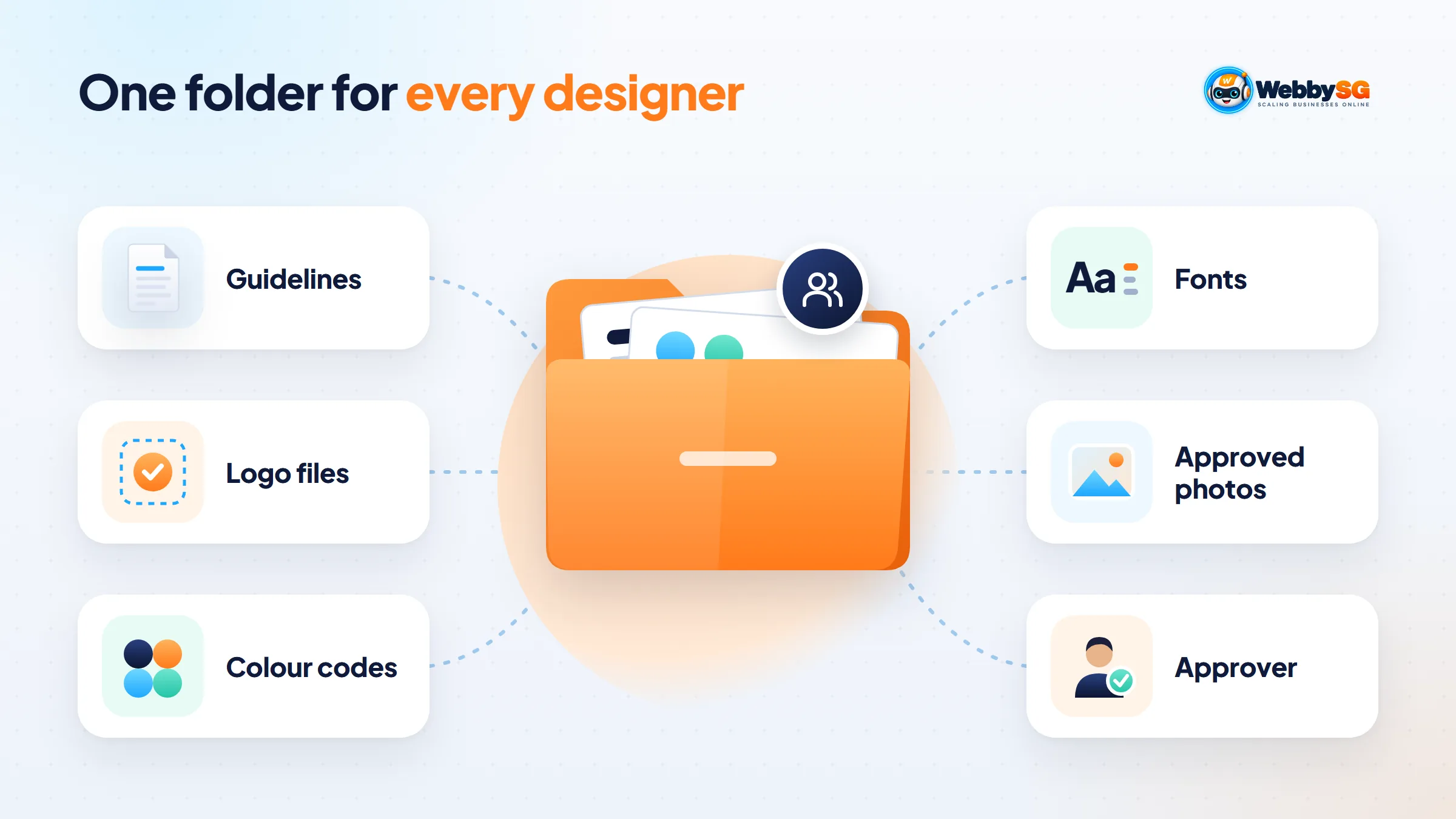
When you brief a web designer, social media freelancer or printer, send one shared folder containing:
- The guidelines as a PDF or a shared page, with the date of the latest version.
- Logo files in SVG, transparent PNG and a vector format.
- Colour codes in HEX, plus CMYK or Pantone for print.
- Font names and where the licence was bought, or links to the free font.
- Tone of voice examples and any banned words.
- A folder of approved photos you own the rights to.
- The name of the person who approves new work.
Keep the master folder in your company's own cloud storage, not a freelancer's account. If you work in Figma, its variables can store colours and sizes, and publishing them to a shared team library requires a paid plan.
If you would like help turning your guidelines into a website that applies them consistently, talk to us about your project.
Frequently asked questions
How long should brand guidelines be for a small business?
One to five pages is usually enough. Cover logo use, colours with exact codes, fonts, tone of voice and photo style, each with a do and don't example. A short document people actually use is worth more than a long one nobody opens.
Is a brand style guide the same as brand guidelines?
The terms are often used interchangeably. Strictly, brand guidelines cover how the whole brand looks and sounds, while a style guide sets detailed rules for one channel, such as website components or editorial writing. Small businesses can keep both in one document.
Can I create brand guidelines in Canva or Figma?
Yes. Canva's Brand Kit stores logos, colours, fonts and brand templates and can hold a guidelines document, though creating Brand Kits requires a paid plan. Figma can store colours and sizes as variables and lay out the guidelines as pages; sharing them through a team library needs a paid plan.
How often should brand guidelines be updated?
Review them once a year, and whenever something changes: a new logo, new services, a website redesign or a new language. Date each version and tell everyone who uses them when it changes, so old files stop circulating.
Do I need brand guidelines before building a website?
You need at least the basics: final logo files, colour codes, fonts and a sense of tone. Without them, the designer has to guess and you pay for revisions. If you do not have guidelines yet, ask your web designer to document the decisions made during the project so you can reuse them.